Using Software
Using Software
48 49
Friend List
Notications
Friend List Settings
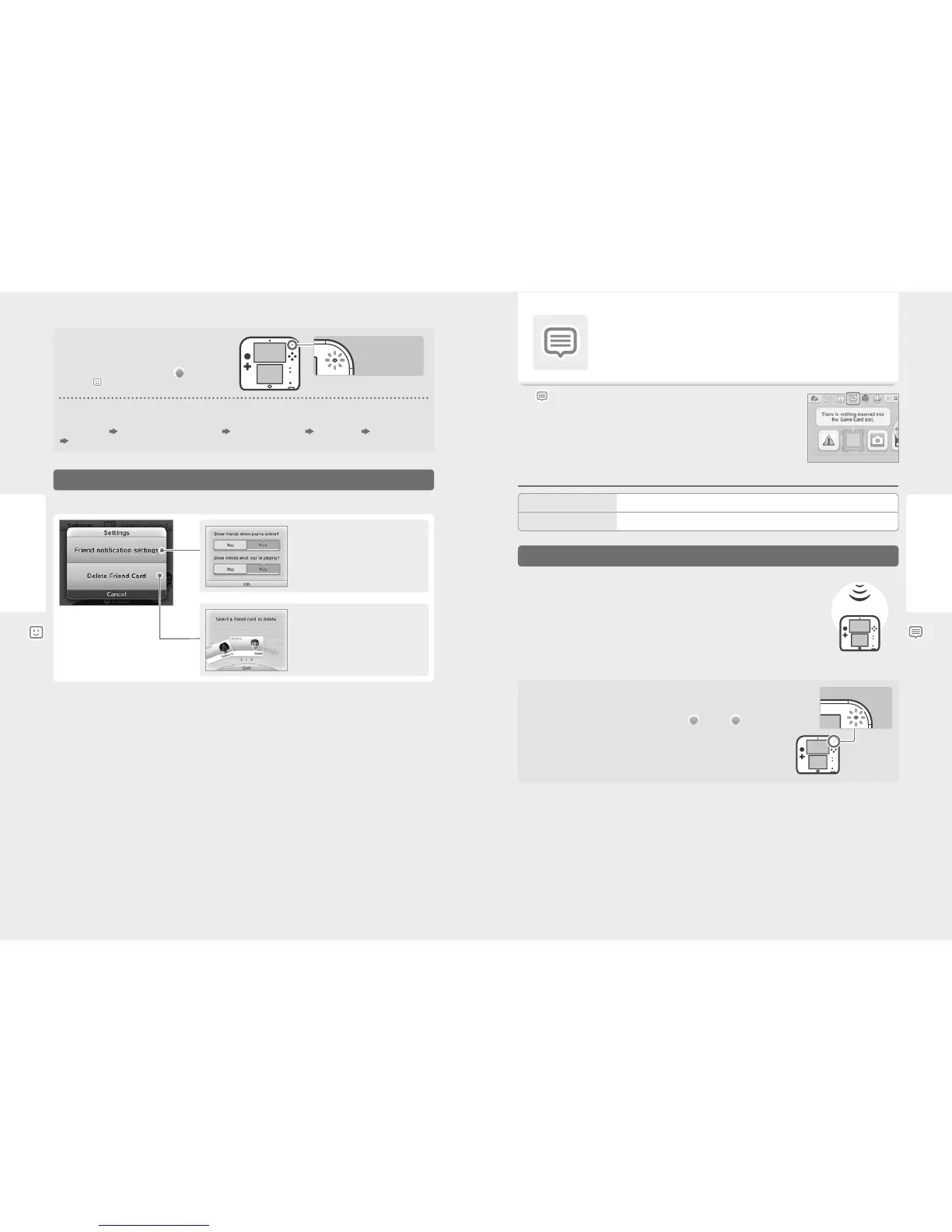
Choose whether to show your online status and
the title you’re playing.
Flashing orange
Delete friend cards from your list.
Note: Friends will not be notied if their friend
cards are deleted.
Notication LED
The notication LED on the system will ash orange for ve
seconds when a friend goes online.
If a friend is playing a game you can join, a
(orange) will
appear over
.
Friend Card Order
When you are online, friend cards will be displayed in the following order:
Your friend card
Friends whose game you can join Friends playing a game Online friends Oine friends
Provisionally registered friends
Set your status notications and delete friends from your friend list.
Receiving Notications
Notications
You can receive notications from SpotPass, StreetPass and other sources.
Touch on the HOME Menu to show a list of notications.
To view notications while a Nintendo 3DS software title is running, press the HOME Button to bring up
the HOME Menu, then launch the Notications application.
Notication Types
Your Nintendo 2DS system can receive notications when...
•
The power is on (page 24).
•
Wireless communication has been enabled (page 20).
•
An internet connection has been congured (page 56). StreetPass notications do not require
an internet connection.
Note:
•
Software titles may send some notications while you are not connected to the internet.
•
StreetPass notications do not require an internet connection.
•
Notications cannot be sent from Nintendo DS / Nintendo DSi software titles.
Notication
Receiving Notications
The notication LED ashes when the Nintendo 2DS system receives a notication. It will ash
green for StreetPass notications and blue for SpotPass notications. In both cases, it will ash
for ve seconds. Additionally, when a notication is received,
(green) or (blue) will be
displayed on the notication icon and icons for the respective software titles on the HOME Menu.
Note: When receiving notications while the system is in Sleep Mode, the notication LED will ash for
ve seconds, then remain lit. When Sleep Mode is deactivated, it will go out.
Flashing
SpotPass
Notications from Nintendo and software titles.
Notications received via StreetPass (see page 7 for more information on StreetPass).
StreetPass



 To Next Page