Adjusting System Settings
53
Using Software
52
Miiverse
System Settings
Miiverse is an online service where people from across the world meet up using their Mii characters.
Using Miiverse, you can share your experiences playing games or thoughts on a topic you’re interested
in with people from all over the world.
Touch
on the HOME Menu to launch Miiverse.
•
An internet connection is required to use Miiverse (page 56).
•
A Nintendo Network ID is required to post or comment to Miiverse (page 54).
•
You can view Miiverse communities or make posts even while playing Nintendo 3DS software. Suspend
the software by pressing the HOME Button, then launch Miiverse by selecting it from the HOME Menu.
Note: Depending on the software, it may not be possible to launch Miiverse during play.
Share information about games, nd out what other users are playing and more with the dedicated communities on Miiverse.
There are plenty of ways to enjoy Miiverse – start by touching the title of a community that appeals to you. From there, you can read posts
and comment, or give Yeahs to posts you really like.
For more information about Miiverse, see the electronic manual.
The electronic manual for Miiverse can be viewed within the Miiverse application. Launch Miiverse rst to view the electronic manual.
Points to Note Regarding Miiverse
In Miiverse your posts, comments, and prole comments may be seen by many people. Do not share any personally identifying
information or make posts that may be inappropriate or oensive to others. For more information, see the Miiverse guide
(https://miiverse.nintendo.net/guide/).
Parental Controls (page 61)
You can restrict the use of Miiverse by setting Parental Controls.
System Settings
Congure your internet settings, Parental Controls and other basic system settings here.
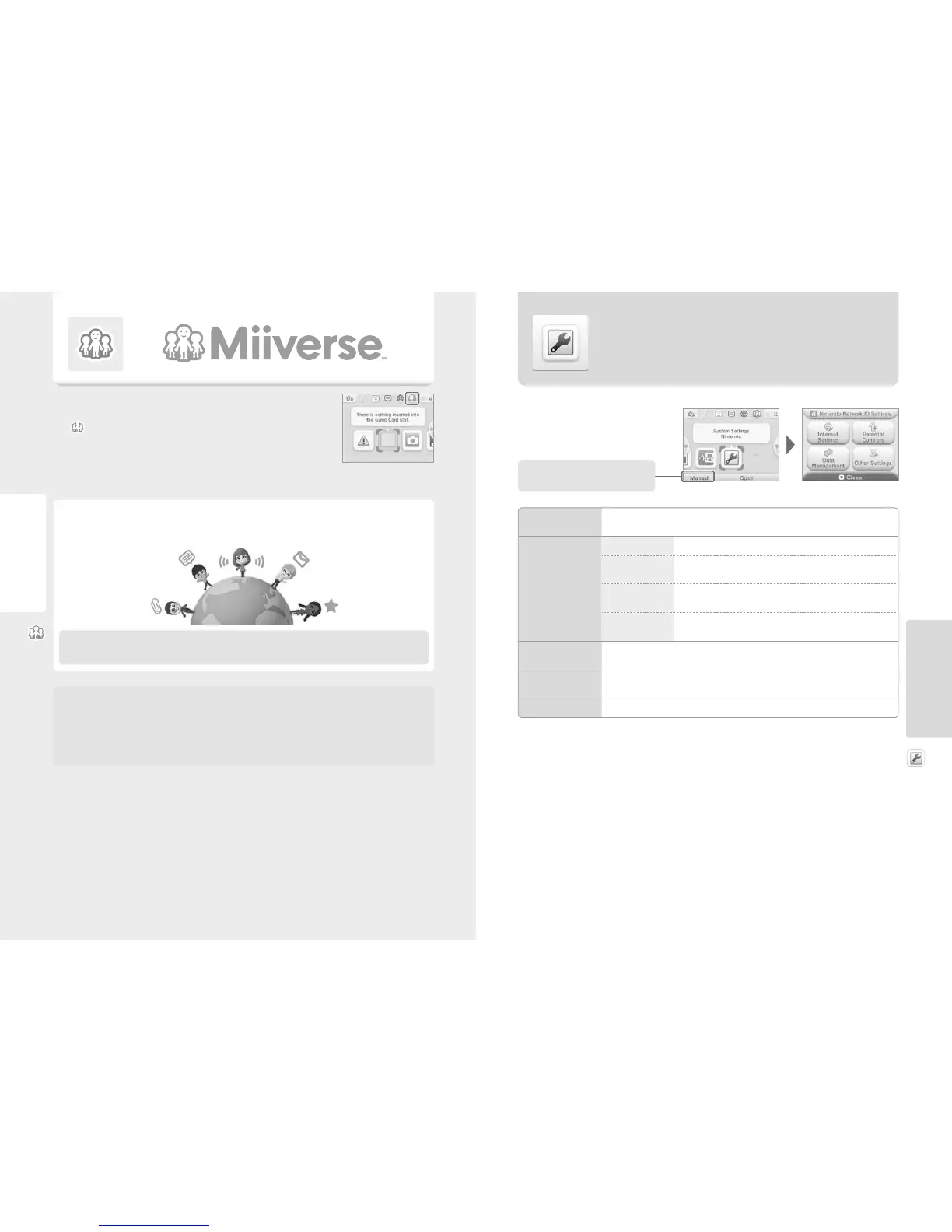
Touch the System Settings icon on the HOME Menu to open the System Settings.
NINTENDO NETWORK ID
SETTINGS
Adjust your Nintendo Network ID prole, delete your ID or link an existing ID to your system (page 54).
INTERNET SETTINGS
CONNECTION SETTINGS Congure your internet connection settings (page 56).
SpotPass
Change your automatic software download and sending of system information
settings.
NINTENDO DS
CONNECTIONS
Congure internet settings for Nintendo DS software.
OTHER INFORMATION
Review the Nintendo 3DS Service User Agreement and Privacy Policy, or check
they system’s MAC address.
PARENTAL CONTROLS
Restrict features such as online interaction, StreetPass, use of the internet browser and Nintendo 3DS Shopping
Services (page 61).
DATA MANAGEMENT
Manage data such as Nintendo 3DS download software, Nintendo DSiWare and StreetPass data. You can also
clear your blocked-user settings (page 63).
OTHER SETTINGS
Manage your prole information, date and time settings, and transfer software data (page 65).



 To Next Page