www.nitronic.ch - 27 -
Nitronic AG
Mattenstrasse 11
CH – 2555 Bruegg Tel. +41 32 373 7070
Switzerland Fax +41 32 373 70
Select the basic settings of the machine.
Select the Calib.Touch and follow the one-screen
instruction.
7. Deleting of memory contents (Del. Memory)
Stored programs can be cleared completely (all 999 programs).
Program Step
Selecting and Entering
Select the basic settings of the machine.
Press Del.Memory and then DELETE.
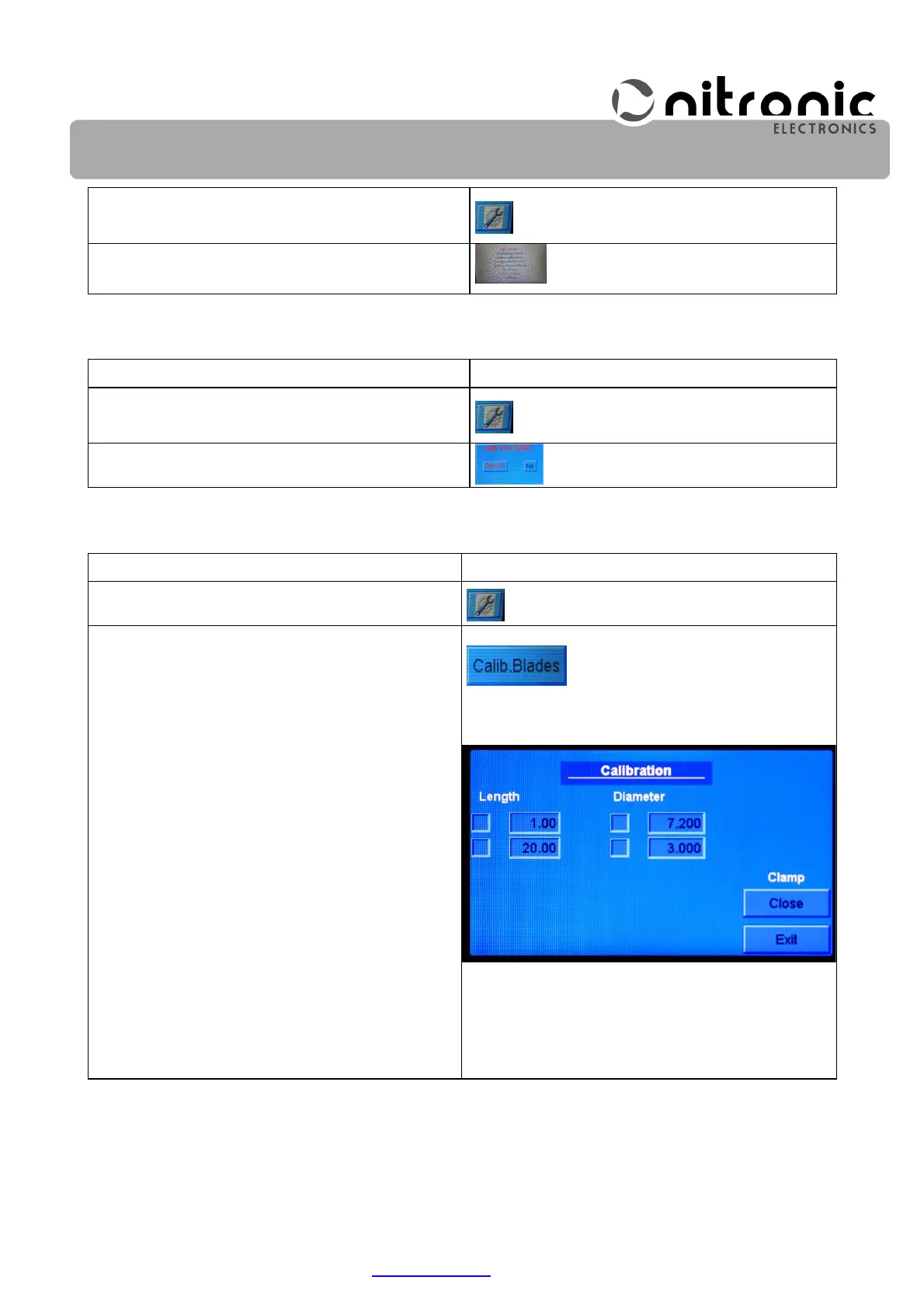
8. Calibration of the blades (Calib. Blades)
This function is required for replacing the stripping blades ( see Page 30 ).
Program Step
Selecting and Entering
Select the basic settings of the machine.
Press Calib.Baldes. button
The display shows.
You can travelled the length and diameter value
by selecting the key fields.
Close the grippers by selecting Close.
Open the grippers by selecting Open.


 To Next Page