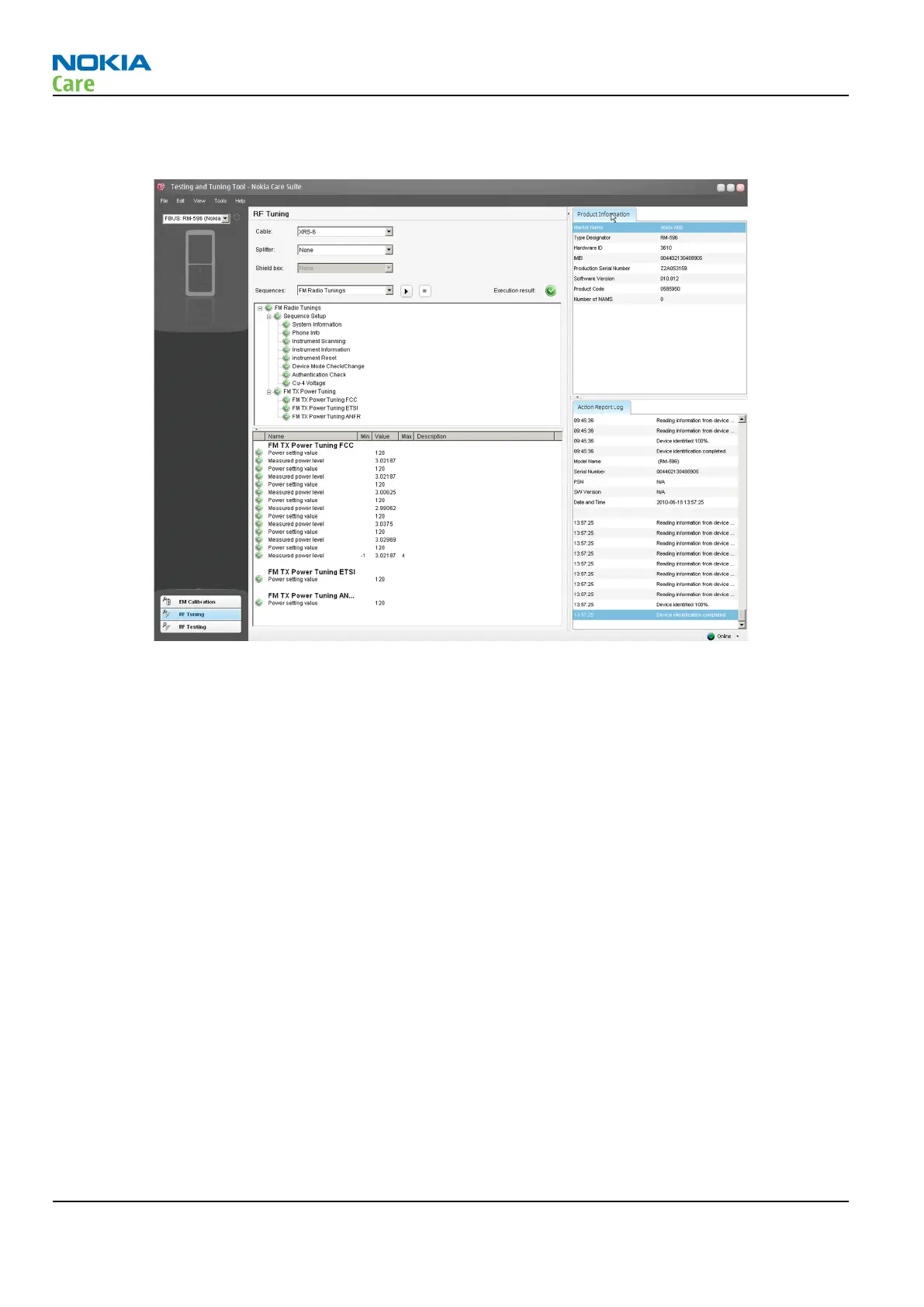
7. RF tunings will be ready when all the tunings and measurements are green in the tool window and no
errors occur.
WLAN TX and RX testing in Phoenix
Context
The basic WLAN RX and TX functionality can be checked with Phoenix.
Steps
1. Place the phone in the flash adapter or connect data cable to phone.
2. Start
Phoenix
service software.
3. Choose File → Scan Product.
RM-596
BB Troubleshooting and Manual Tuning Guide
Page 3 – 70 COMPANY CONFIDENTIAL Issue 2
Copyright © 2010 Nokia. All rights reserved.



 To Next Page