•
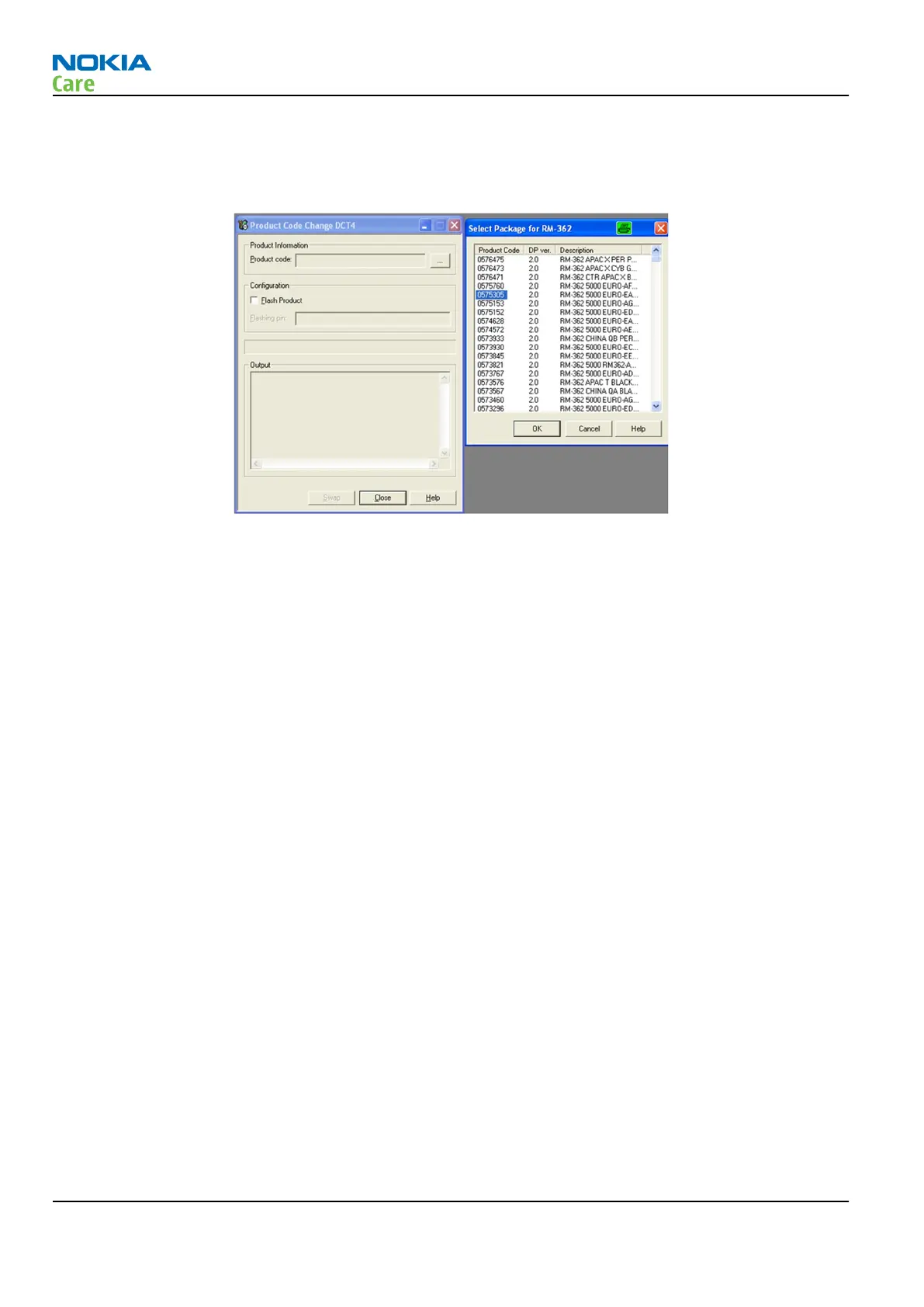
Select product code of new variant from list.
If product code you want is not shown, please install correct data package including the variant.
•
Select “
OK
” and “
SWAP
”.
Information from phone is read and connection to Tucson server is established.
Information from Nokia system is retrieved and programmed in the phone.
Confirmation about successful event is sent to Nokia system.
Phone has now been changed to another variant.
If there is need to restore the data, this information will be sent back to phone.
Warranty information in NOL will show the current information in about 24 hours.
RM-721; RM-722
BB Troubleshooting and Manual Tuning Guide
Page 3 – 54 COMPANY CONFIDENTIAL Issue 1
Copyright © 2011 Nokia. All rights reserved.


 To Next Page