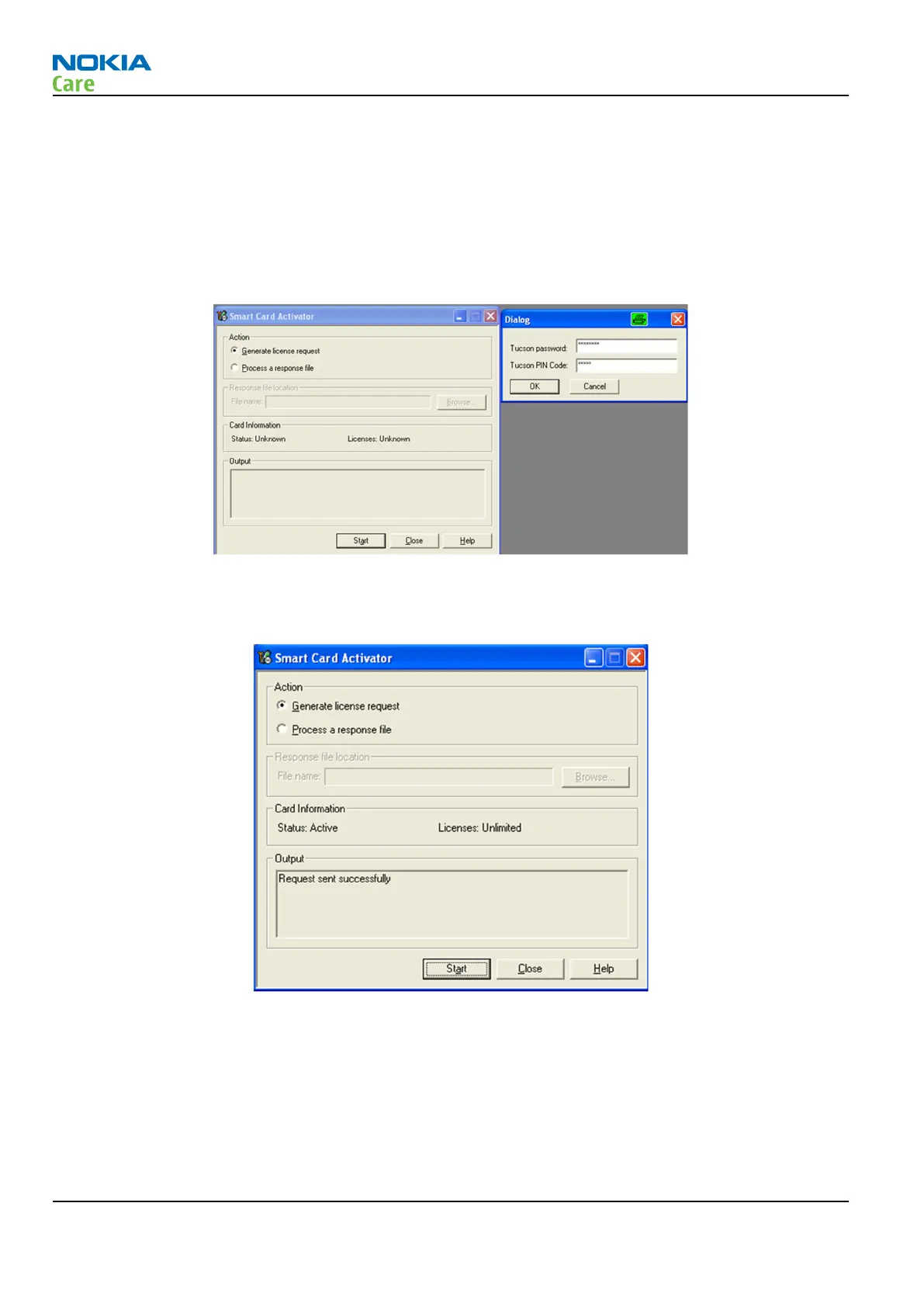
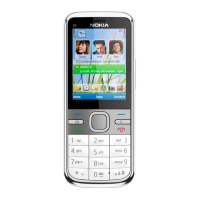
Flash pin for DCT-4
•
Flash PIN is needed for programming the DCT-4 generation products.
•
It can be acquired from Tucson system.
•
Open
Tools
–>"
Smart Card Activator
” menu.
•
Provide Tucson Password and PIN code which have been delivered to you by email. Please note that
characters are case sensitive.
•
Select “Generate License Request” and “Start”.
•
Request will be sent to Tucson system, you will receive response with file attachment via email.
•
When you receive response file by email, please save it to a file on your PC
•
Open “
Tools
” – “
Smart Card Activator
” –
menu
•
Provide Tucson Password and PIN code which have been delivered to you by email. Please note that
characters are case sensitive
•
Select “
Process License Request
”.
•
Browse to the location where you have saved the response file and select “
Open
”.
RM-721; RM-722
BB Troubleshooting and Manual Tuning Guide
Page 3 – 56 COMPANY CONFIDENTIAL Issue 1
Copyright © 2011 Nokia. All rights reserved.


 To Next Page