Steps
1. Set the phone to local mode.
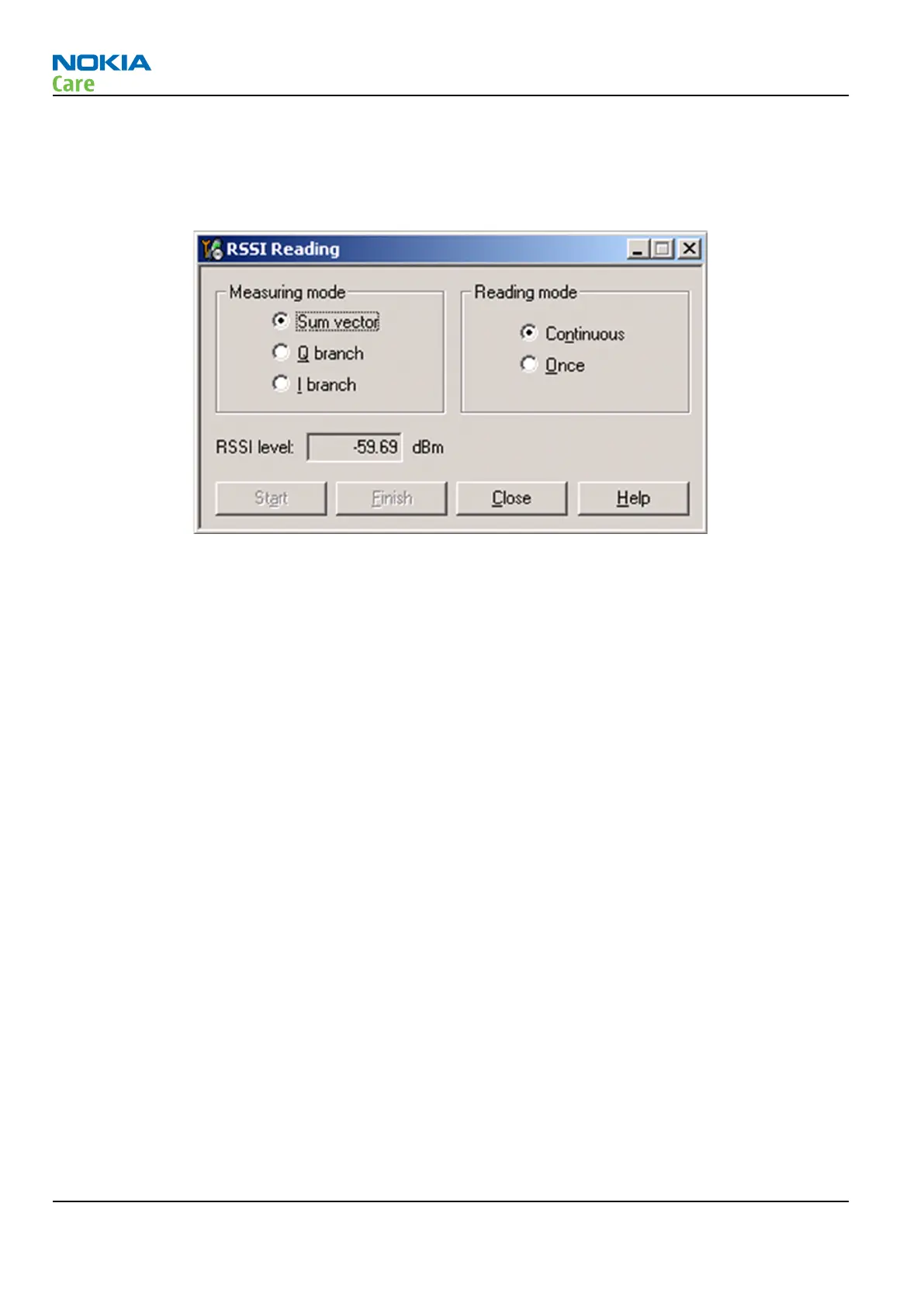
2. Activate RSSI reading in Phoenix by selecting Testing → GSM → RSSI reading .
Figure 14 Phoenix RSSI Reading window
Results
The reading should reflect the level of the signal generator (minus losses) ±5dB.
When varying the level in the range -30 to -102dBm the reading should then follow within ±5dB.
RM-721; RM-722
RF Troubleshooting
Page 4 – 8 COMPANY CONFIDENTIAL Issue 1
Copyright © 2011 Nokia. All rights reserved.


 To Next Page