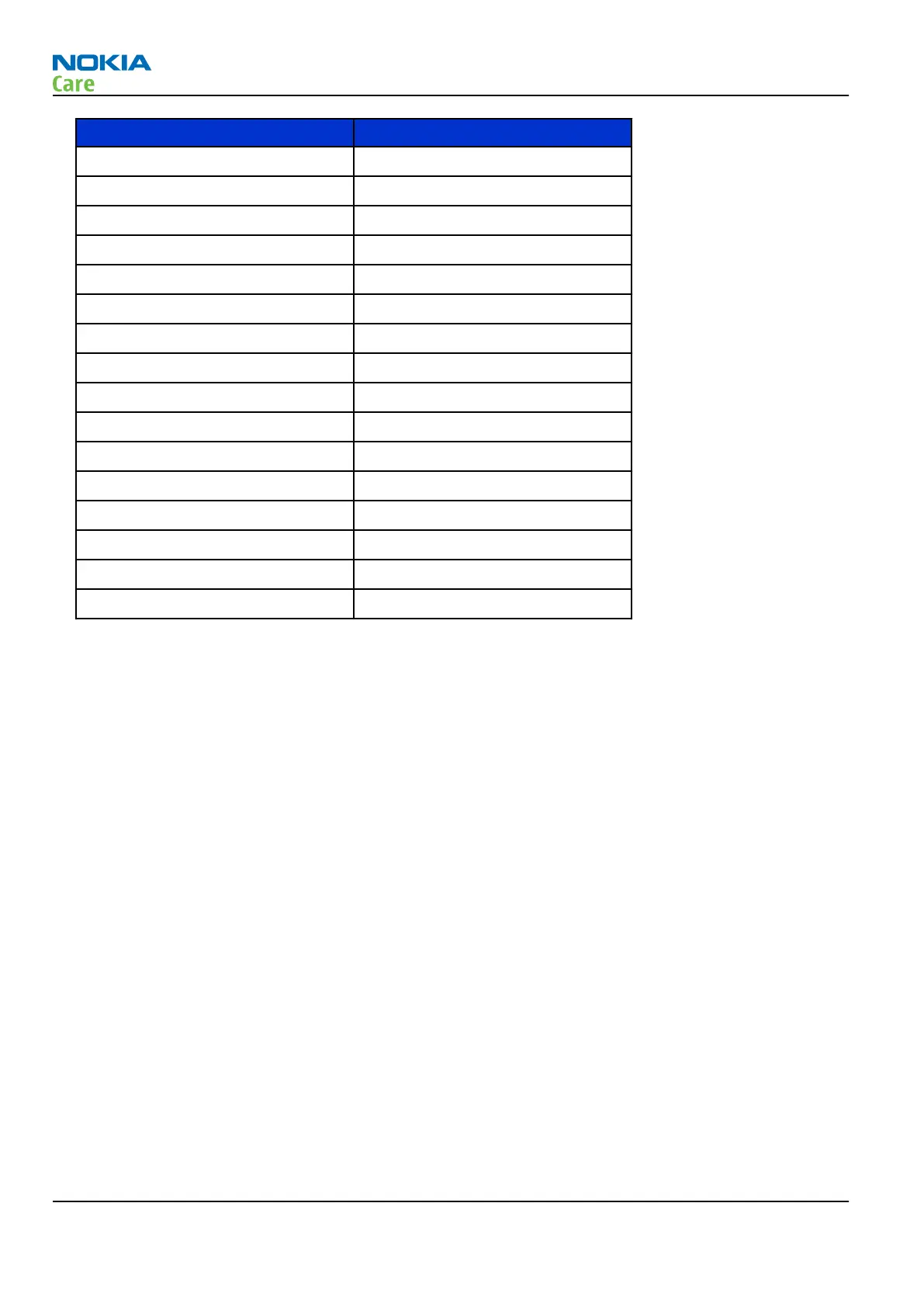
Setting Value
DPDCH enabled Checked
Max power limit Checked
Start Rx Checked
Start level 0
Step size 0
Step count 0
Sequency 0
Step duration 2550
Code class LONG
Code 16
DPDCH code 0
Weight 8
Code class 8
DPCCH code 1
Weight 15
Code class 2
Note: Use the Start level option to set the TX power level.
5. Click Send to enable the settings and activate TX.
If settings are changed (eg. new channel selected), you have to click RF Stop and Send again.
6. Check the basic TX parameters using a communication analyser (e.g. CMU200).
RM-721; RM-722
RF Troubleshooting
Page 4 – 18 COMPANY CONFIDENTIAL Issue 1
Copyright © 2011 Nokia. All rights reserved.


 To Next Page