21
Using the WristOx2, Model 3150
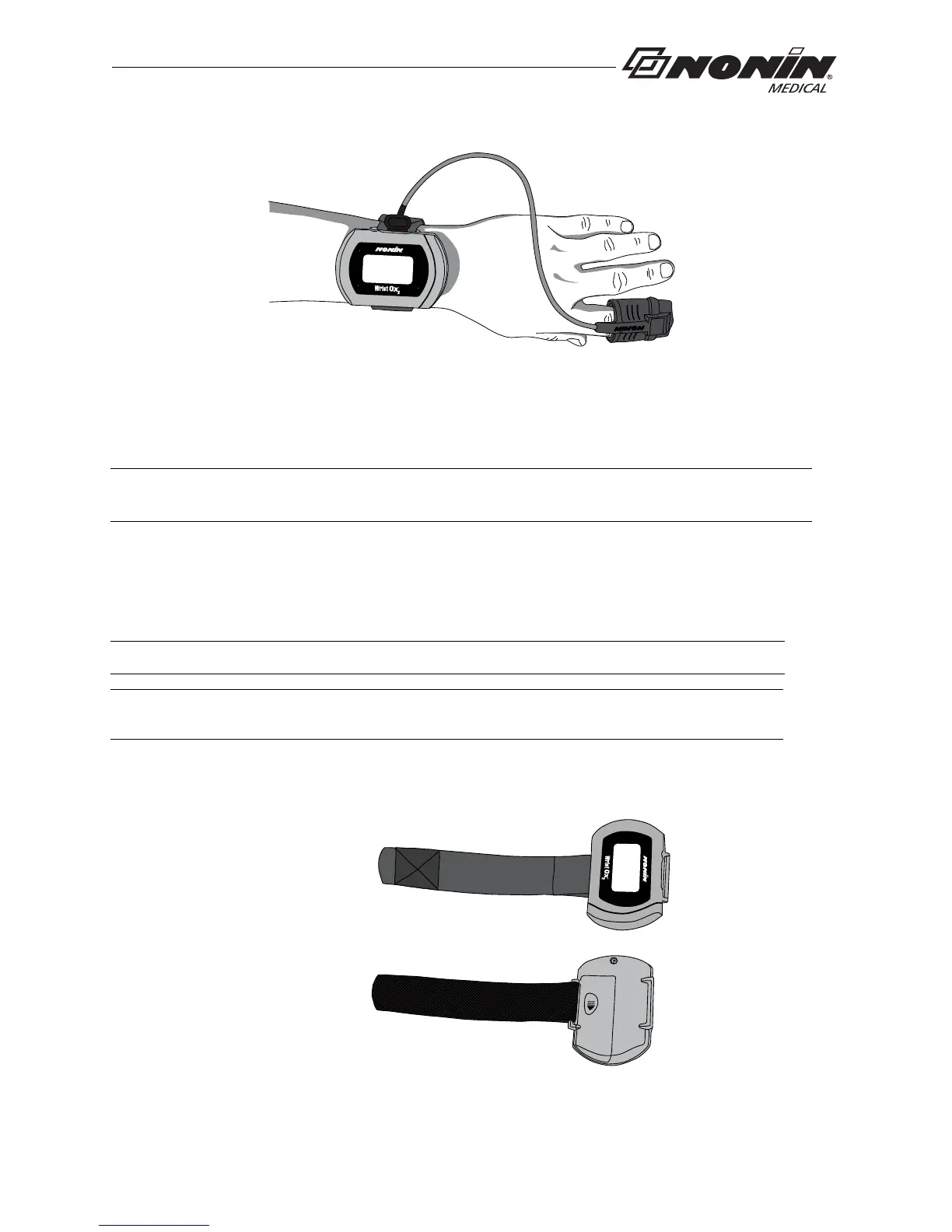
Figure 16: Apply Sensor to Patient
7. When in Spot Check mode, inserting a finger in the sensor automatically turns the
device
on. When the finger is removed, the device enters Standby mode in
approximately 10 seconds.
8. If the device does not turn on, verify battery orientation, operation mode, and sensor
con
nection. Refer to “Troubleshooting” for additional information.
Single Strap Application
1. Verify the adjustable strap has been attached to the device by the battery door
(figure 17). If strap has not been attached, see “Attach Adjustable Strap to Device.”
Figure 17: Verify Single Strap Attachment
NOTE: Depending on the sensor and ambient light conditions, it may take up to 3 minutes
for the device to enter Standby mode.
NOTE: Patients using a single strap may need assistance applying the device.
NOTE: Ensure the wrist band fits comfortably on the patient’s arm. Do not over-tighten
the wrist band.



 To Next Page