27
Troubleshooting
If these solutions do not correct the problem, please contact Nonin Technical Service at
(800)
356-8874 (USA and Canada) or + 1 (763) 553-9968.
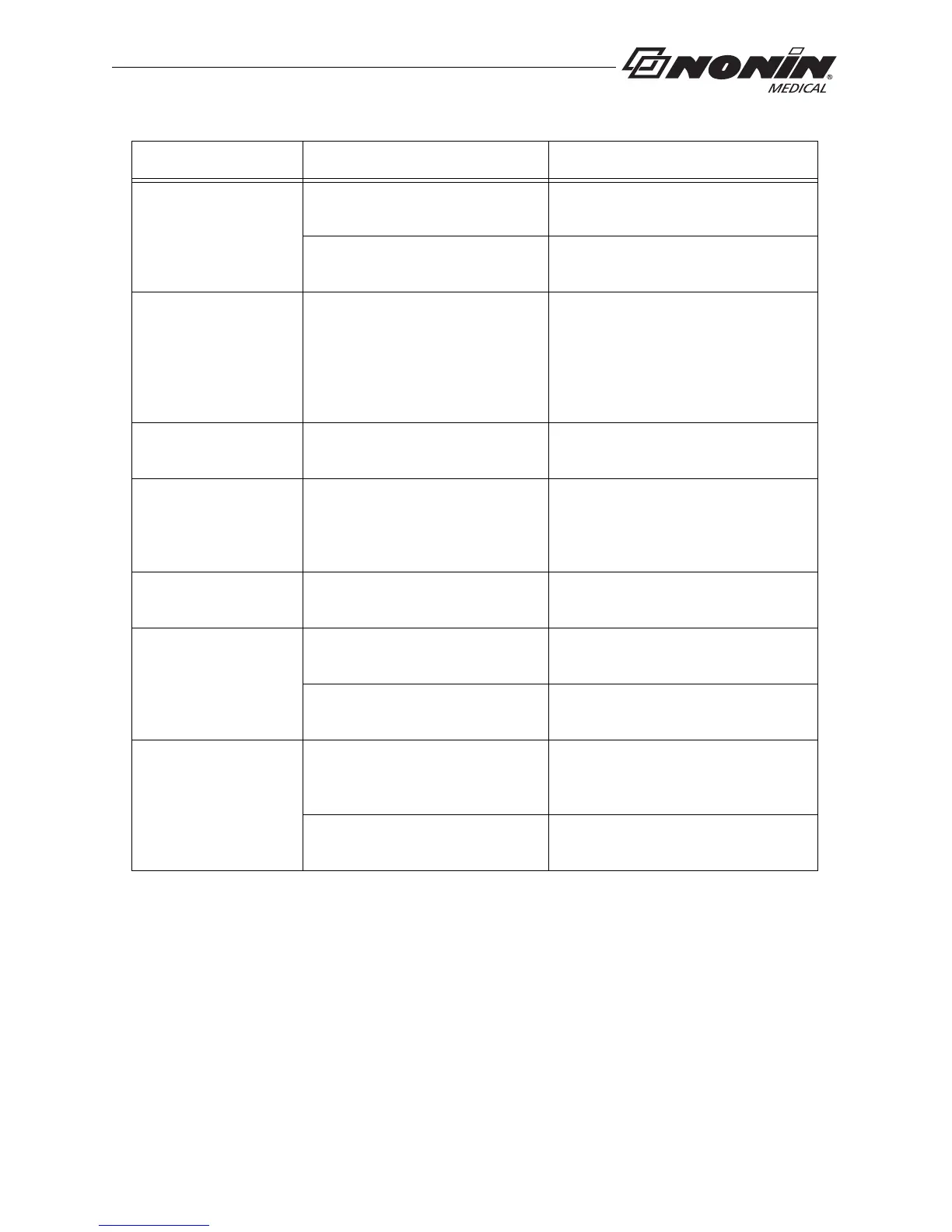
No pulse display on
pulse strength
indicator (continued).
Sensor applied to polished or
artificial nail.
Remove fingernail polish or an
artificial nail.
Sensor Light-Emitting Diode
(LED) is not lit.
Contact Nonin Technical Service.
Er 01 displays on
LCD.
Device configuration memory
failure.
Device reverts to default settings
(Spot-Check mode, 4-second sample
rate). Use nVISION software to
change settings. If error code
continues, contact Nonin Technical
Service.
Er 02 or 04 displays
on LCD.
Device memory failure. Contact Nonin Technical Service.
Er 03 or 05
displays on LCD.
Device failure. Device memory
intact, but device may have lost
most recent session or stored
data.
If error code continues, contact Nonin
Technical Service.
Dashes continually
display on LCD.
Sensor malfunction. Replace sensor with a Nonin-branded
sensor.
Device does not
record in
Programmed mode.
Data collection start and stop
times are set incorrectly.
Use nVISION software to program
correct start and stop times.
Clock settings are lost after
replacing batteries.
Use nVISION software to reset clock.
Devices will not pair. Device is out of range. Verify device is in range while being
paired (approximately 100 meters
[328 feet] spherical radius).
Bluetooth radio has timed out. Press activation switch to turn on
Bluetooth radio.
Problem Possible Cause Possible Solution



 To Next Page