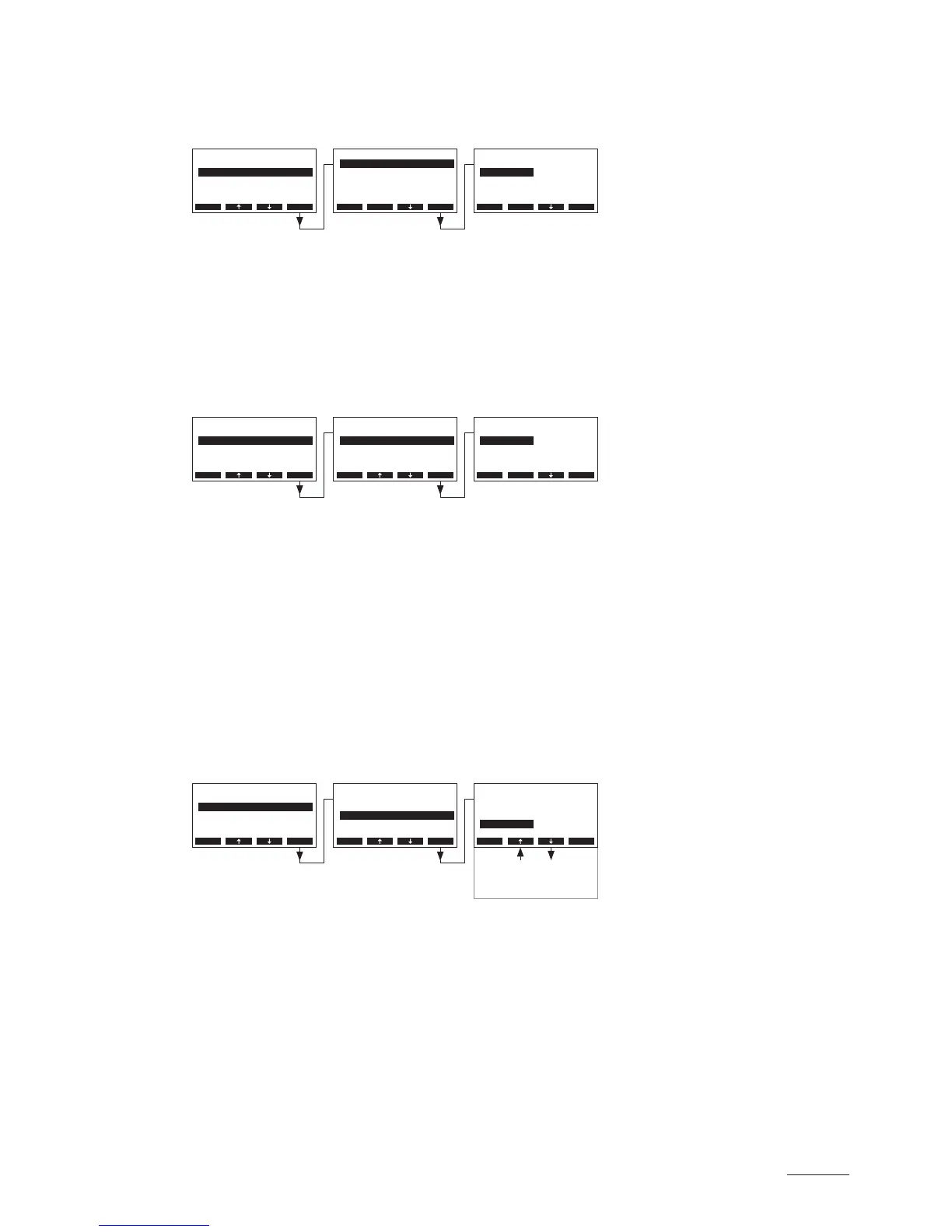
5.4.3.1 Selecting the signal source
Select “SignalSource” in the control settings menu, then press the <Set> key.
In the upcoming modication dialogue select the desired signal source.
Factory setting: Analog
Options: Analog (internal or external controller), Modbus
5.4.3.2 Selecting the regulation mode
Select “Hum.Control” in the control settings menu, then press the <Set> key.
In the upcoming modication dialogue select the desired regulation mode.
Factory setting: External
Options: External (external continuous controller)
24VOn/Off (external On/Off humidistat)
Int. (P) (Internal P controller)
Int. (PI) (Internal PI controller)
5.4.3.3 Selecting the control signal
Note: This setting is available only if the signal source is set to “Analog” and the control type is set to
“External”, “Int. (P)” or “Int. (PI)”.
Select “Controlsign.” in the control settings menu, then press the <Set> key.
In the upcoming modication dialogue select the desired control signal.
Factory setting: 0–10V
Options: 0–5VPoti, 1–5V, 0–10V, 2–10V, 0–16V, 3.2–16V, 0–20mA, 4–20mA
Settings
Controls :Set
Cylinder :6564
SC-System :Set
Language :English
Power Limit :Set
Esc Set
Controls
Hum.Control :Int.(PI)
Controlsign.:0-10V
Setpoint :Set
SignalSource:Analog
P-Band :18%rH
Esc Set
Settings
Controls :Set
Cylinder :6564
SC-System :Set
Language :English
Power Limit :Set
Esc Set
Controls
Hum.Control :Int.(PI)
Controlsign.:0-10V
Setpoint :Set
SignalSource:Analog
P-Band :18%rH
Esc Set
SignalSource
Analog
Modbus
Analog
Esc Set
Hum.Control
External
24VOnO
Int.(P)
External
Int.(PI)
Esc Set
Settings
Controls :Set
Cylinder :6564
SC-System :Set
Language :English
Power Limit :Set
Esc Set
Controls
Hum.Control :Int.(PI)
Controlsign.:0-10V
Setpoint :Set
SignalSource:Analog
P-Band :18%rH
Esc Set
4-20mA
0-20mA
3.2-16V
0-16V
Controlsign.
0-5VPoti
1-5V
0-10V
0-10V
2-10V
Esc Set



 To Next Page