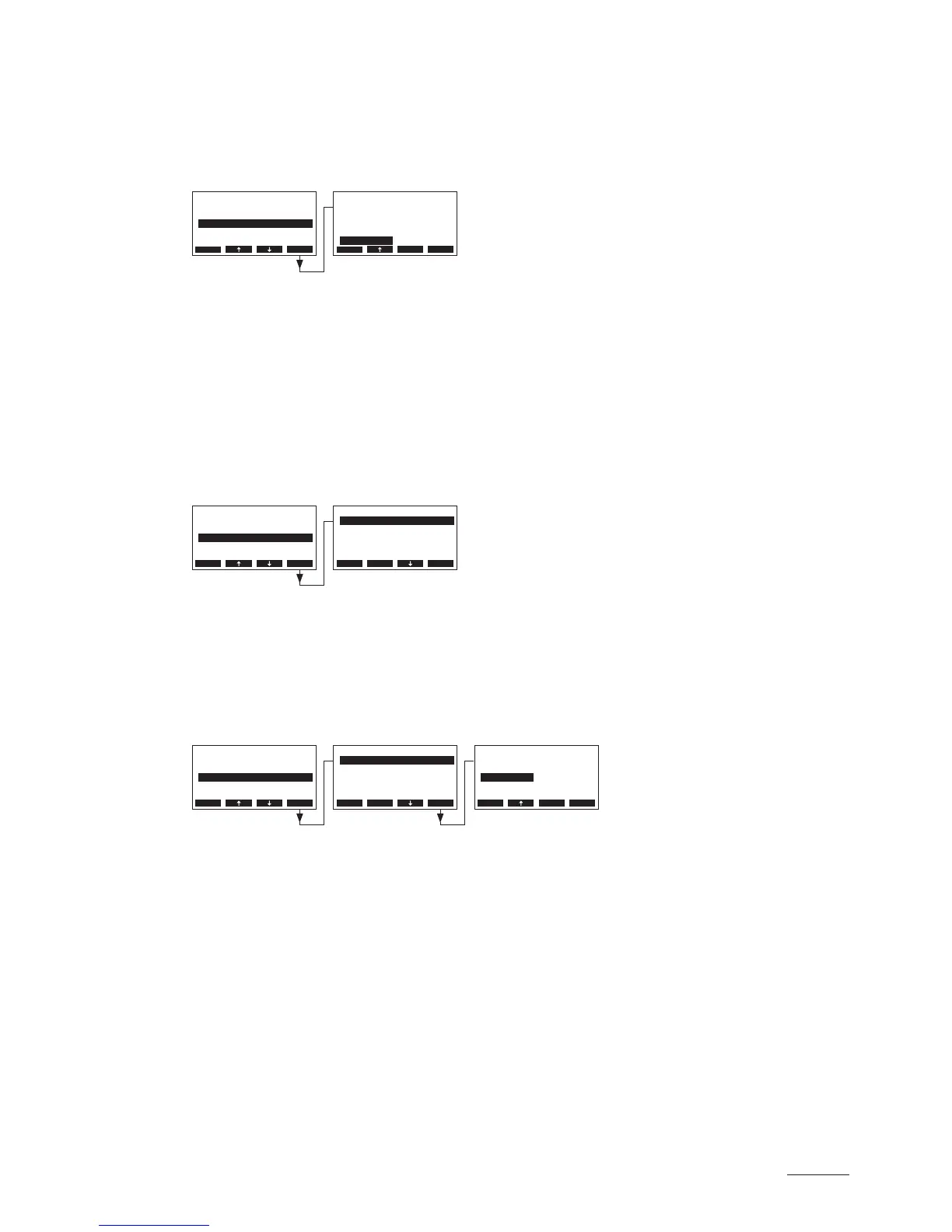
5.4.4 Selecting the cylinder type
Note: this function is not available via the optional remote terminal.
Select “Cylinder” in the settings menu, then press the <Set> key.
In the upcoming modication dialogue select the steam cylinder type installed in the unit (see type plate
on the steam cylinder).
Factory setting: according to the installed cylinder
Options: 522, 524, 532, 534, 822, 824, 832, 834, 1532, 1534, 2362, 2364, 3262, 3264,
4564, 6564
5.4.5 ConguringtheSCsystem
Select “SC-System” in the settings menu, then press the <Set> key.
The settings parameter for the lime management system appear. Detailed information on the different
settings are found in the following chapters.
5.4.5.1 Activating/deactivating the SC system
Select “SC-Pump” in the SC system settings menu, then press the <Set> key.
In the upcoming modication dialogue activate or deactivate the SC system.
Factory setting: Off
Options: On, Off
Settings
Controls :Set
Cylinder :6564
SC-System :Set
Language :English
Power Limit :Set
Esc Set
SC-System
On-Time :20min
SC-Pump :On
Esc Set
SC-System
On-Time :20min
SC-Pump :On
Esc Set
Settings
Cylinder :6564
SC-System :Set
Power Limit :Set
Controls :Set
On/O Timer :Set
Esc Set
Cylinder
3262
3264
4564
6564
6564
Esc Set
SC-Pump
O
On
On
Esc Set
Settings
Cylinder :6564
SC-System :Set
Power Limit :Set
Controls :Set
On/O Timer :Set
Esc Set



 To Next Page