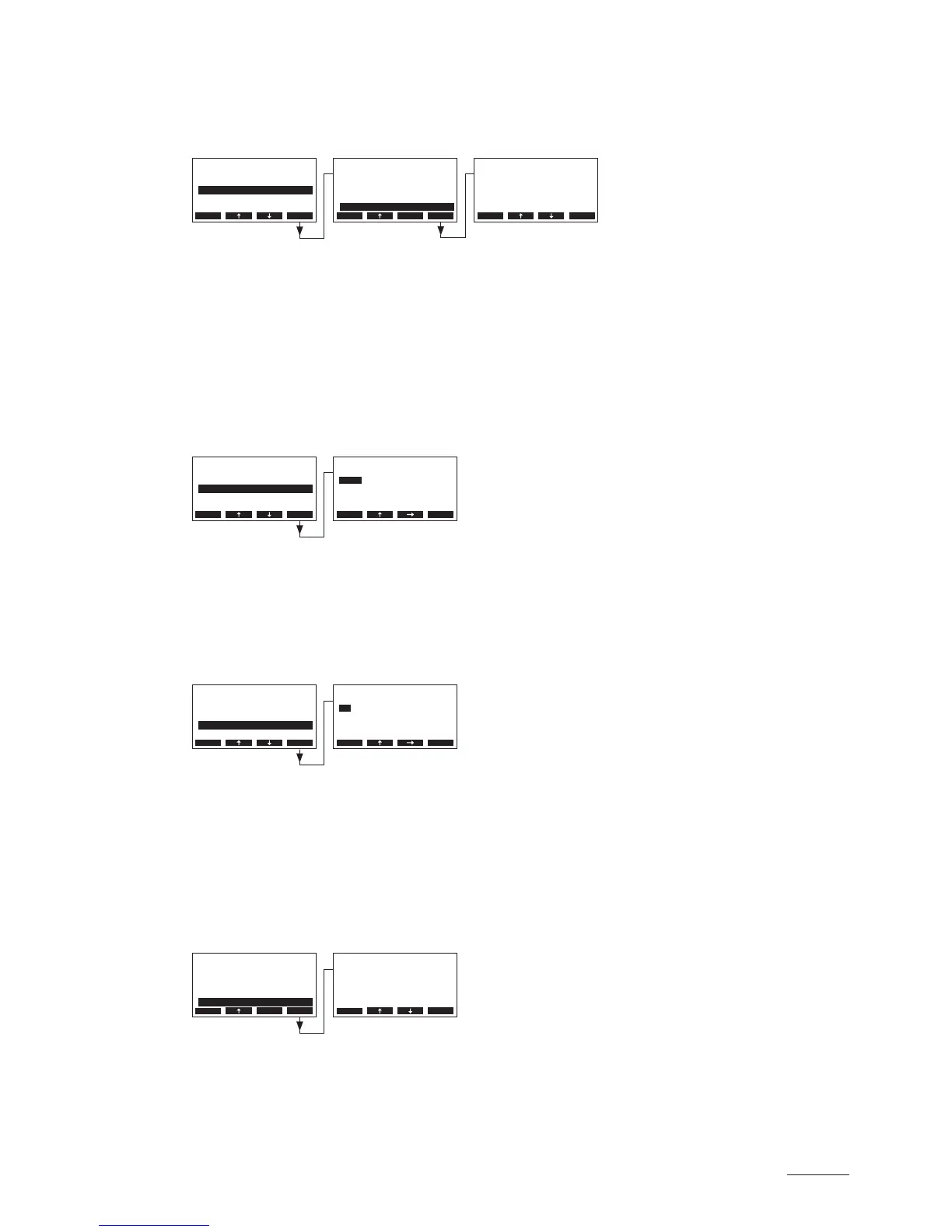
5.4.8.5 Setting the time of operation after which a forced draining takes place
Select “Force Delay” in the water management settings submenu, then press the <Set> key.
In the upcoming modication dialogue set the time of operation after which a forced draining takes
place.
Factory setting: 72 hours
Setting range: 1...720 hours
5.4.9 Setting the date
Select “Date” in the settings menu, then press the <Set> key.
In the upcoming modication dialogue set the actual date (format:“yyyy.mm.dd”).
5.4.10 Settingthetime
Select “Time” in the settings menu, then press the <Set> key.
In the upcoming modication dialogue set the actual time (format:“hh.mm”).
5.4.11 Setting the display contrast
Note: this function is not available via the optional remote terminal.
Select “Contrast” in the settings menu, then press the <Set> key.
In the upcoming modication dialogue set the desired value for the display contrast.
Factory setting: 50
Setting range: 25 (light) ...80 (dark)
Settings
On/O Timer :Set
Water Manag.:Set
Date :11-08-31
Power Limit :Set
Time :12:00
Esc Set
Settings
Water Manag.:Set
Date :11-08-31
Time :12:00
On/O Timer :Set
Contrast :50
Esc Set
Settings
Water Manag.:Set
Date :11-08-31
Time :12:00
On/O Timer :Set
Contrast :50
Esc Set
Settings
Water Manag.:Set
Date :11-08-31
Time :12:00
On/O Timer :Set
Contrast :50
Esc Set
Water Manag.
Drain Factor:1.0
Idle Operat.:Set
Force Drain :On
Conductivity:>125µS
Force Delay :72h
Esc Set
Force Delay
72 h
72 h
Esc Set
Time
12:00
12:00
Esc Set
Contrast
50
50
Esc Set
Date
2011-08-31
2011-08-31
Esc Set



 To Next Page