5.4.8 Water management settings
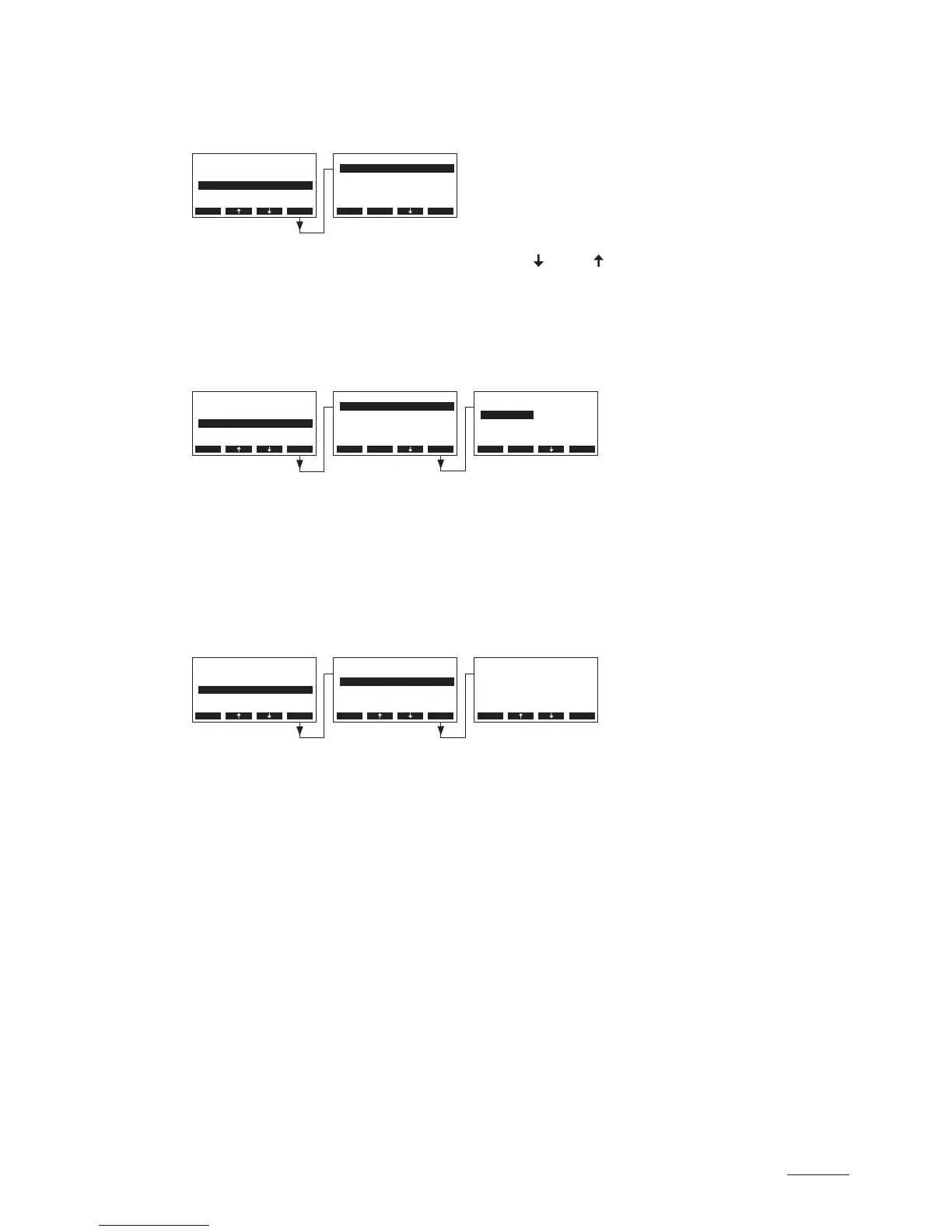
Select “Water Manag.” in the settings menu, then press the <Set> key.
The water management settings appear. Press the < > and < > keys in order to select the individual
settings. Detailed information on the different settings are found in the following chapters.
5.4.8.1 Selecting the conductivity range of the supply water
Select “Conductivity” in the water management settings submenu, then press the <Set> key.
In the upcoming modication dialogue select the conductivity range of the supply water.
Factory setting: >125 μS/cm
Options: >125 μS/cm, <125 μS/cm
5.4.8.2 Setting the drain factor
Select “Drain Factor” in the water management settings submenu, then press the <Set> key.
In the upcoming modication dialogue set the drain factor in relation to the steam capacity.
Factory setting: 1.0
Setting range: 0.5...2.0
Settings
On/O Timer :Set
Water Manag.:Set
Date :11-08-31
Power Limit :Set
Time :12:00
Esc Set
Settings
On/O Timer :Set
Water Manag.:Set
Date :11-08-31
Power Limit :Set
Time :12:00
Esc Set
Settings
On/O Timer :Set
Water Manag.:Set
Date :11-08-31
Power Limit :Set
Time :12:00
Esc Set
Water Manag.
Drain Factor:1.0
Idle Operat.:Set
Force Drain :On
Conductivity:>125µS
Force Delay :72h
Esc Set
Water Manag.
Drain Factor:1.0
Idle Operat.:Set
Force Drain :On
Conductivity:>125µS
Force Delay :72h
Esc Set
Water Manag.
Drain Factor:1.0
Idle Operat.:Set
Force Drain :On
Conductivity:>125µS
Force Delay :72h
Esc Set
Conductivity
>125µS
<125µS
>125µS
Esc Set
Drain Factor
1.0
1.0
Esc Set



 To Next Page