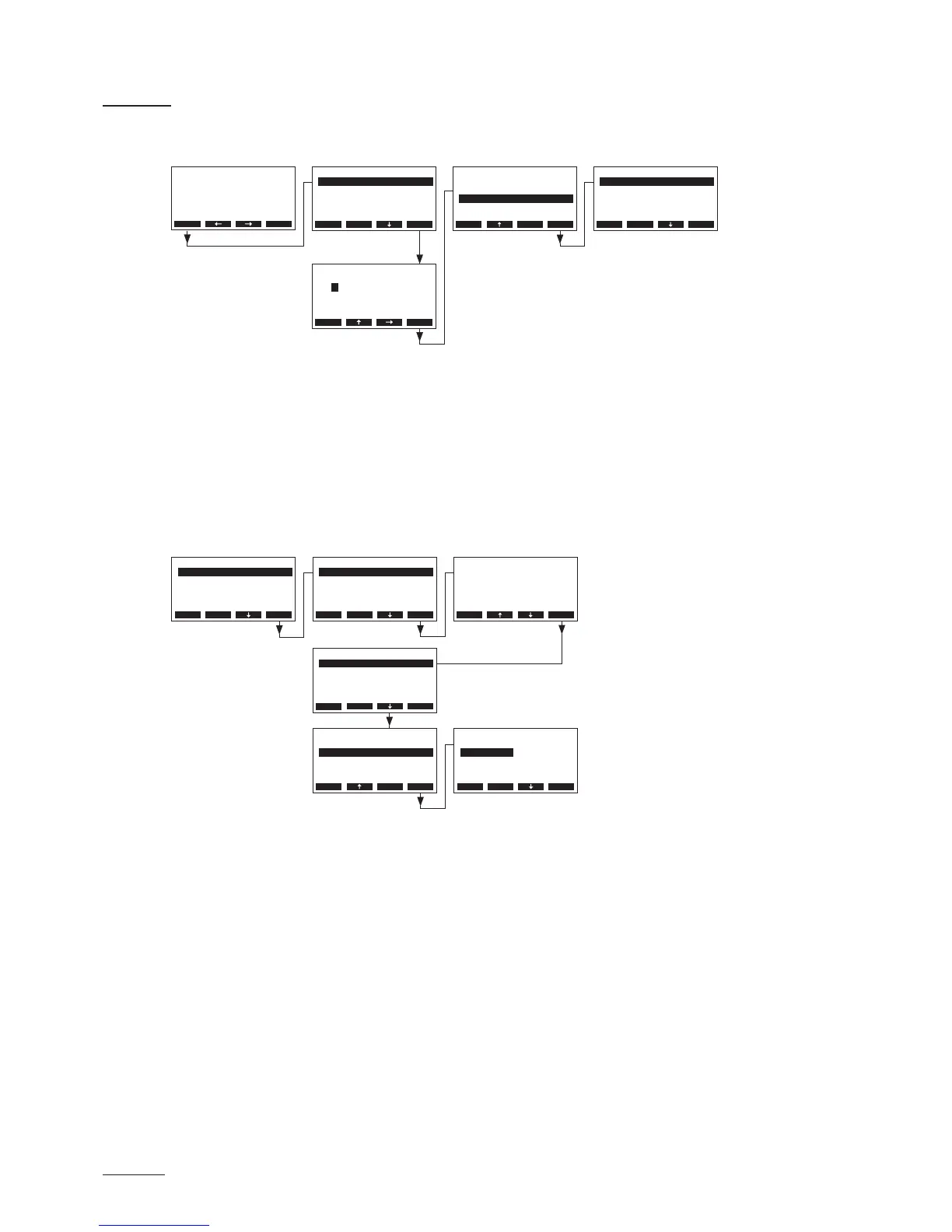
5.5 Modbus settings
Select the Modbus menu:
Path: Main menu > User > Password entry: 3562 > Modbus
In the Modbus submenu you can set the parameters for Modbus networks or for the communication
with the optional remote terminal. Detailed information on the different settings are found in the follow
ing chapters.
5.5.1 Settings for Modbus networks
Select “Networking” in the Modbus submenu, then press the <Set> key. In the upcoming modication
dialogue adjust the settings for the Modbus network operation.
Settings:
• “Modbus Addr.”: Modbus address of the humidier
Factory setting: 1
Setting range: 1...247
• “Parity”: Parity bit for the data transmission
Factory setting: None1
Options: None1, None2, Odd, Even
Note: for Modbus network operation the baud rate is set to 9600 baud and the timeout is set to 5 sec
onds as standard.
User Code
3562
Enter Number
Conrm with Set
Esc Set
Main Menu
Engineering :Set
Diagnostic :Set
User :Set
Esc Set
User
Settings :Set
Modbus :Set
Maintenance :Set
Esc Set
Modbus
Remote :Set
Networking :Set
Esc Set
Menu
AT4 130kg/h 400V3
Standby
2011-08-31 12.00.00
Networking
Parity :None1
Modbus Addr.:1
Esc Set
Networking
Parity :None1
Modbus Addr.:1
Esc Set
Networking
Parity :None1
Modbus Addr.:1
Esc Set
Modbus Addr.
1
1
Esc Set
Modbus
Remote :Set
Networking :Set
Esc Set
Parity
None1
None2
Odd
None1
Even
Esc Set



 To Next Page