73
Multiservice Switch 7400 Hardware Installation, Maintenance, and Upgrade 6.1S2
Chapter 7
Multiservice Switch 7480 installation
Install a Nortel Networks Multiservice Switch 7480 in a cabinet or standard
19” rack.
• “Prerequisites to Multiservice Switch 7480 installation” (page 73)
• “Multiservice Switch 7480 installation task flow” (page 74)
• “Multiservice Switch 7480 installation supporting information”
(page 77)
Prerequisites to Multiservice Switch 7480 installation
• See “Unpacking a processor card” (page 539) for FP and CP handling
instructions.
• Ensure that you have completed all site preparations. For more
information, see
“Multiservice Switch 7480 installation supporting
information” (page 77).
• Ensure that you have properly installed and grounded the cabinet or
standard 19” rack as instructed in
“Cabinet installation” (page 105).
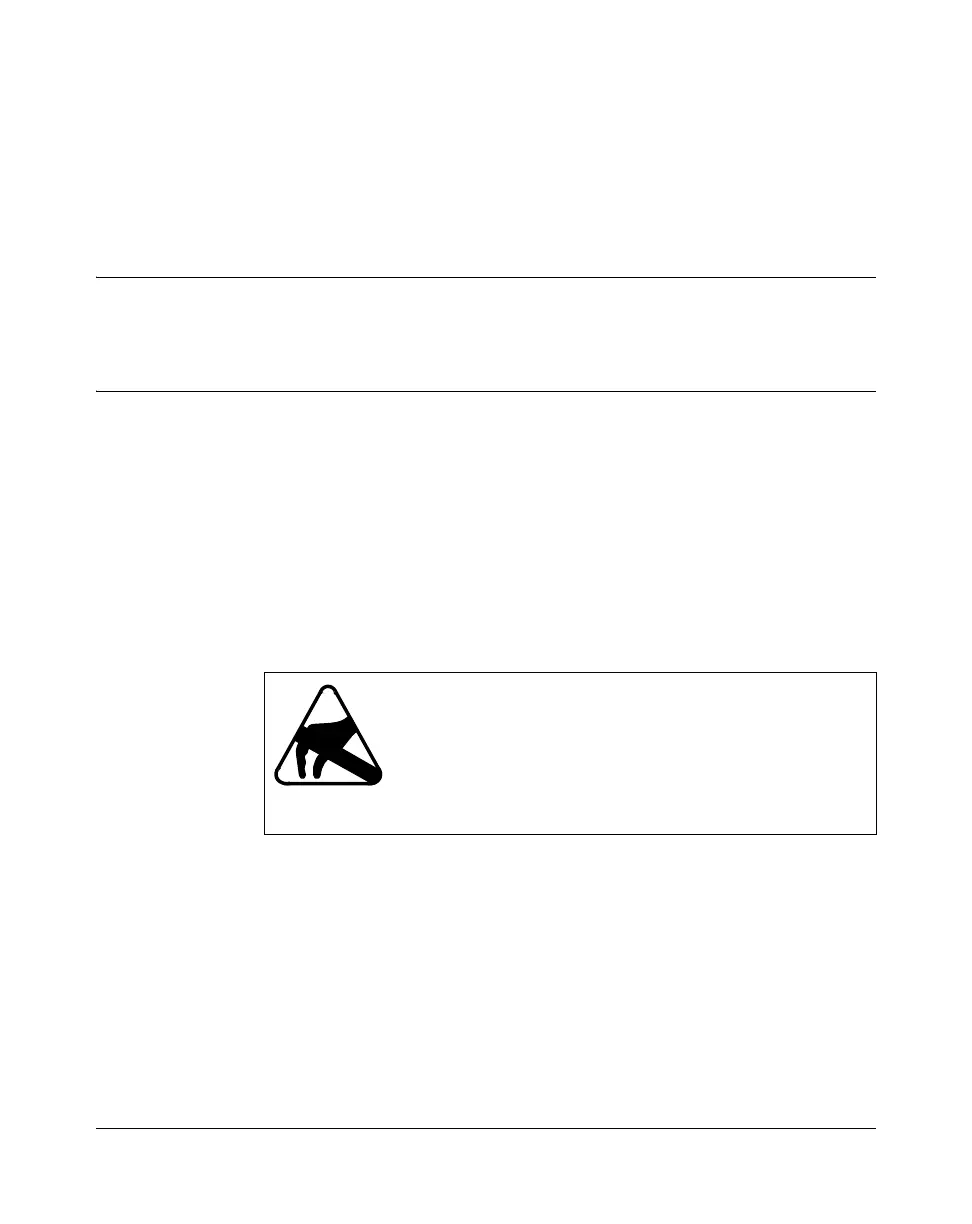
CAUTION
Risk of electrostatic damage
When handling processor cards, wear a grounded
antistatic wrist strap so that you do not damage electronic
parts. For more information, see
“Avoiding damage from
static electricity” (page 208).



 To Next Page