3-14
Installation guidelines
AN2016 Cabinet User Guide Rel 1.0 Standard May 1999
Procedure 3-4 (continued)
Preparing the cabinet for installation
Step Action
11
Insert the lifting cable sling connecting links securely through all four lifting
eye bolts (see Figure 3-10).
12
Take up the slack with the crane to prevent the cabinet from tipping when you
remove the pallet brackets.
Note 1:
Do not tighten the cables so that the pallet lifts. The weight of the
pallet will make it difficult to remove the bracket bolt.
13
Remove the lower front base panel of the termination end compartment (see
Figure 3-11).
14
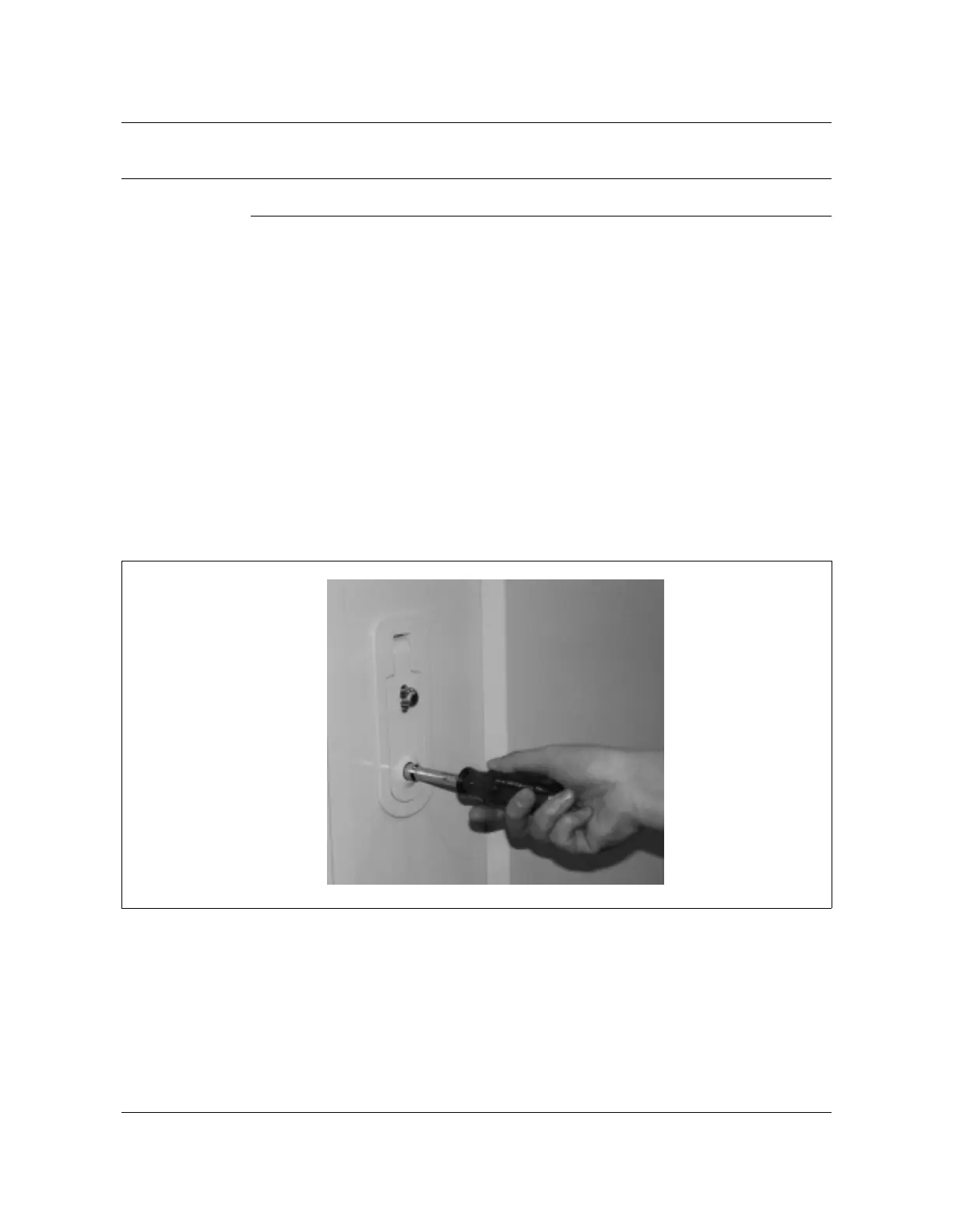
Remove the bolts from the pallet mounting brackets that secure the cabinet
to the pallet (see Figure 3-12).
15
Continue the cabinet installation process (see Procedure 3-6, “Mounting the
cabinet on the pad”).
—end—
Figure 3-6
Tamper resistant wrench
AN0009.tif



 To Next Page