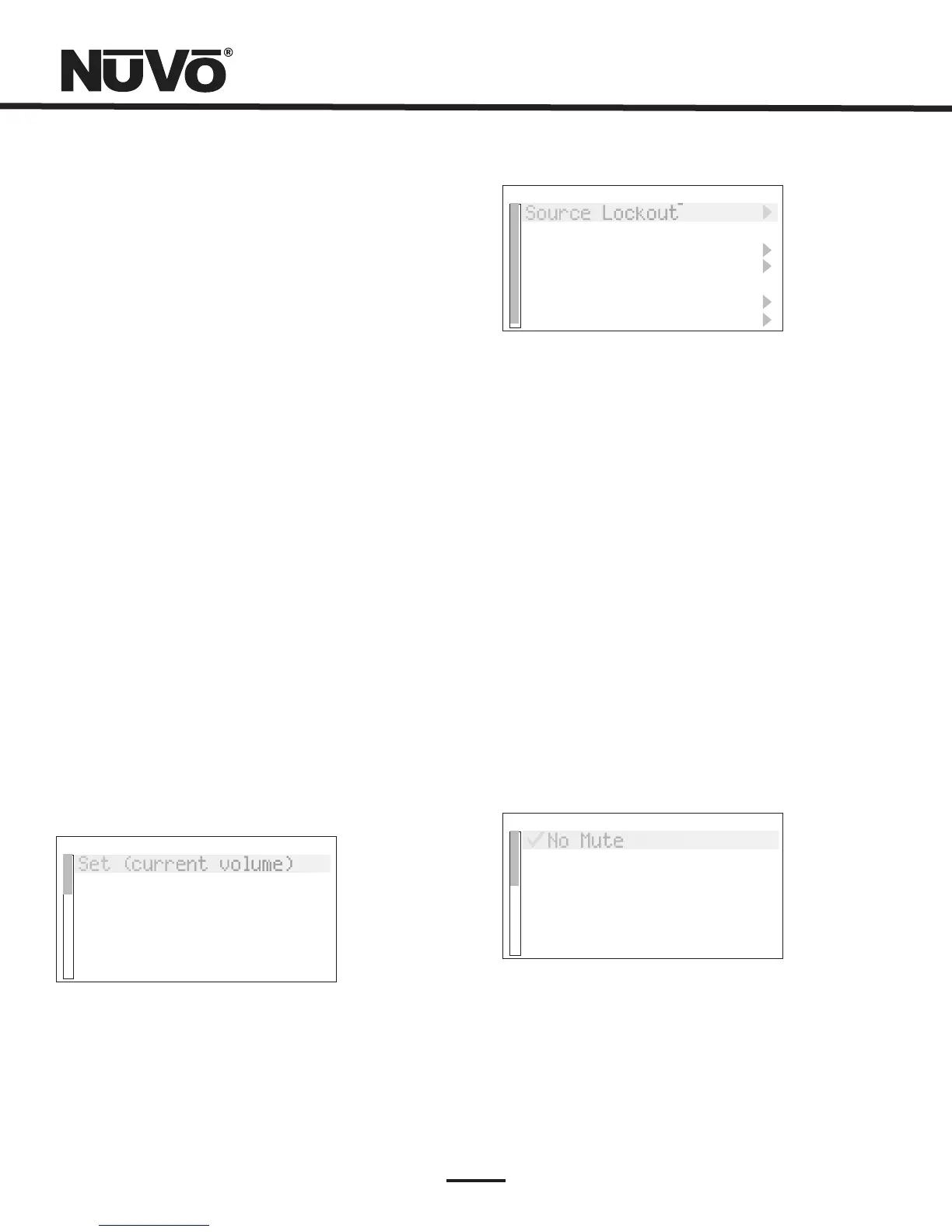
Adv.ZoneSettings
SourceLockout
ExclusiveSrc.Ctl.
Group
DefaultDND
DefaultZoneLocked
RemoteControls
SlavedtoZone
InitialVolume
Set(currentvolume)
Reset(-60dB)
29
Thiscontrolsthelevelofaudiogoingtotheleft
andrightspeakers.Insomecases,whenthelistening
areaisnotabsolutelycenteredbetweenthespeakers,it
isusefultoadjustthecenterlisteningpointleftor
right.Thismenuoptiongivestheabilitytoadjustthe
soundleftorrightupto18stepsineitherdirection.
Thisadjuststhefrequencylevelfrom100Hzand
below.Thedefaultisflat,andtherangeis –18dBto
+18dB.
Thisadjustmentworkswithinthesame
parametersasthebassandadjuststhefrequencylevel
from10kHzandup.
Loudnesscanbesimplyturned
onoroffbypressingtheOKbutton.
Thereareseveraldefaultsettings
availableinthismenu. isturnedonoroff
bypressingtheOKbuttonandcontrolswhetherthe
zoneturnsonatitspreviousvolumelevel,ortoapreset
level,Fig.42.Ifchecked,thevolumeatzoneonreverts
tothelevelsetinthenextmenuitem, .
Choosingtosetatthecurrentlisteninglevel,or
selectingthedefault –60dBlevel,controlsthislevel.
isanoverallzonevolumelimitandis
setinthesamemannerasInitialVolume.
controlsthelevelatwhichapageisamplifiedineach
zone,and setstheinitialvolumelevel
whenthepartyorall-onfunctionisinitiated.
Balance:
Bass:
Treble:
LoudnessCompensation:
VolumeSettings:
VolumeReset
InitialVolume
MaximumVolume
PageVolume
PartyVolume
Fig.42
Fig.43
Fig.44
AdvancedZoneSettings: Theseareparametersforeachzone.
TheycanbeeasilyestablishedintheConfiguratorSoftware
orhereateachofthezoneControlPads,Fig43.
SourceLockout:
ExclusiveSrc.Ctl.:
Group:
DefaultDND:
Anysourceselectedinthismenuwillbe
lockedfromaccesswithinthatzone.
Thissetsadefaultthatautomatically
grabscontrolofanysourcechosenwithinthiszone.
Otherzoneswillbeabletolisten,buttheywillhaveno
specificsourcecontrol.Thisisapermanentzonesetting.
SourceGroupisagreatNuVofeatureforlarge,
open-floorlivingspaces.Inthismenuoption,anyzone
canbesettosharesourceamongagroupofzonesto
preventthelikelihoodofhavingmorethanonesource
playinginthesameopenspace.TheadvantagetoSource
Groupisthateachzoneareamaintainsindividualon/off
andvolumecapability.
Thispreventstheglobalfunctionsofall-
onorpartyandwhole-housepagefromaControlPad's
specificzone,Fig.44.
DefaultDND
NoMute
NoPage
NoParty
DefaultZoneLocked: Alockedzonepreventsanyone
fromturningthezoneonandaccessingmusicwithout
firstenteringthesecuritycode.



 To Next Page