SlavedToZone
None
Kitchen
DiningRoom
MasterBedroom
MasterBath
GuestRoom
Nursery
RemoteControls:
All
RemotesEnabled
NuVoRemoteOnly
All
RemotesDisabled
SlavedtoZone:
Thesesettingsaffectthewaythe
ControlPadreceivescommandsfromahandheld
wirelessremote.TheNV-GRC1isthesystemremotethat
comeswiththeGrandConcerto.Itallowsthesamelevel
ofcontrolastheControlPad.Atthedefaultsetting,
,thisremoteandanythird-partyIR
remotewillbereceivedbythezone'sControlPad.In
someinstances,youmaynotwantathird-partyremote
commandtobereceivedbytheControlPad.Inthiscase,
youwouldchoose .Ifthezoneisinan
areathatisfloodedwithsunlightorreceives
interferencefromplasmadisplays,thebestchoiceis
.
AfeatureofGrandConcertoistheability
toslavezonestogether.Thisismostusefulfor
controllingazonewithmorethanoneControlPad,or
theconverse,whichiscontrollingmorethanonezone
withoneControlPad.Simplyscrolltothezoneyouwish
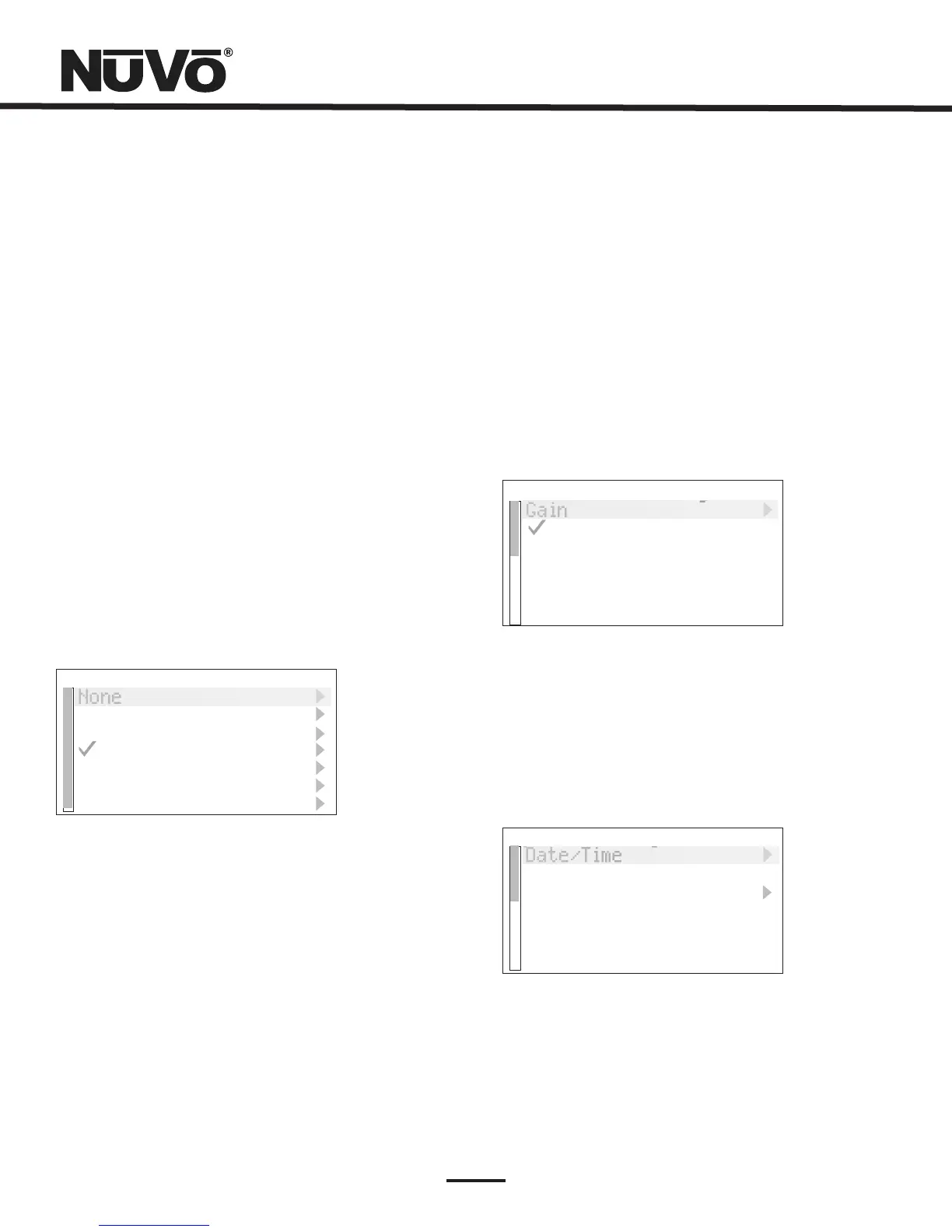
toslavetoandselectitfromthelist,Fig.45.
ZoneNumber:
SlavedZone
DiagnosticSelfTest:
Eachzonemustbeassignedanumberor
specificzoneaddress.Thisisdonebyscrollingtothe
desiredzoneandselectingit.Allusedzoneaddresses
willbegrayedout.Ifyouhavedefinedzonesinthe
ConfiguratorSoftware,theactualzonenamesassigned
intheZonetabofthesoftwarewillappearinthelist.
Thezonelistappearsjustasitdoesintheprevious
menu.Scrollingtoadifferentzonename
andpressingOKwillsetanewzoneaddress,or
selectingNONEerasesthezoneaddress.
Thisperformsashortdisplay
parametertestwhenselected
Fig.45
Fig.46
SourceSettings:
Gain:
NuVoNetSource:
Twochoicesresideinthismenu,Fig.46.
Thisletsyouincreasetheaudioinputlevelsfrom
thesourcescomingintotheGrandConcerto.Thisisnot
necessaryfortheNuVoNetcomponents,butifyouusea
satelliteorcableset-topboxasanaudiosourceforthe
system,youwillfindthattheaudiolevelisinherently
softerandwillbenefitbythegainsetting.Thedefaultis
0dB,witharangeupto18.75dB.
Ifyouuncheckthisselection,that
sourcewillnotbepolledbyNuVoNetandwillonlybeIR
controllable.
Cur.SourceSettings
Gain
NuVoNetSource
SystemSettings: Thismenuoptioncontrolssystem-wide
settings,Fig47.
SystemSettings
Date/Time
24HourTimeDisplay
Power-OffMode
Fig.47
*Advanced
30



 To Next Page