28
LockZone:
LockZone&Off:
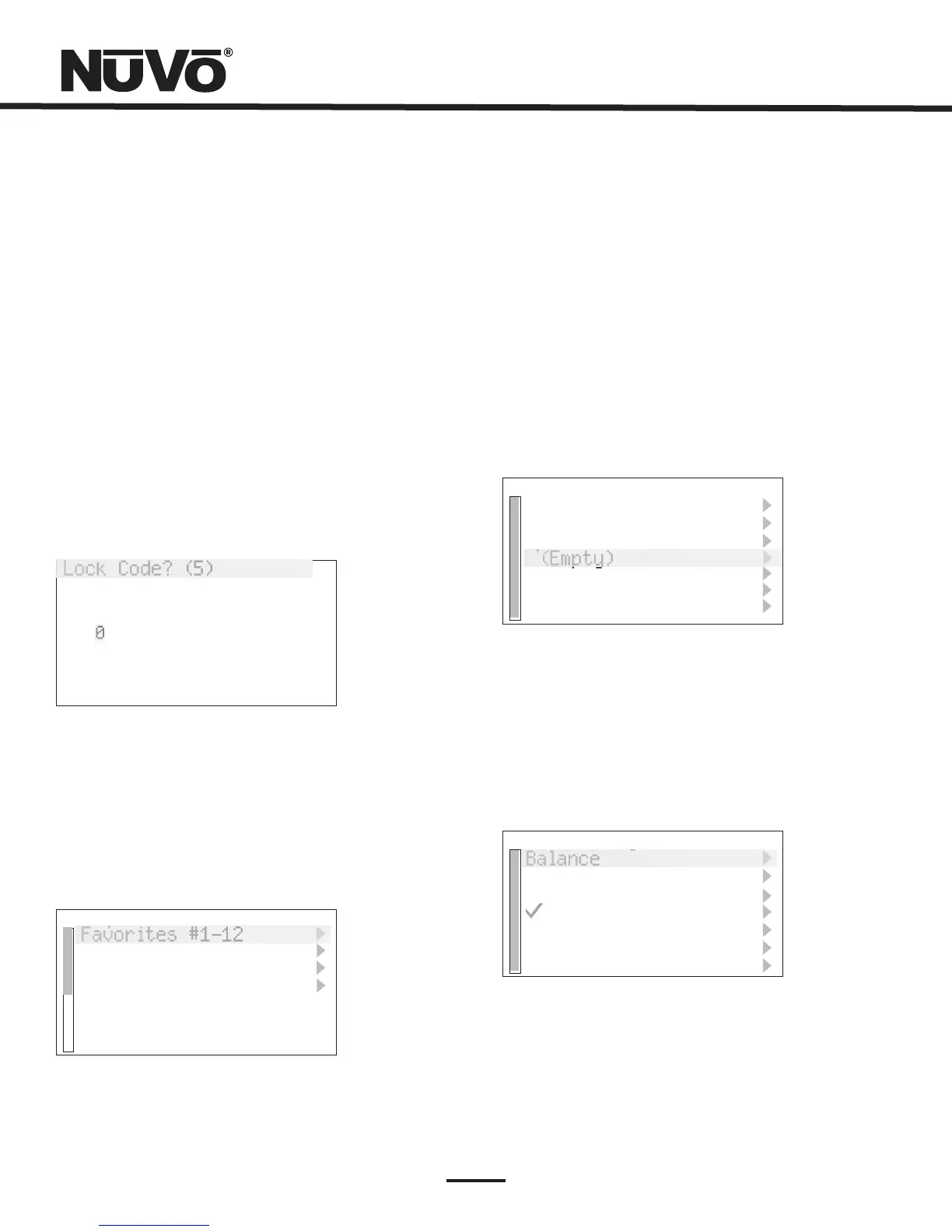
Thistemporarilylocksthezoneonthe
currentsourceselection.Itrequiresafourdigitsecurity
codethatmustbesetintheSettingsTabofthe
ConfiguratorSoftware.Thesecuritycodeisenteredon
theControlPadbyusingtheupanddownarrowsto
scrolltothefirstnumberandpressingOK.Thedisplay
willthenhighlightthenextnumber.Usingtheprocess
describedabove,setthesecond,thirdandfourth
numbers.Oncethefourthnumberisset,thezonewill
remainlockeduntilthesecuritycodeisenteredto
unlockit,fig.38.
Thistemporarylockworksverymuch
likeLockZone,butisusedtoturnthezoneoffand
requiresthesecuritycodetoturnthezonebackon.
LockCode?(5)
4300
Fig.38
Fig.39
Setup: TheSetupmenuisforspecificsystemsetup.It
consistsofseveralsubsetmenus,Fig.39.Thesearedefined
inthenextsection.
Favorites#1-12: Twelveglobalfavoritescanbedefined
foreasyaccessfromwithintheMainMenuorfromthe
twelvenumericfavoritesfromtheGrandConcerto
remotecontrol.Anyfavorites,whichincludeM3and
iPodplaylists,tunerpresetsandspecificdiscselections
canbeselectedintheFavoritessetupandautomatically
addedtothegloballist.TheGrandConcertoRemote
Controlhasa12-buttonnumericControlPadthat
providesdirectaccesstothe12assignedfavorites.
Whenafavoriteisselected,thezonewillautomatically
gototheappropriatesourceandmusicselection,Fig.
40.
Setup
Favorites#1-12
ZoneSettings
SystemSettings
*SourceSettings
Favorites#1-12
Rock
Jazz
SportsTalk
(Empty)
Fig.40
Fig.41
(Empty)
(Empty)
(Empty)
ZoneSettings: Thisselectioncontainsseveralzonespecific
controls,Fig.41.NotethatAdvancedisgrayedoutandis
precededbyanasterisk.Thisisaninstallerspecificlevel
thatisaccessedbyholdingtheOKbuttonforsixseconds.
ZoneSettings
Balance
Bass
Treble
LoudnessComp.
VolumeSettings
DisplaySettings
*Advanced
NotethatthesecuritycodeissetinSystemSettingstab



 To Next Page