Advanced
Ext.Mute/Page
SerialDelay
Sources
ResetSystem
31
ZonePower-OffMode
Tap/HoldAction
Mute/Offw/Menu
Off/All-OffMenu
Fig.48
Fig.49
Off/All-Off
Date/Time:
Year,Month,Day,
Hour, Minute
24HourTimeDisplay:
PowerOffMode:
Mute/Off/w/Menu
Off/All-OffMenu:
Off/All-Off:
TheGrandConcertohasaninternalclock
thatallowseachControlPadtodisplaythecurrenttime.
Withinthismenuyoucaneasilyset
and .
Thisisasimpleon/off.Whenthis
menuitemisturnedon,theclockdisplayontheControl
Padsswitchesto24hourdisplay.
Thisreferstothreechoicesfortheway
inwhicheachzoneturnsonandoff.Theyinvolvea
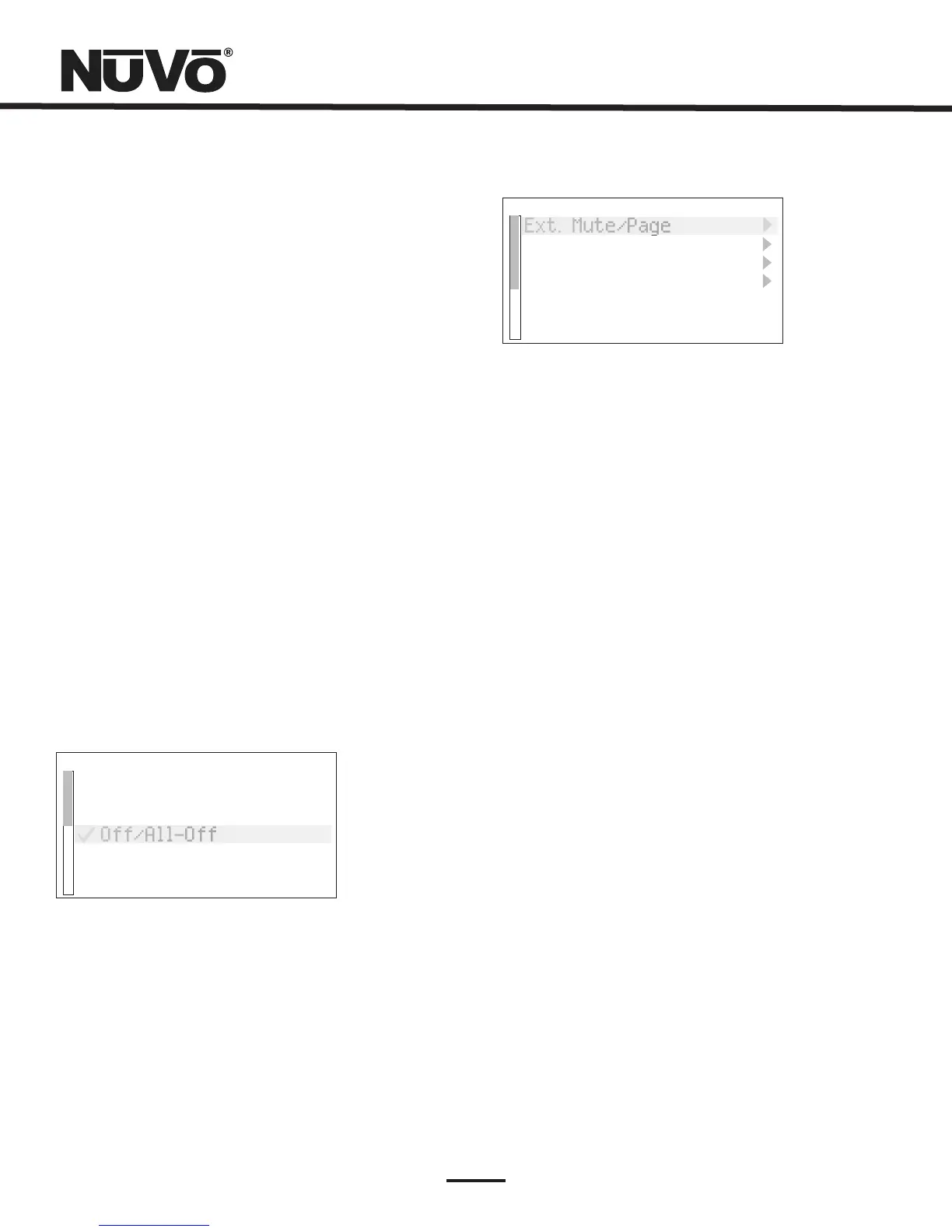
singletapofthepowerbuttonandaholdfunction,Fig.
48.
isthefirstchoice.Thisselection
meansthatatapofthepowerbuttonmutesthezone,
butdoesnotturnitoff.Theholdfunctionbringsupa
secondmenuthatrequestsAllOff,yesorno.Noturns
offjustthatzone,yesturnsoffallzones.
Inthismode,atapofthepower
buttonturnsthezoneoffandasecondmenuappears
thatgivestochoicetoturnoffthatzonesgroup(ifitis
assignedtoasourcegroup)ortoturnallzonesoff.
Theisatapofthepowerbuttontoturnthe
zoneoffandaholdofthepowerbuttontoturnallzones
off.
Advanced: WithintheSystemsettingsmenuareadvanced
functionsintendedforinstallers.Theitemisprecededbyan
asteriskandgrayedwhichrequiresthattheOKbuttonis
heldforsixsecondsbeforetheadvancedfunctionsare
accessible,Fig.49.
ExternalMute/Page:
PagingMode
ActiveLow(Closed)
SerialDelay:
Sources:
ResetSystem:
Yes
TheEXT.MUTEinputontheback
paneloftheGrandConcertohasadualfunction.In
normalmode,itisdesignedfortheMuteInterface,NV-
MI1(seeNV-MI1MuteInterruptAdaptorpage,31).It
canalsobeconfiguredforusewithapagingphone
systemtoenablewhole-housepaging.Thisrequiresa
phonesystemthatprovidesanaudiooutputforpaging
thatispluggedintosourceinput6ontheGrand
Concerto(notethatthisfeatureeliminatestheuseof
Source6asanaudiosourceforthesystem).Tousethe
Pagefunction,youmustselect .Thereare
twotypesofvoltagetriggersassociatedwiththePage
function.Ifthephonesystemyouareusingsendsa
voltagetotriggerpaging,selectingPagingModesets
themuteinputtoreactandmuteallzones.Ifittriggers
bycreatingaclosure(droppingdownto0voltage),you
needtoselect .
Thisfunctionisonlyusedinconjunction
withthirdpartyhomeautomationsystems.This
functionsetsadelayinmillisecondsbetweeneachof
thefunctioncommandsbeingstreamedthroughthe
GrandConcertoRS232port.Thisallowsaslowerhome
automationprocessortobuffermultiplecommands
fromtheGrandConcertoSystem.
ThisAllowsunusedsourceinputstobeturned
offsotheydonotshowupwhenyouscrollthroughthe
sourcesattheControlPads.
Thisisashortcutforresettingthezone
addressesassignedtoeachControlPad.Withinthe
menuselection, restoresallControlPadsplugged
intothesystemtothefactorydefault.



 To Next Page