E
21
Setting the Language
When you turn on the camera for the first time, choose a language for displayed
information on the LCD monitor.
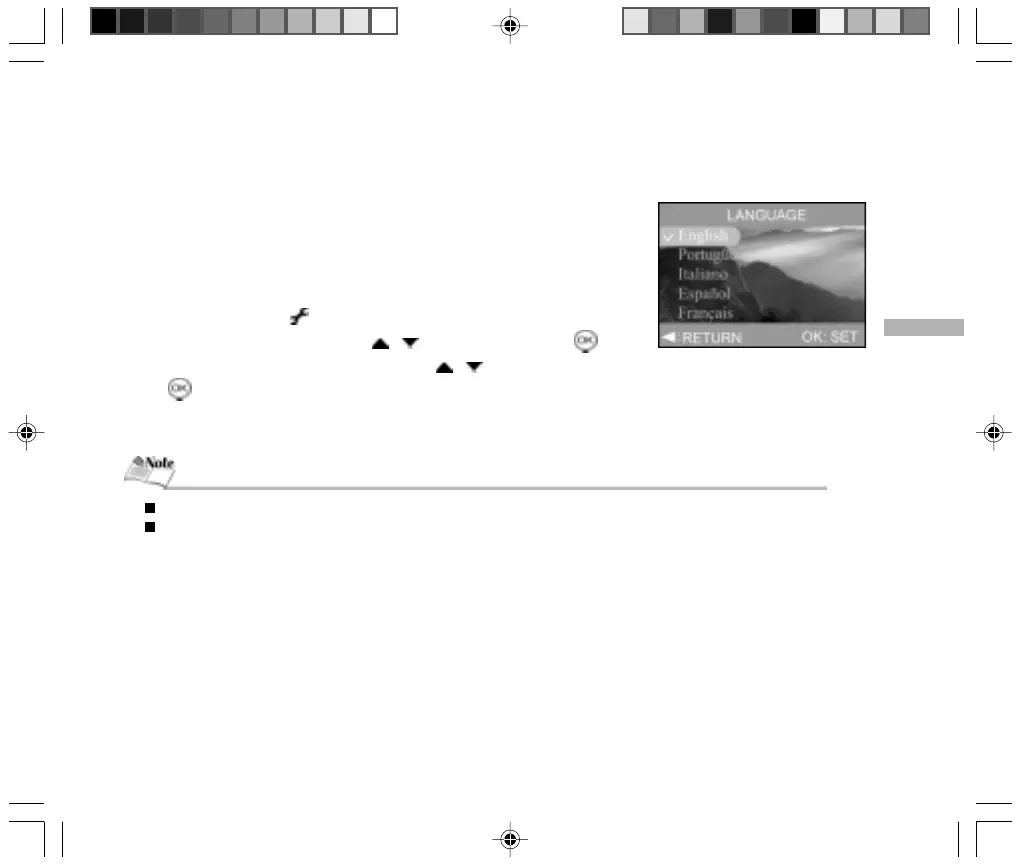
Follow the steps below to set the OSD (On-Screen Display) language.
1. Set the mode dial to [ ].
2. Select “LANGUAGE” by using the / buttons, and press the button.
3. Select the displayed language by using the / buttons, and then press
the button.
4. To exit the menu, change the mode dial setting.
The language setting will be retained even when the camera is turned off.
The provided languages are [English], [Português], [ Italiano], [Español], [Français] and [Deutsch].



 To Next Page