32 Océ 3050 User Manual
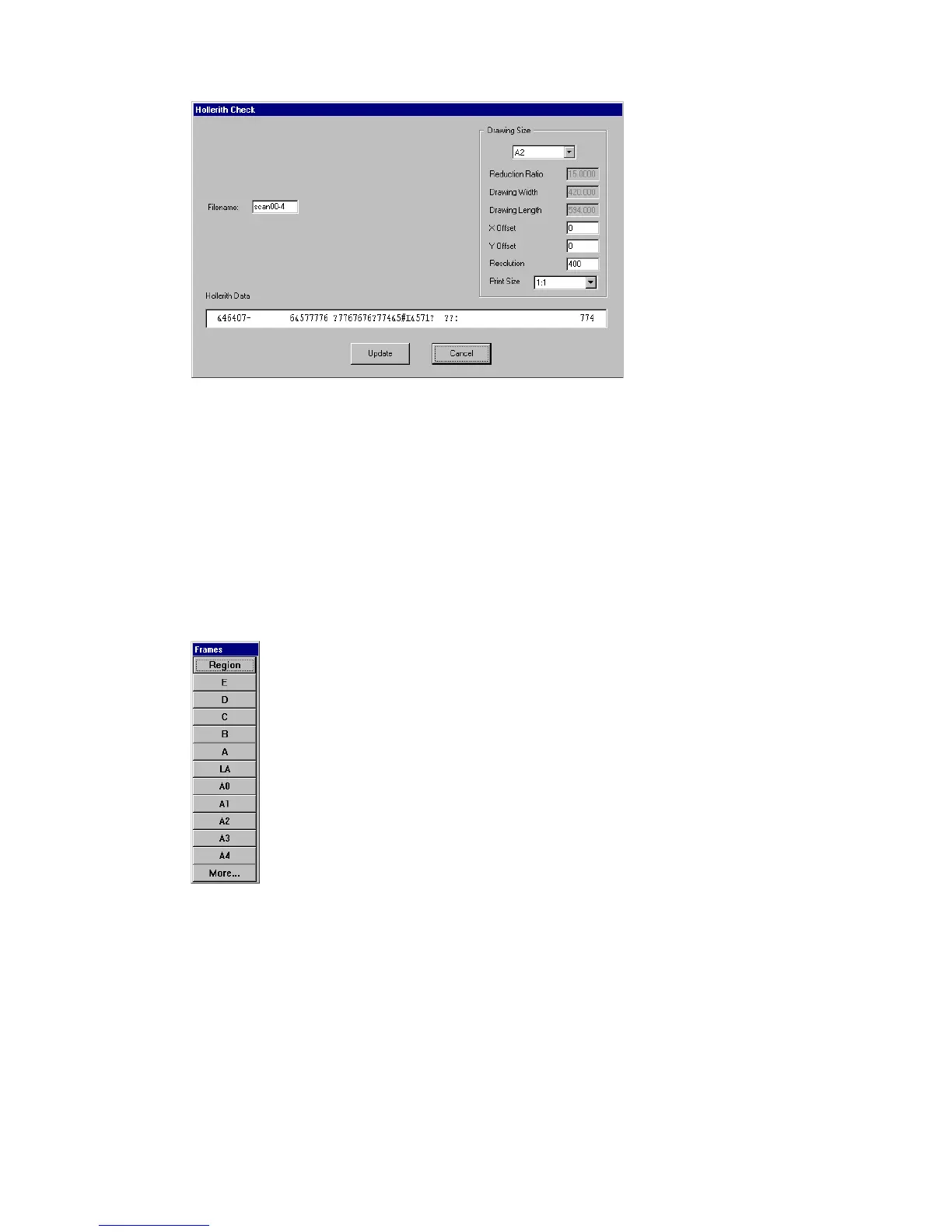
A window similar to the following example pops up:
[13] Hollerith editing
2 If required, change the file name and the drawing size settings.
3 Click Update and the scanning proceeds with the changed settings.
Frame The Frame option can be used to rescan the image, defining the
scanning area yourself.
▼ Defining a new scanning area, using the Frame option
1 Click the Frame button at the bottom of the screen.
The following window will appear:
[14] Frames window
2 Click on a standard frame size, or select Region to draw your own frame.
Note: If you need a predefined frame size that is not shown in the Frames
window, click More to get a list of all known sizes.
3 If you have selected a standard frame size, click the left mouse button, move
the frame to the required position, and release the button.



 To Next Page