48 Océ 3050 User Manual
SAVE This enables the currently defined set of parameters to be saved for
future use. On pressing this button another window is displayed within which
the name of the current Template is shown along with a request to enter the
name for the new Template to save the current values.
DELETE This enables a previously defined set of parameters to be deleted. On
pressing this button another window is displayed within which the name of the
Template to delete can be selected.
▼ To load a predefined imaging setup:
1 Open the Scanner Setup window.
2 Select the Imaging card.
3 Click the Load button at the bottom of the Imaging card.
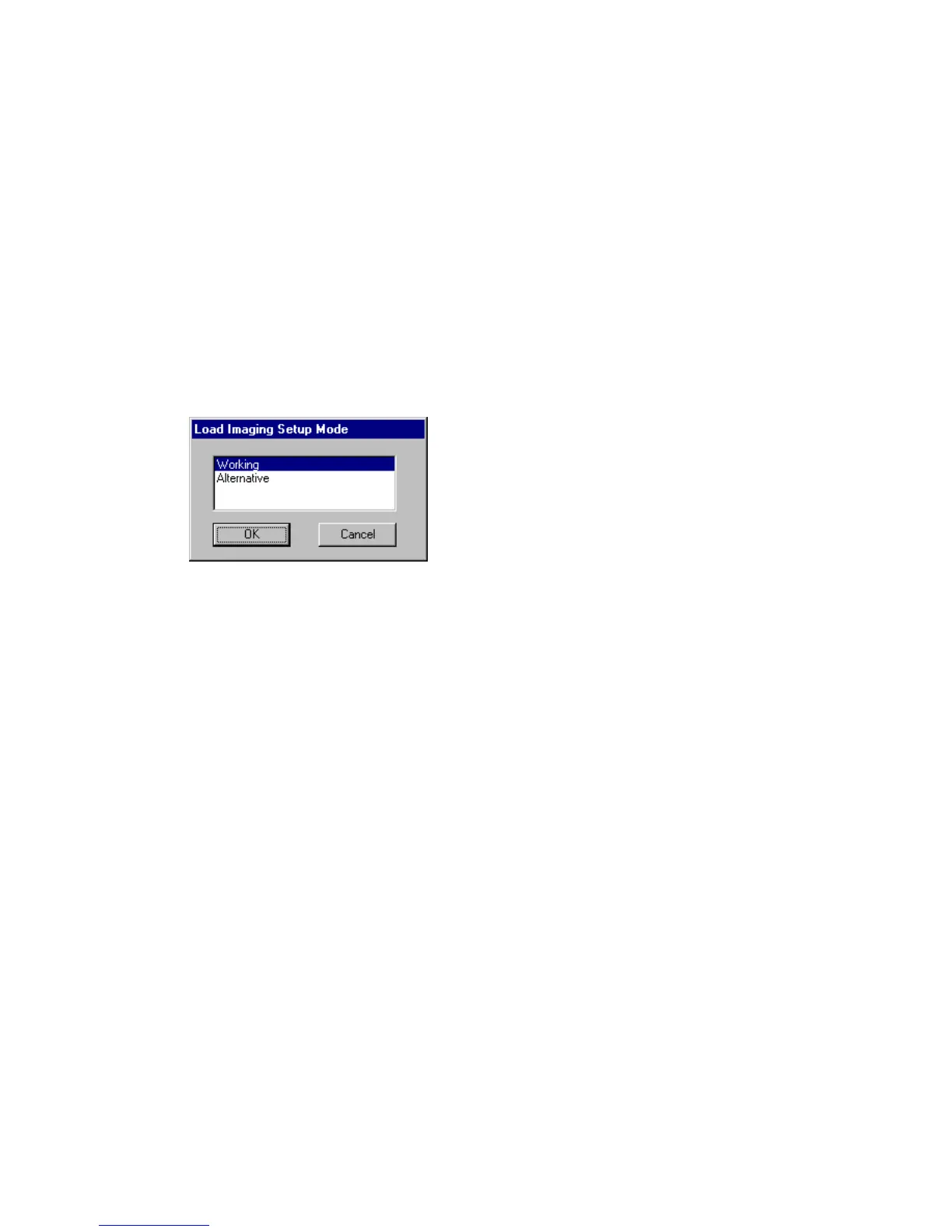
On pressing this button, the following window is displayed:
[22] Loading an imaging setup
All predefined setups are listed. The example above displays two options.
‘Working’ stands for the setup as it is currently defined in the Imaging entry
box. Selecting this option leaves the imaging setup unchanged.
4 Click the desired setup.
5 Click OK.
The parameters defined in the setup are automatically fitted in the Imaging
window.
▼ To save an imaging setup:
1 Open the Scanner Setup window.
2 Select the Imaging card.
3 Set the parameters as required in the Imaging card.
Set the illumination level, Film Inverse, ABC and Mode to the required settings.
4 Click the Save button.
The following window appears on the screen:



 To Next Page