Setting up the Océ 3050 Microfilm Scanner 49
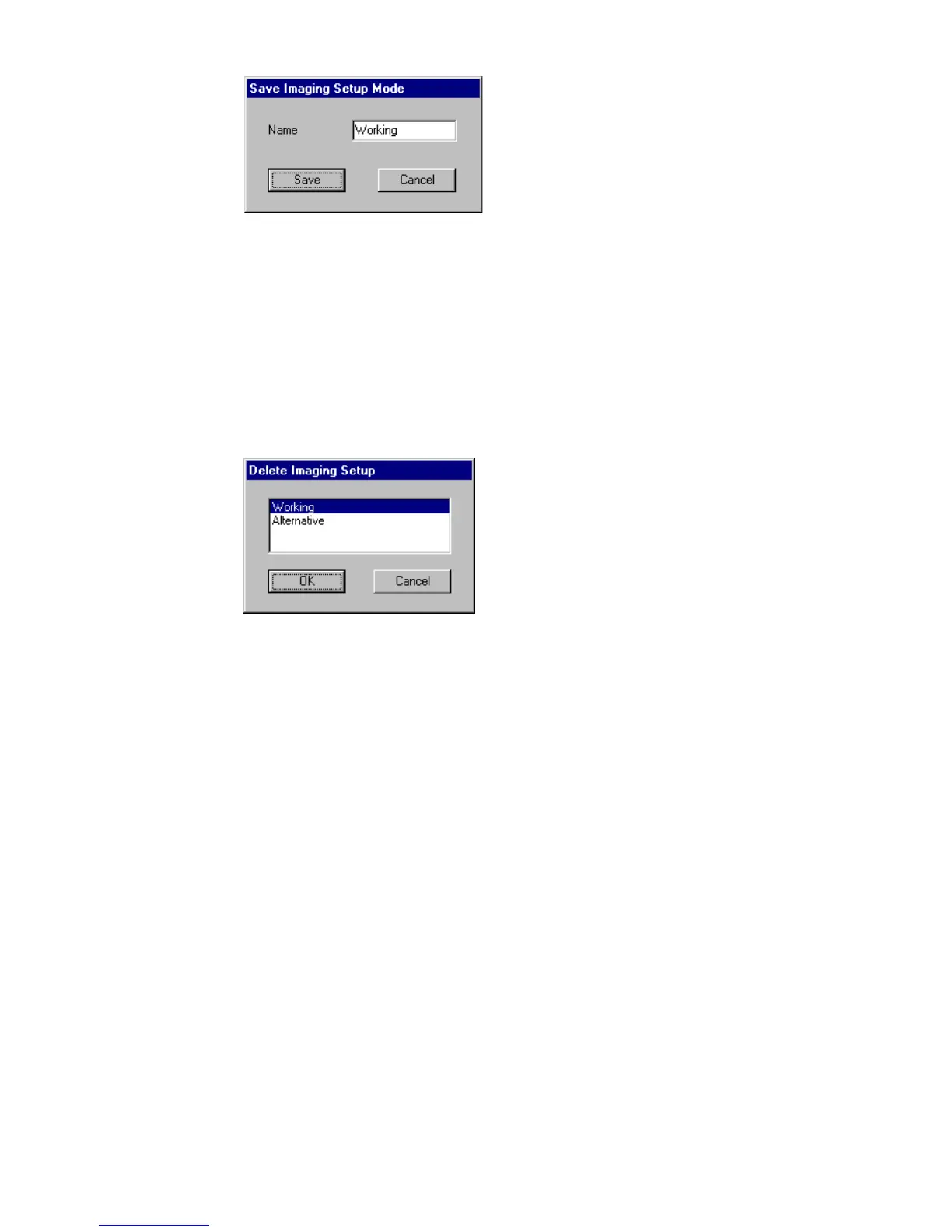
[23] Saving an imaging setup
5 Type the name of the new setup in the Name entry box.
6 Click the Save button to add the new setup to the list.
▼ To delete an imaging setup:
1 Open the Scanner Setup window.
2 Select the Imaging card.
3 Click the Delete button.
The following window appears on the screen:
[24] Deleting an imaging setup
4 Click the setup you want to delete.
5 Click OK to delete the setup.



 To Next Page