Setting up the Océ 3050 Microfilm Scanner 65
2 In the Hollerith Elements entry box, select the elements that contain the file
name. In this case click the Hollerith Elements 4 to 11 in the Edit Hollerith
Control FIle window
(see figure 41 on page 64). As a DOS-file name can
contain maximum 8 characters, you can select a maximum of 8 Hollerith
elements for the file name.
3 Click Update to confirm and go back to the Scanner Setup window. If you want
to edit more in this window click Update later on.
▼ To add a new Size Key:
Within a specific Hollerith structure different drawing formats are common.
The size key function will identify the various formats of cards within the same
hollerith structure.
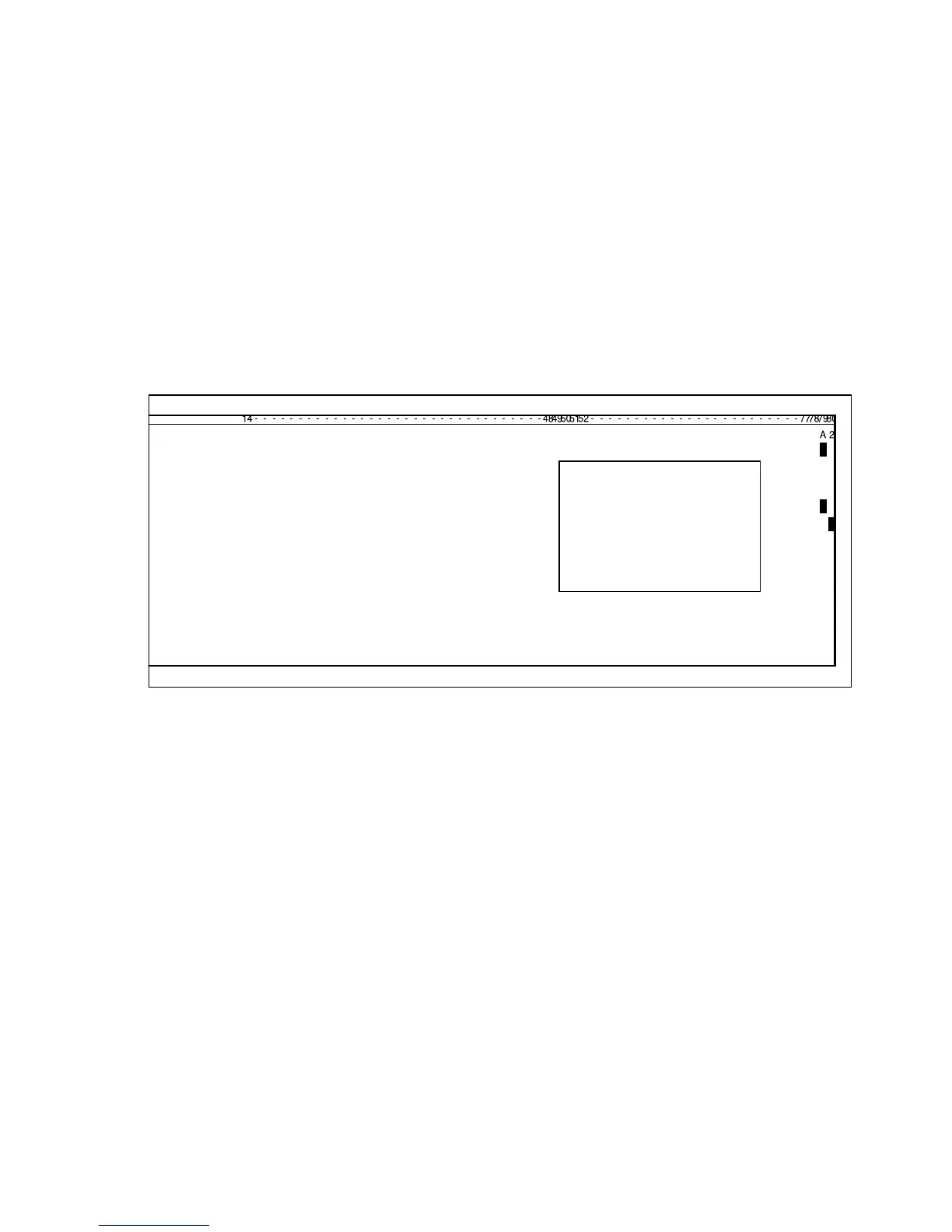
[42] The size key in this example is represented by the hollerith elements 79 and 80. Any drawing
size can be interpreted
Figure 42 shows an example of a card with the Hollerith elements representing
the format of the microfilmed drawing in position 79 and 80. In this example
an A2. To insert the place of the Hollerith Elements of the size keys (drawing
formats) follow the next procedure.



 To Next Page