64 Océ 3050 User Manual
▼ To edit the File Name:
To read the file name automatically from the card, the place of the file name
must be defined.
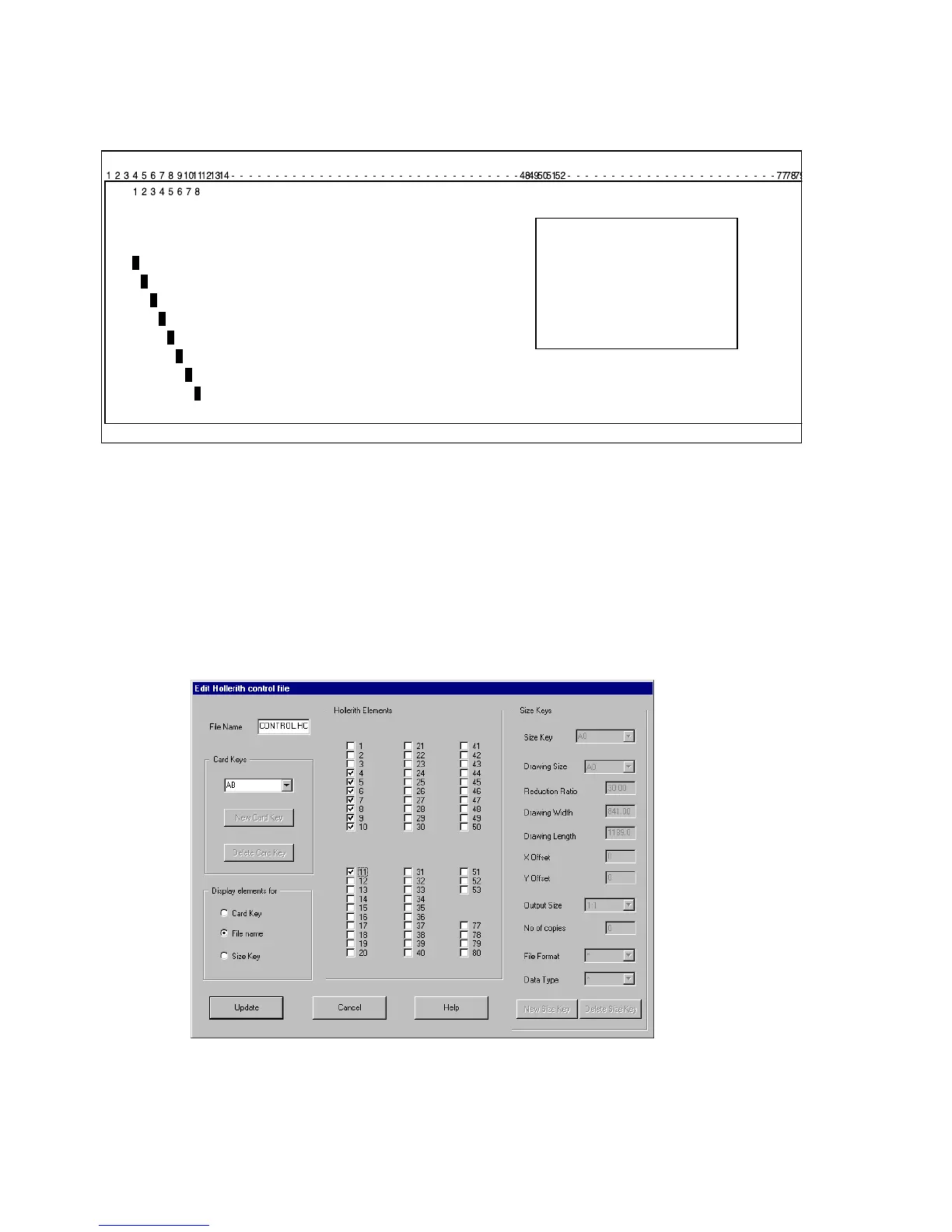
[40] The filename in this example is represented by the Hollerith elements 4 to 11
Figure 40 shows an example of a card with the Hollerith elements representing
the drawing number 12345678 of the microfilmed drawing in position 4 to 11.
To insert the place of the Hollerith Elements of the filename (mostly the
drawing number) follow the next procedure.
1 Click the File Name radio button in the Display elements entry box in the Edit
Hollerith Control File window.
[41] In this example the filename will be read in the Hollerith elements 4 to 11



 To Next Page