Setting up the Océ 3050 Microfilm Scanner 63
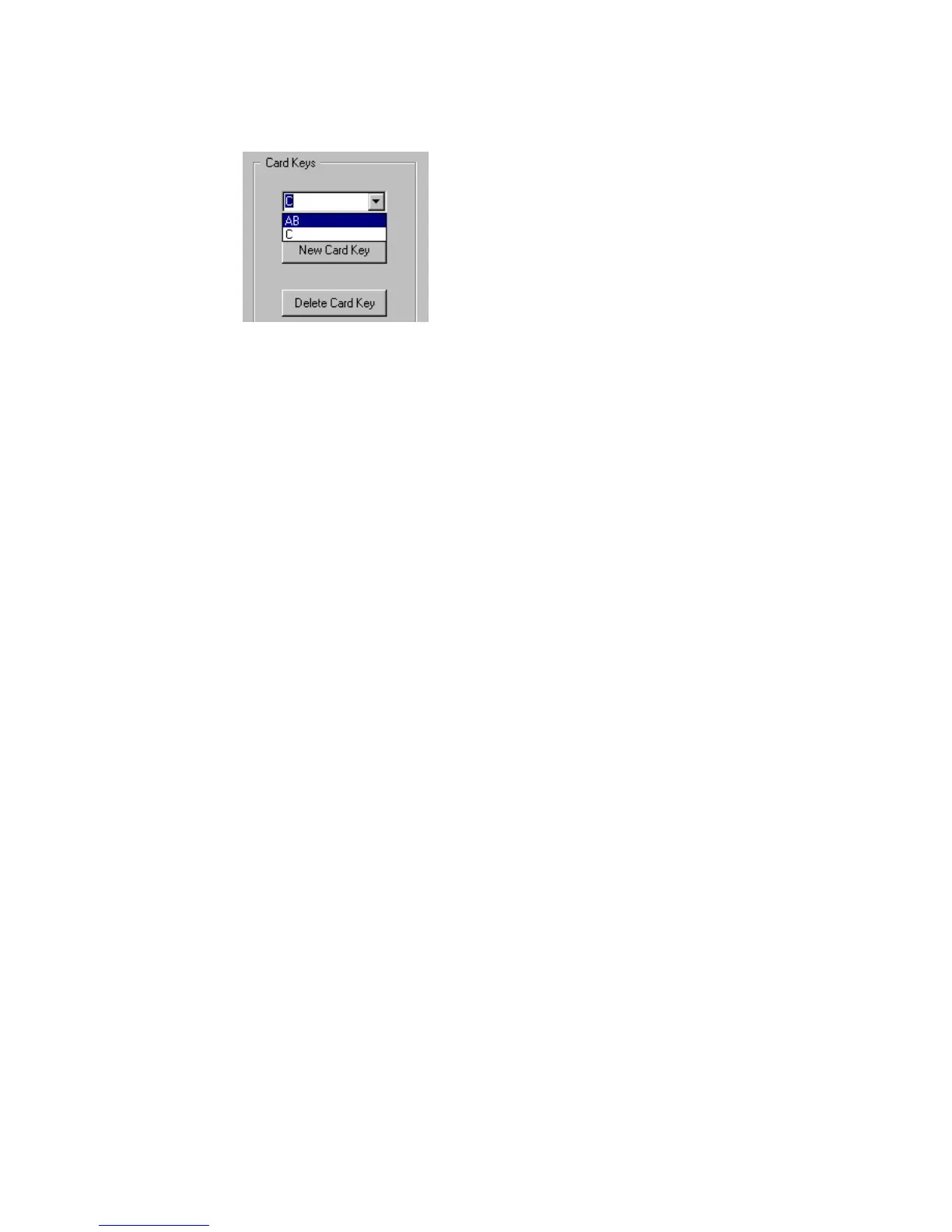
▼ To delete a Card Key:
1 Click the Card Key radio button in the Display window (see figure 38).
2 In the Card Key list, select the key you want to delete.
[39] Deleting a Card Key
3 Click Delete Card Key in the Card Keys window.
4 Click Update to confirm and go back to the Scanner Setup window. If you want
to edit more in this window click Update later on.
Note: You can not delete the last card key.



 To Next Page