62 Océ 3050 User Manual
4 Click Update to confirm and go back to the Scanner Setup window. If you want
to edit more in this window click Update later on.
Note: Up to a 1000 different Card Keys can be defined within one Hollerith
Control File.
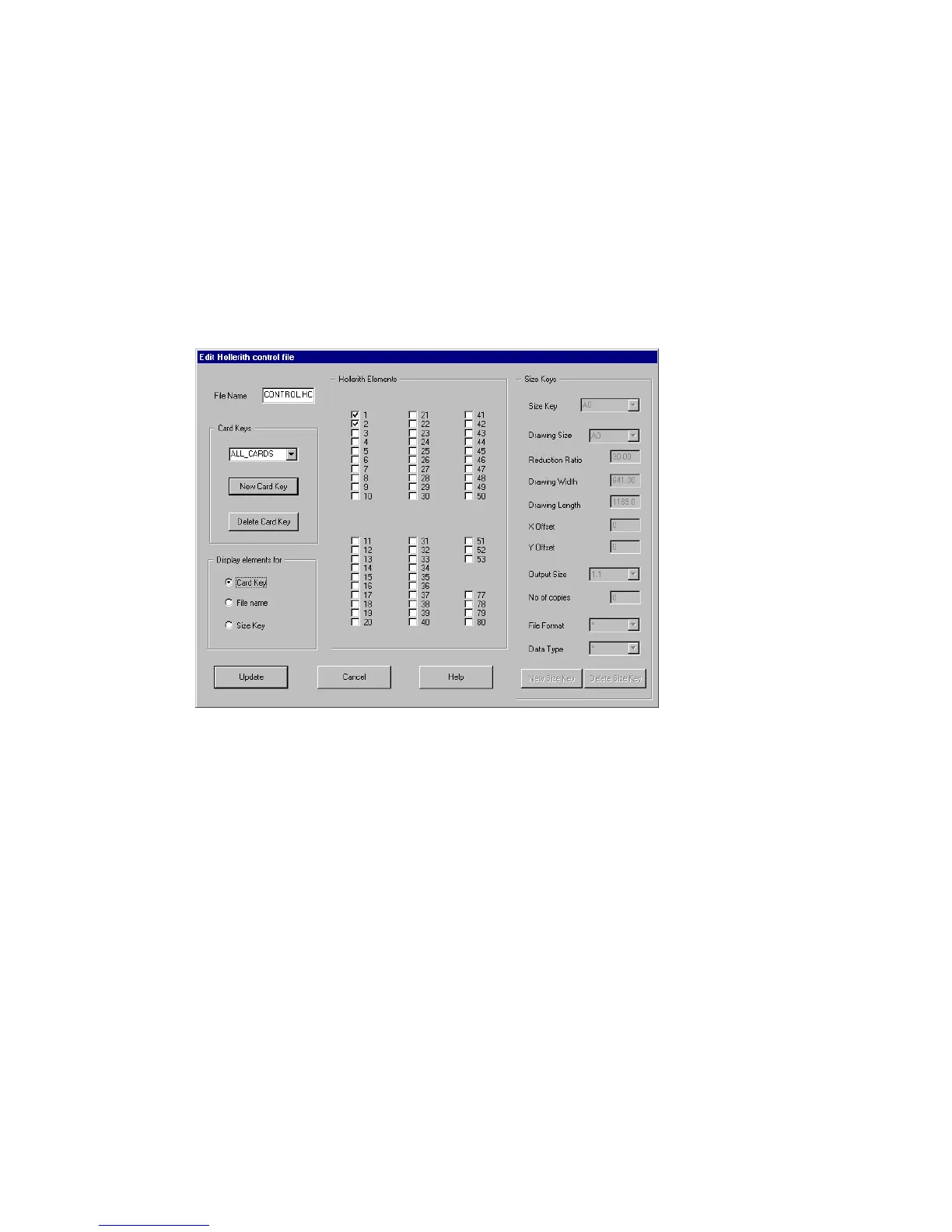
▼ No Card Key (ALL_CARDS):
If no card key is used type ALL_CARDS in the Card Keys entry box. Beware
that all Hollerith elements are switched off. Continue with inserting the
filename and the size keys. The card key function is now disabled.This setting
can be stored under any Hollerith control filename (********.hcf).
[38] View of the Edit Hollerith Control File window in case no card key is active



 To Next Page