5-14 Print Controller User’s Guide
Chapter 5 Scanner Operation
Neither the DNS nor the NetBIOS names can be used as a Scanner Server
name.
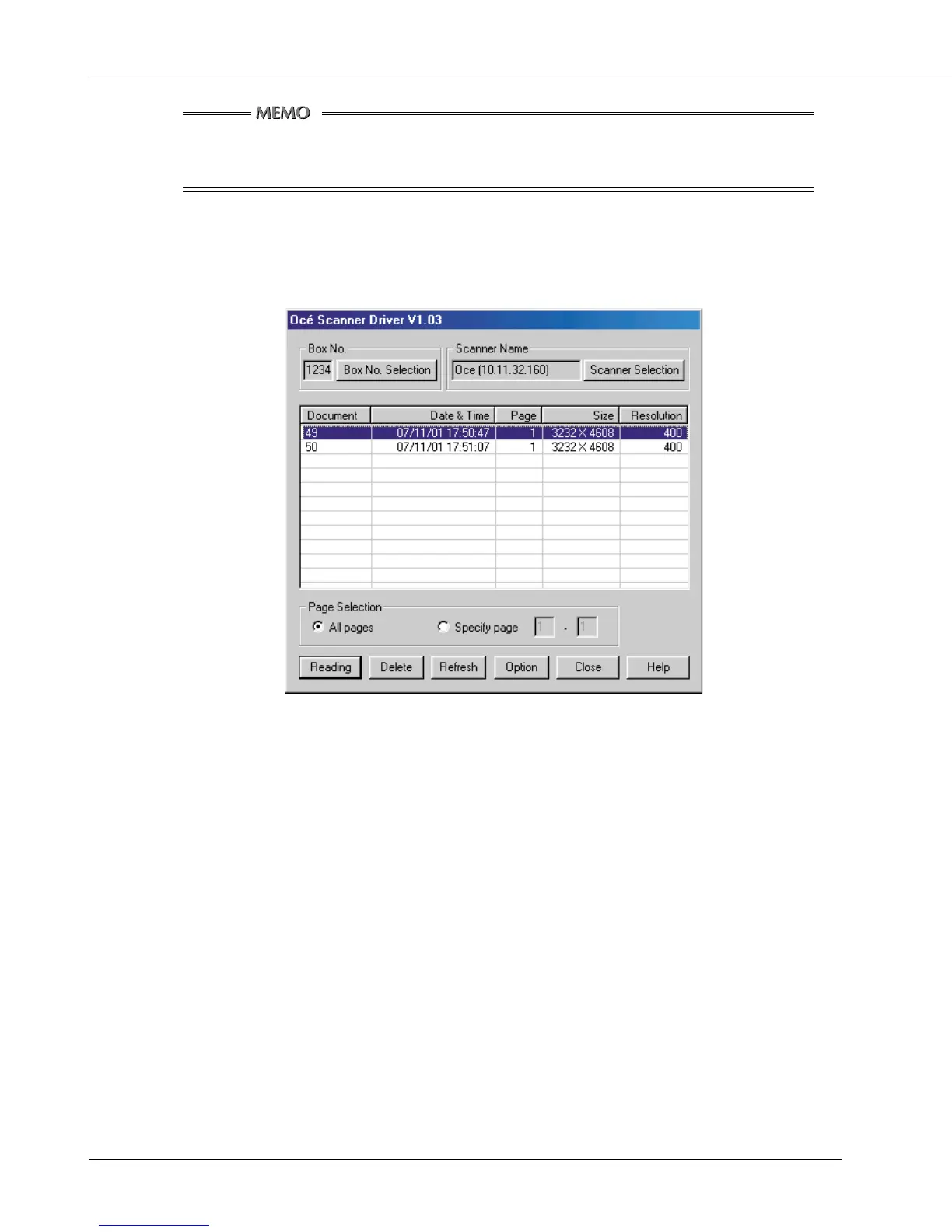
The Océ Network Scanner Driver main window will appear.
5. Select a file from the file list shown in the main window, then click [Reading] to
allow the selected file to be read in. By default, the file is cleared from the
controller’s hard disk immediately after the file is fully read in. If you want, you
can override this default setting so that the file is held in the hard disk. To learn
how to do this, see “Variable Option”.
6. You can open the read-in document within the application for editing/saving.



 To Next Page