Print Controller User’s Guide 4-5
Chapter 4 Control Panel Setup
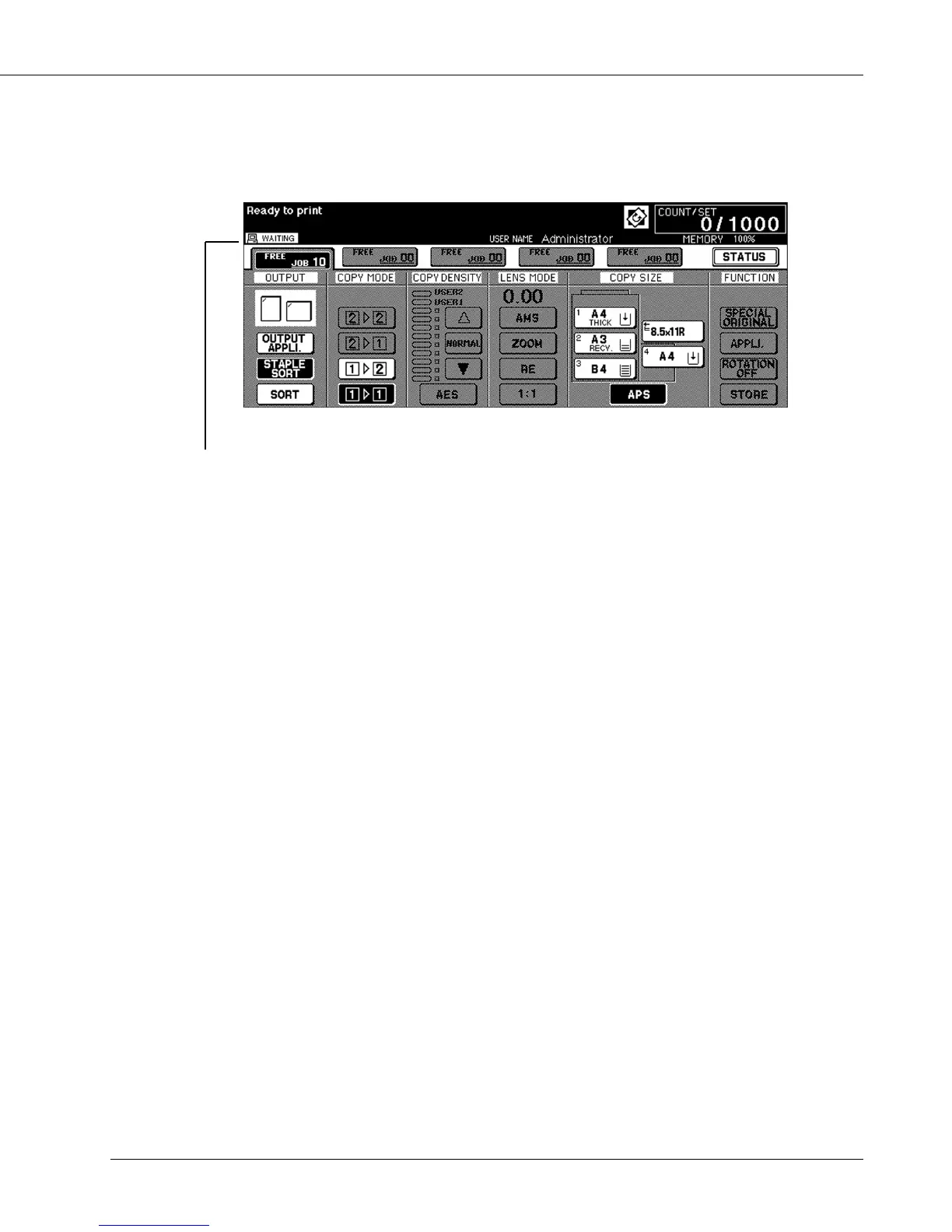
● Basic Screen
The [Basic Screen] displays the status and the condition of each mode and the settings.
[Notice icon] means the following under print mode:
IDLE
The printing system is ready to receive the print data from your computer.
PRINT
The print controller is currently printing.
The print data rasterized in the print controller is now being transferred to the E-RDH
memory in the main body printer.
ERROR
The print controller generated an error message.
WAIT
The main body printer is in warm-up mode.
INITIALIZING
The print controller is in initialization process.



 To Next Page