5-18 Print Controller User’s Guide
Chapter 5 Scanner Operation
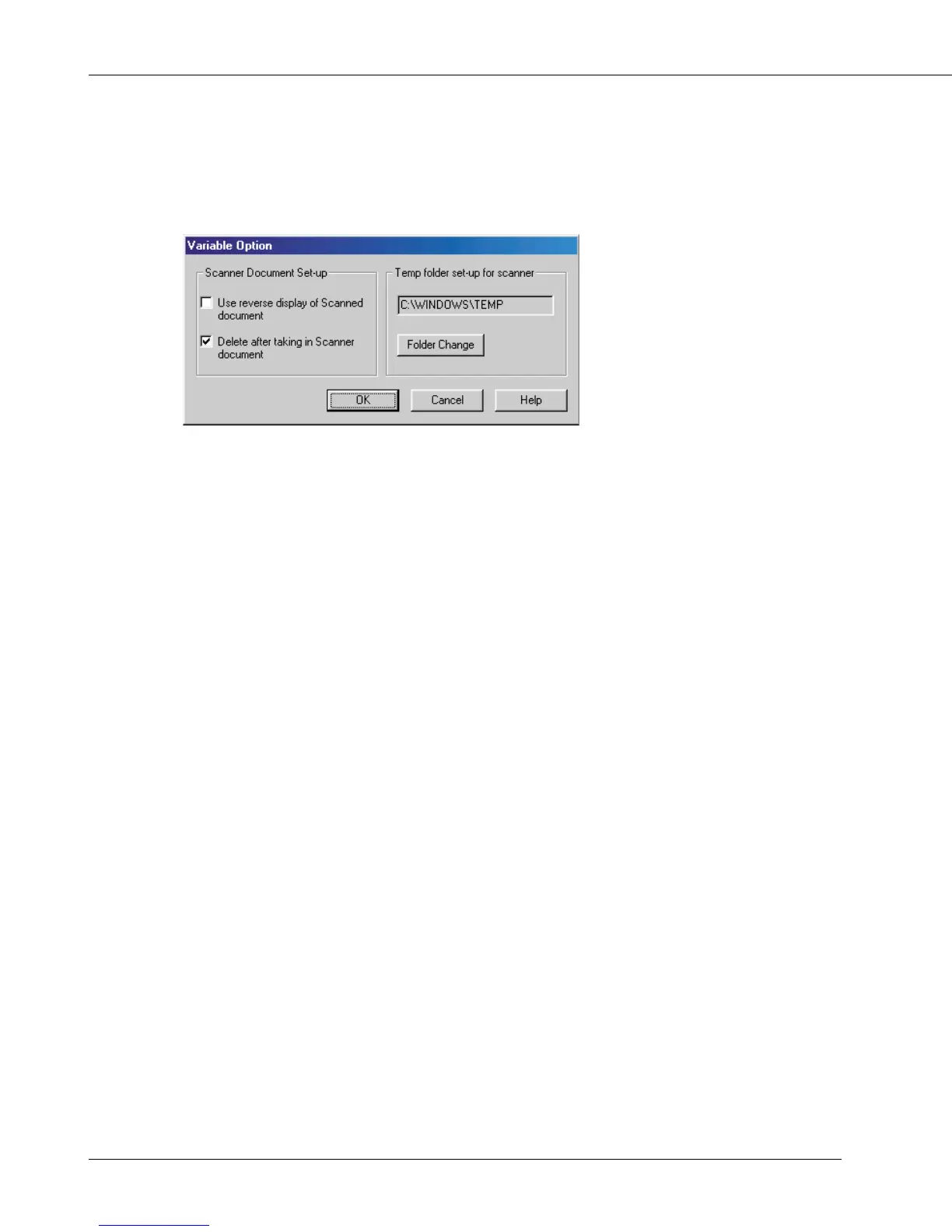
● Variable Option
In the Océ Scanner Driver main window, click [Option] to display the [Variable Option]
dialog box.
You can set up the various elements of the scanner driver described below.
[Use reverse display of Scanned document]
Reverse the image of the scanned document.
[Delete after taking in Scanner document]
Delete a scanned document file held in the scanner after reading it in.
[Temp folder set-up for scanner]
This allows you to select a directory for temporarily stored data before saving it to the
PC’s hard disk. Click [Folder Change], then specify where you want to temporarily store
the current scanned document.



 To Next Page