Print Controller User’s Guide 5-19
Chapter 5 Scanner Operation
● To Delete Scanned Data
Perform the following steps to delete a scanned data file from the hard disk.
1. Run Adobe Acrobat 4.0.
2. Select [File] - [Import] - [Scan].
[Adobe Acrobat Scan] dialog box will appear.
3. Select [Océ Scanner Driver]in the [Device], then click [Scan] button.
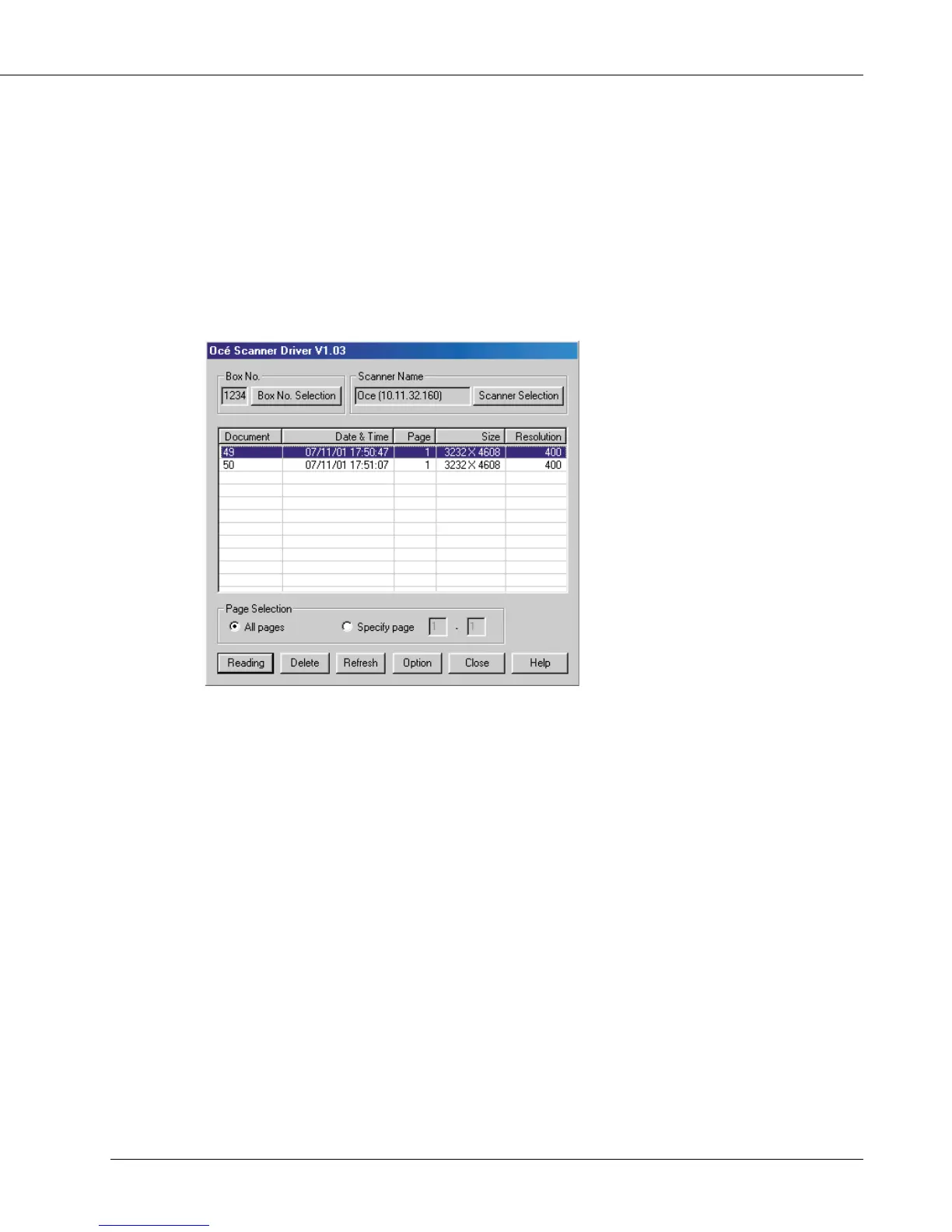
The Océ Scanner Driver main window will appear.
4. From the file list shown in the main window, select a file you want to delete, and
then click the [Delete] button.
The selected scanned data is deleted.



 To Next Page