1-2 Print Controller User’s Guide
Chapter 1 Overview
■ Overview of the Print Controller
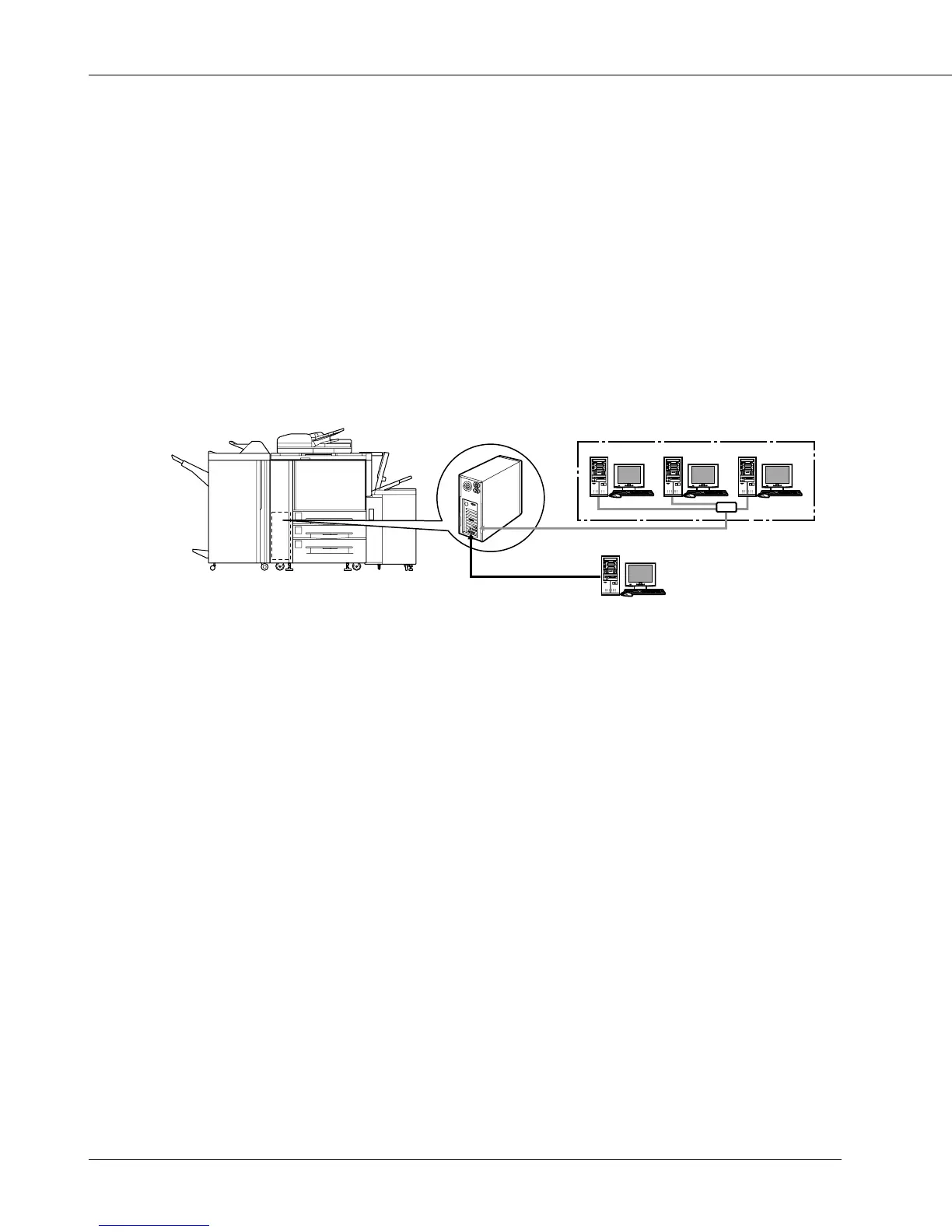
● Print Controller and Main Body Printer
The print controller is designed to be used as the built-in type server of the main body
printer/copier.
The print controller can be used to connect the main body printer to computers or to a
network on which the main body printer can function as a printer/network printer from appli-
cations on Windows 95/98/Me/NT/2000. The optional network interface card is required for
connecting to a network.
Printing System
For use as a networked printer
(NIC required)
For use as a local printer
Print Controller
Main Body Printer
When the command for printing is executed from an application on Windows 95/98/Me/NT/
2000, print data is sent to the print controller by way of a parallel Interface (IEEE 1284) or a
network.
The interpreter inside the print controller rasterizes the print data to image data (bitmap
extracting process), which is sent to the print engine in the main body printer via the VIC
(video interface card) installed in the main body printer to print.
The Serial bus (IEEE 1394) provides a high speed transmitting method for data, commands
and status transferring between the interpreter and the video interface card. The maximum
transferring rate is 200 Mbps.
The print engine in the main body printer receives image data through the PCI bus from the
video interface card.
Even while the main body printer is printing the previous print job data or receiving the print
data, the print controller can receive the next command for printing from an application.
The printing system can continuously print Letter/A4-size paper at the maximum print speed
of 75 ppm (400 dpi/600 dpi).
In addition, this system supports the duplex function and the finisher function which enables
the use of five paper trays, stapling, folding and stitching, punching.



 To Next Page