Print Controller User’s Guide 5-15
Chapter 5 Scanner Operation
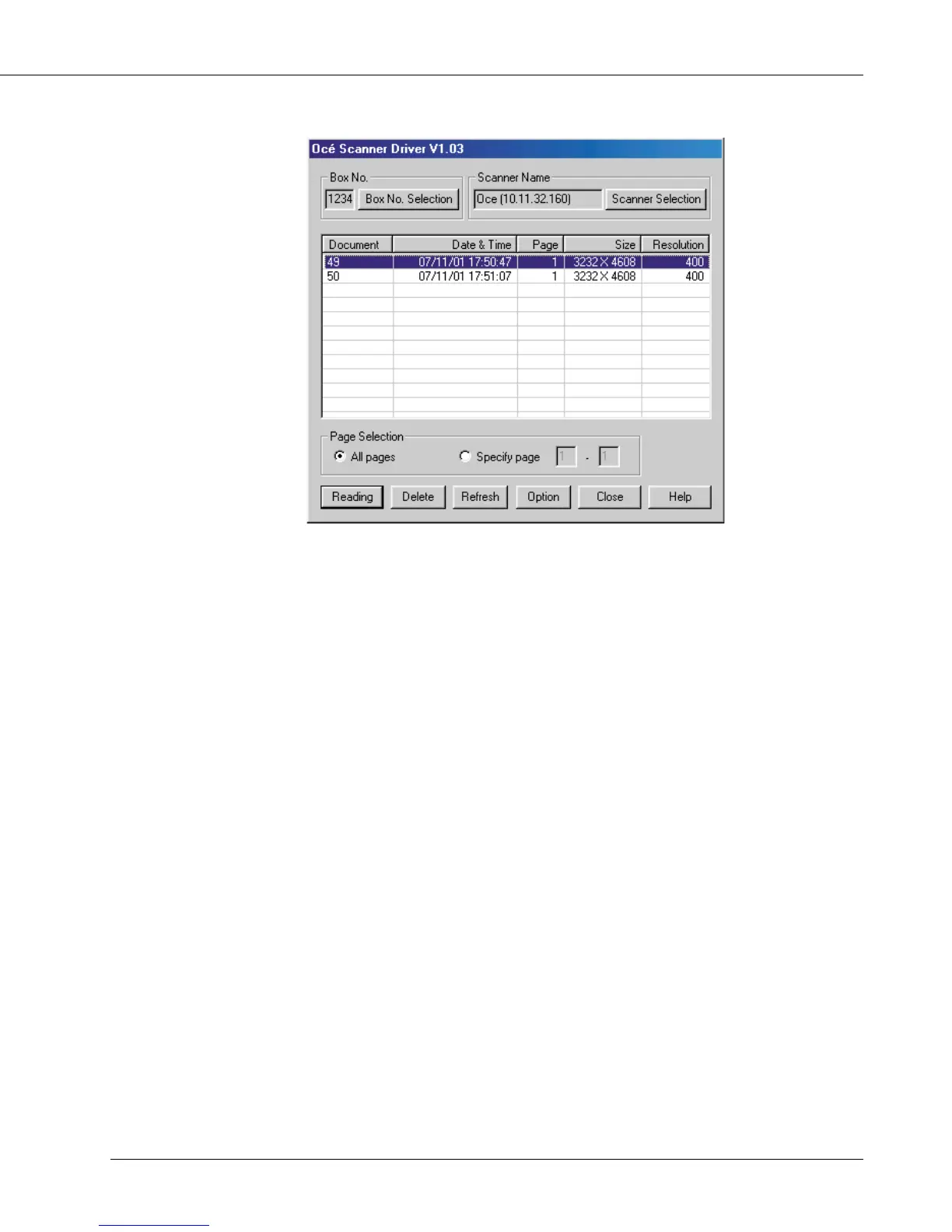
● Scanner Driver’s Main Screen
Displayed Information
[Box No.]
Shows the currently selected box number.
[Scanner Name]
Shows the currently selected scanner’s name. Any desired name can be entered.
[Document]
Shows scanned data file numbers. Numbers are automatically assigned in sequence.
[Date & Time]
Shows the date and time each scanned data file was generated.
[Page]
Shows the total number of pages of each scanned data file.
[Size]
Shows the horizontal and vertical pixel numbers of the first page of each scanned data
file.
[Resolution]
Shows horizontal resolution (dpi) of the first page of each scanned data file.



 To Next Page