5-16 Print Controller User’s Guide
Chapter 5 Scanner Operation
Functions
[Box No. Selection] key
Click this key when changing only the box number of the currently connected scanner.
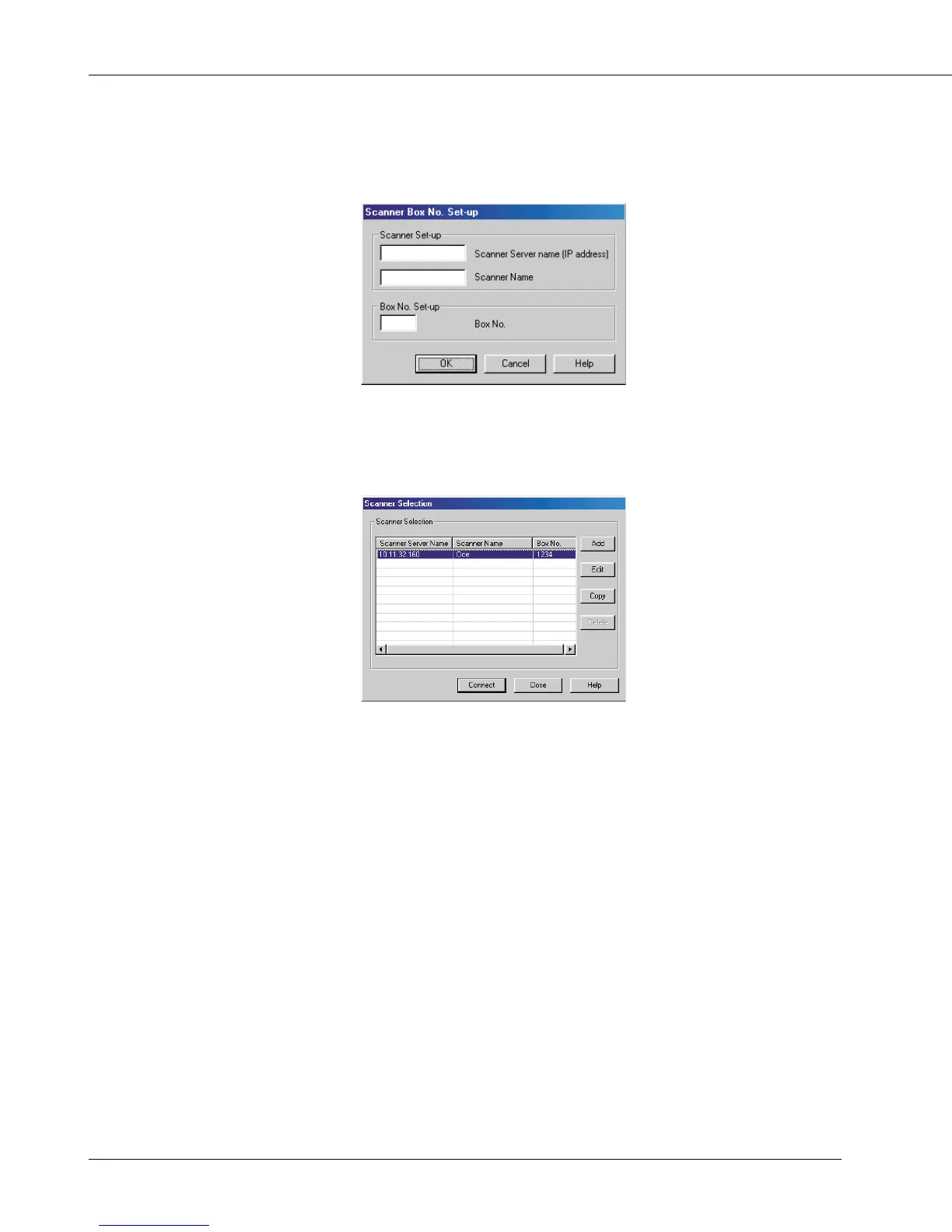
[Scanner Selection] key
Click this key when establishing connection to another scanner, registering new
scanner settings, or performing editing, copy and delete.
[Page Selection] key
This key is used to select a page or pages when reading in a scanned data file.
Enter the number of start page and end page. By default, “All Pages” is selected.
With applications that cannot handle files containing multiple pages, “Specify page” is
set to “1.”
[Reading] key
This reads in a selected scanned data file from the scanner.
[Delete] key
This deletes a selected scanned data file.
[Refresh] key
This updates information in a scanned data file in the selected box number field, so it
reflects all changes you made most recently.



 To Next Page