Appendix A-6 Print Controller User’s Guide
Appendix A Troubleshooting
■ Checking on Non complete job
If print jobs are not output, you can check them on the Non complete Job List screen.
To get the Non complete Job List screen to appear:
1. Press the [STATUS] key on the printer mode base screen to get the Job Status
Screen to appear, and then press the [NON COMPLETE JOB LIST] key.
The Non complete Job List screen will appear.
You can scroll the list up/down with the [▲] [▼] keys.
Content of Non complete Job List
On the Non complete Job List you can check on the mode, file and application names,
as well as the causes of non complete jobs.
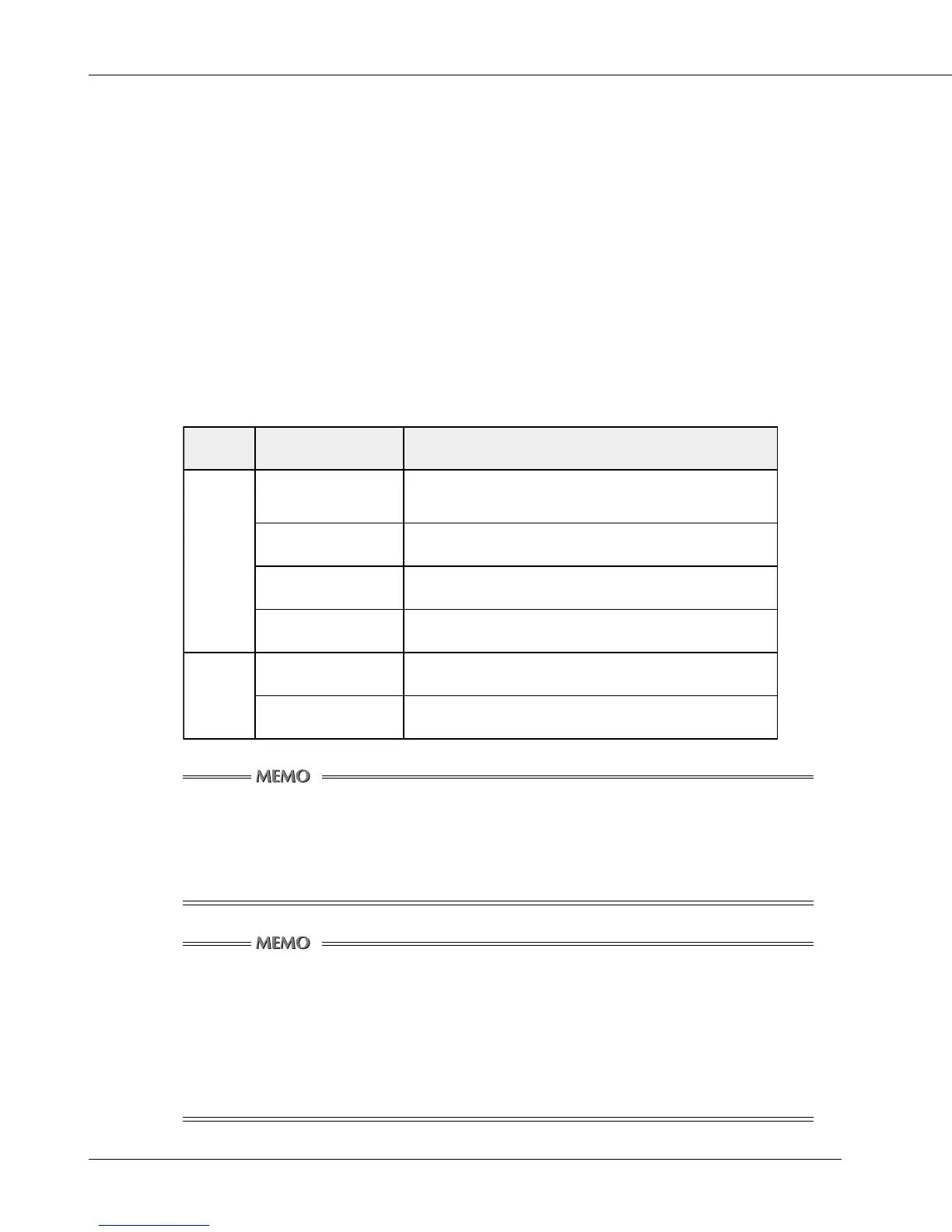
Here is a list of Non complete Job List content.
edoM rotcaF sesuacfonoitpircseD
RETNIRP
lecnaC
.tes/tnuocyekO/W.tsilboJmorfdeteleD.RAELC/POTShtiwdeppotS
beWybdetibihorP.detrobaboJ.rellortnoctnirpmorftseuqernoitpurretnI
.yromemnirorrE.noitanimaxeLerofebdetibihorpypoC.tnuoc
reffiDDI .hctamtondidDIresUesuacebtuptuotonboJ
revotimiL .timilteserpadehcaerMCEretnirPesuacebtuptuotonboJ
lluFmeM .yromemfotuonarreipocesuacebtuptuotonboJ
RENNACS
lluFDH .ksiddrahotatadgnidaolpunidetelpmoctonboJ
lecnaC
.tes/tnuocyekO/W.tsiLboJmorfdeteleD.RAELC/POTShtiwdeppotS
.detrobaboJ.rellortnoctnirpmorftseuqernoitpurretnI
You can return to the Joblist screen from the Non complete Job List screen by
pressing the [STATUS] key.
When switching the copier’s main power OFF, Non complete jobs in the Non
complete Job List screen are deleted.
Providing the Printer ECM feature has been set on the copier, [User ID] set up
in the [Settings] dialog is recognized for a password for Printer ECM.
Provided a Printer ECM feature has been set on the copier, you can enter the
same number in the [User ID] text box as that representing your password for
Printer ECM.
For Printer ECM, refer to “ Chapter 6 Printer ECM ”.



 To Next Page