3-24 Print Controller User’s Guide
Chapter 3 Printer Driver Functions
Features - Fold & Stitch
You can make the following finish settings:
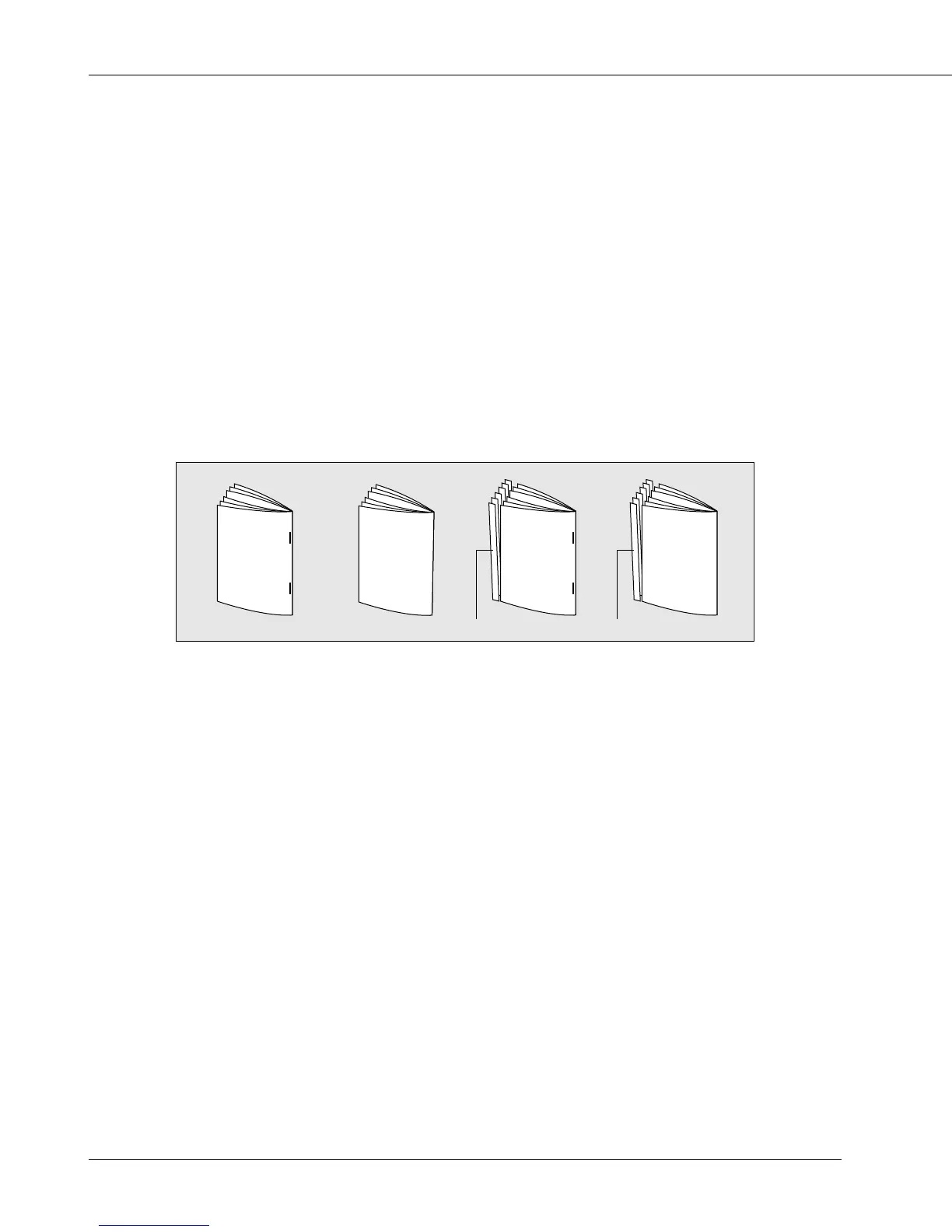
[Fold Only] makes each folded set of copies and outputs to the tray of the finisher.
[Fold & Trim] makes each folded set of copies and cuts off the excess part resulted from
folding to keep the paper size and outputs to the tray of the finisher.
[Fold & Stitch] makes each folded and stitched set of copies and outputs to the tray of
the finisher.
[Fold, Stitch & Trim] makes each folded and stitched set of copies and cuts off the
excess part resulted from folding to keep the paper size and outputs to the tray of the
finisher.
Fold & Stitch Fold Only Fold, Stitch & Trim Fold & Trim
Cutting off the excess part
[Fold & Stitch] can not be performed in the following cases:
• When [Finisher-Folder] is not available
• When [Collate] is not selected in [Copies]
• When [5.5” x 8.5”], [A5], [A6], [B5], [B6], [F4], [16K], [5.5” x 8.5” W], [A5W] or [B5W] is
selected in [Paper size]
• When [OHP (Transparency)], [OHP-Interleave (Blank)], [OHP-Interleave (Print)] is
selected in [Media Type]
• When [On] is selected in [Features]-[Offset]
• When [On] is selected in [Features]-[Staple]
• When [On] is selected in [Features]-[Punch]
[Fole & Trim] or [Fold, Stitch & Trim] can not be performed in the following cases:
• When [Trimmer Unit 75] is not available



 To Next Page