Print Controller User’s Guide 5-5
Chapter 5 Scanner Operation
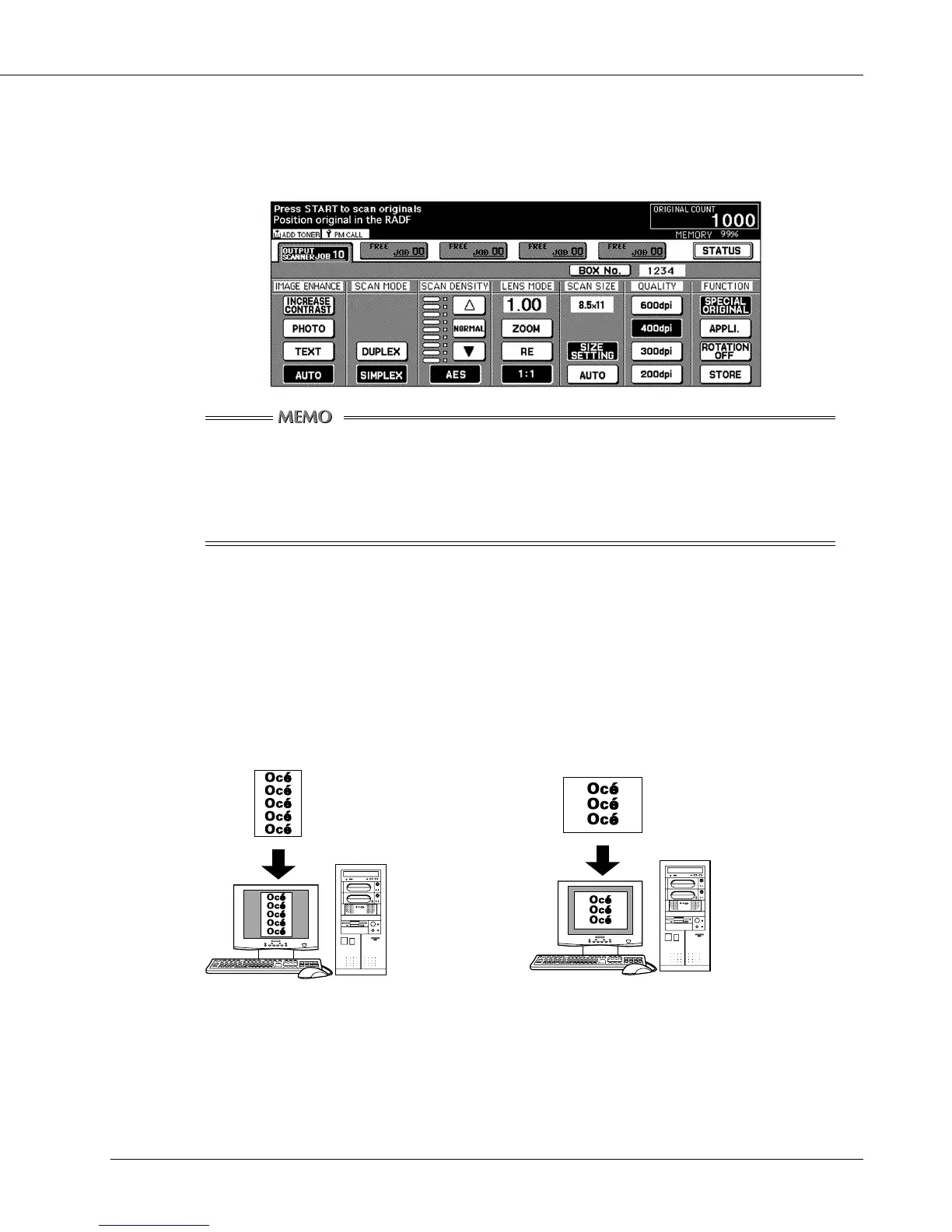
4. Enter a 4-digit box number, and press the [OK] key. The display is switched to a
scanner setting basic screen.
Be sure to jot down this number. You need it when reading scanned data from the computer.
When using the printing system as a scanner, we recommend assigning a box
number (1-9998) to each user and informing them of their numbers via e-mail
beforehand.
The box number assists in protecting the individual user’s data.
5. Perform the scanner settings, as required.
6. Press the [START] button and the original is scanned depending on the current
settings.
The image direction you will have on reading application depends on the original document
direction.



 To Next Page