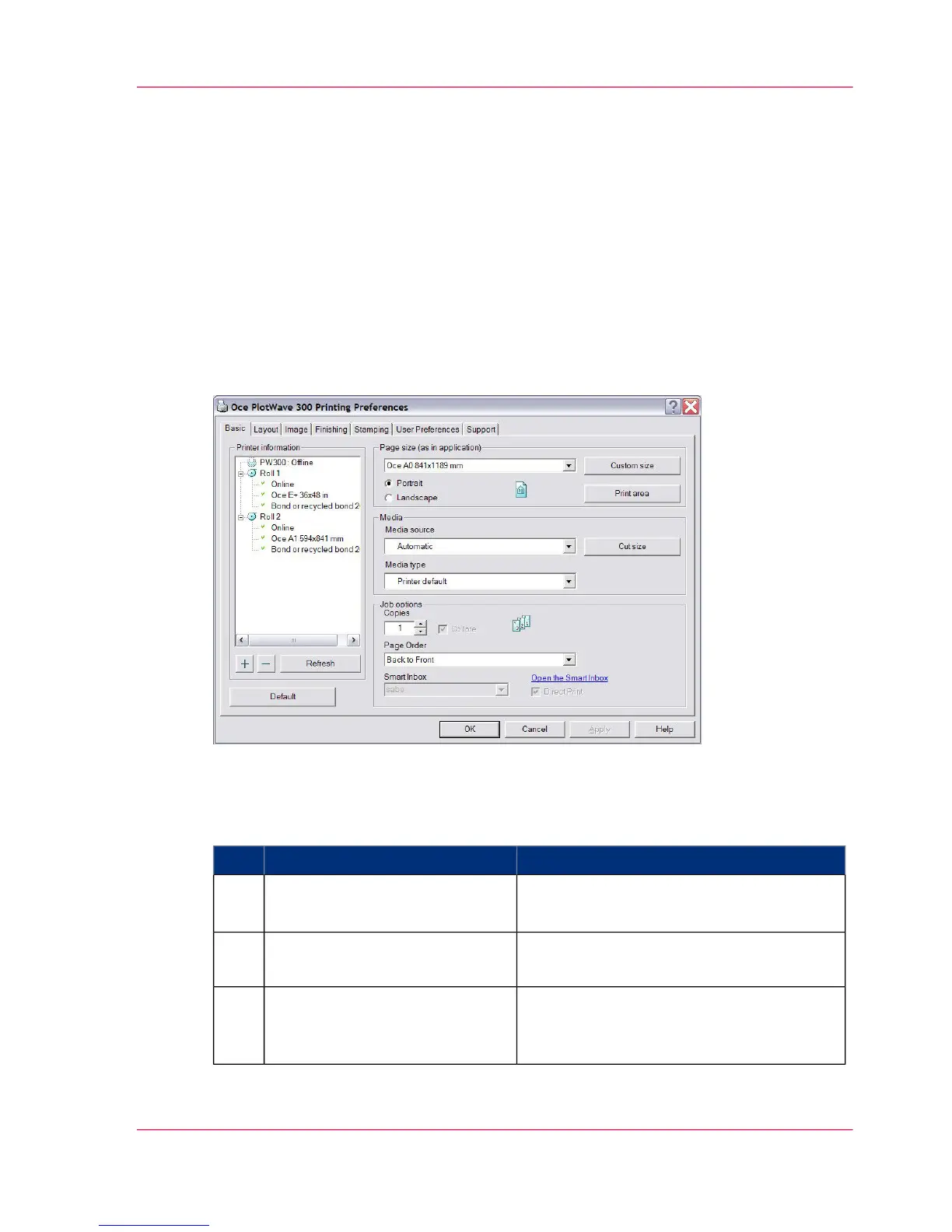
Use the Océ Windows
®
Printer Driver to send a print job
Introduction
Océ provides the Océ Windows
®
Printer Driver that allows you to send print jobs to
your Océ PlotWave 300. This driver is a mixed raster-vector HP-GL/2 printer driver that
allows you to print from any application under Windows 7, Windows XP
®
, Windows
Vista
®
, Windows Server
®
2003, Windows Server
®
2008, Windows Terminal Server
®
,
Novell 6.x, Citrix Presentation Server 4.x or Citrix XenApp to your Océ printer.
Illustration
How to use the Océ Windows
®
Printer Driver to send a print job
#
RemarksActionStep
AutoCAD
®
2000 or any other Windows
application
Open the file that you want to
print in the source application.
1
From the 'File' menu of the ap-
plication, click 'Print'.
2
Select the Océ PlotWave 300 in
the 'Printer' area of the 'Print'
dialog box.
3
Chapter 5 - Use the printing system 157
Use the Océ Windows
®
Printer Driver to send a print job












 To Next Page