Replace the residual toner container
Introduction
Every second time you have refilled the toner, you must also replace the residual toner
container
Note:
You can leave the printer turned on when you replace the residual toner container.
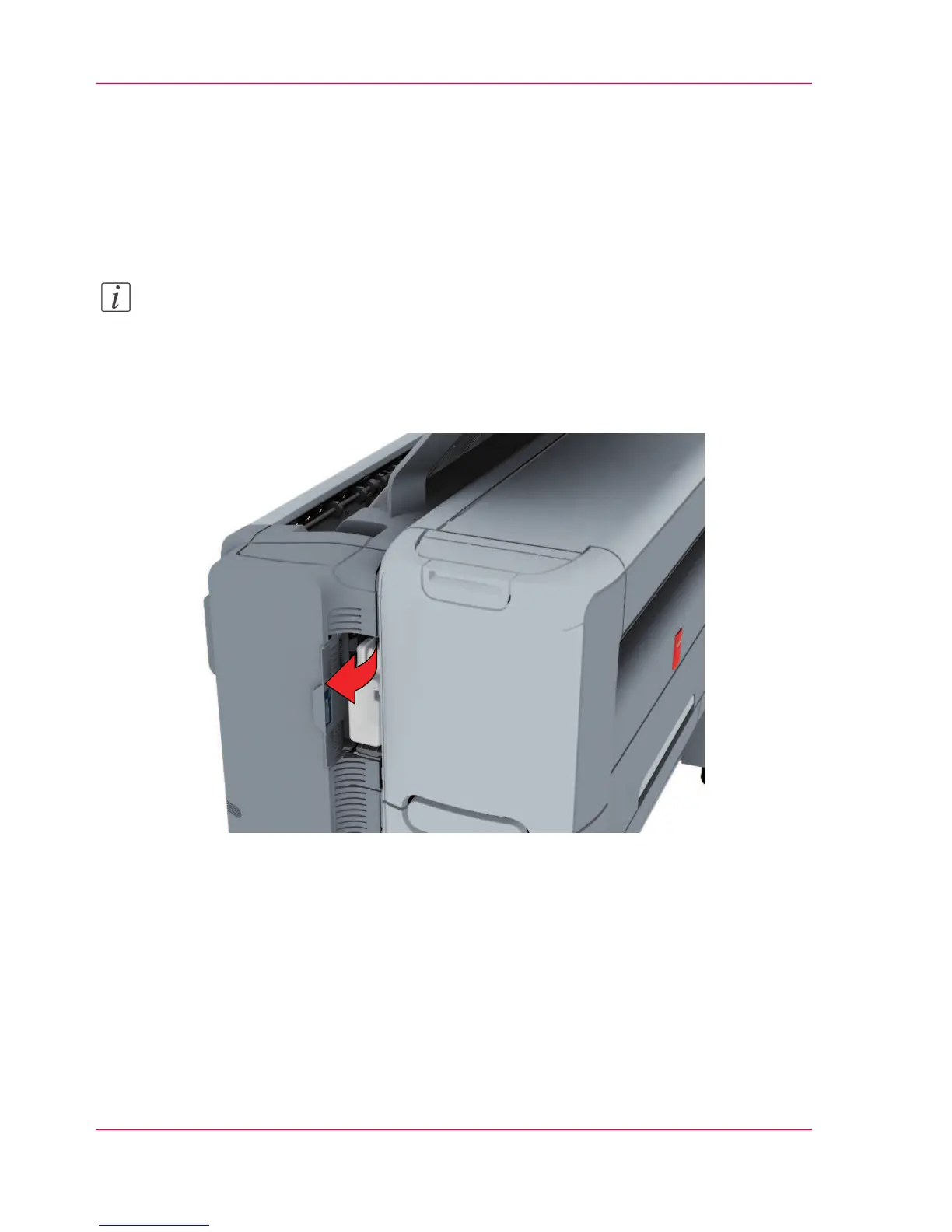
How to replace the residual toner container
1.
Open the residual toner compartment.
Chapter 6 - Maintain the printing system264
Replace the residual toner container












 To Next Page