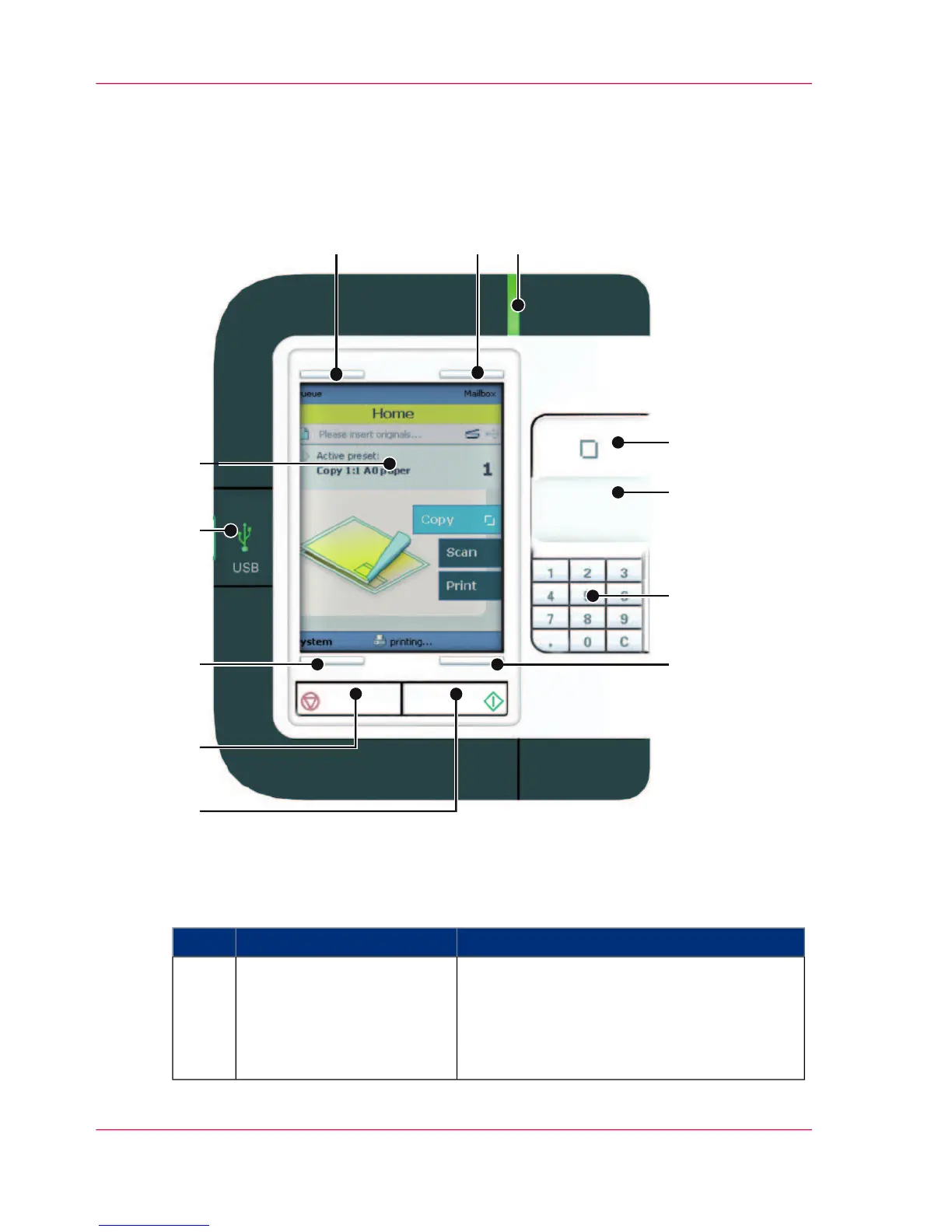
Component - function table
#
Description / FunctionComponentNr
The button with a green light that allows the
operator to start a scan job, a print job or a
copy job.
The button lights up to attract attention when
it becomes relevant and it can be pressed.
green button1
Chapter 2 - Get to know the printing system28
The user panel












 To Next Page