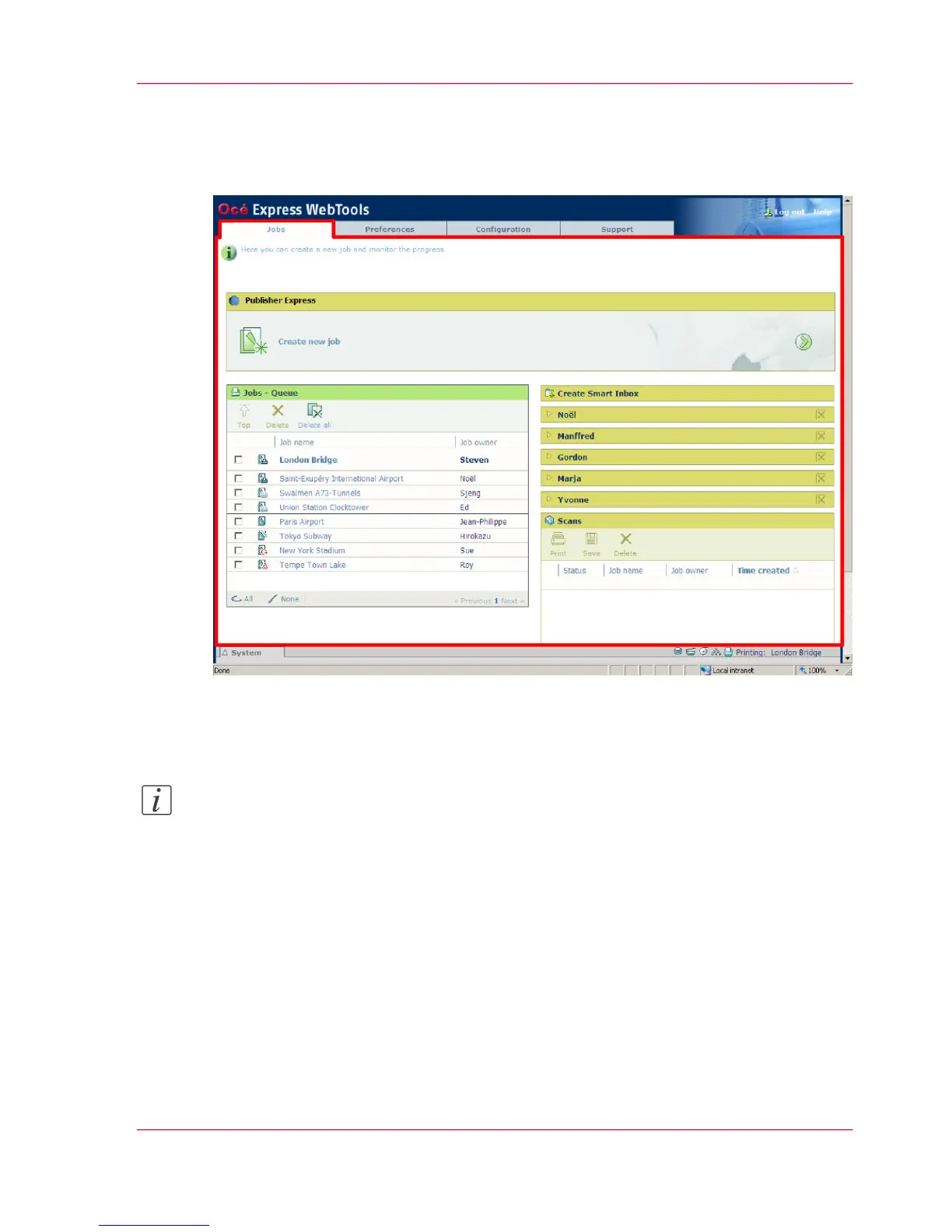
The 'Jobs' tab
Illustration
The 'Jobs' tab
Note:
Editable for any user. For some specific actions you must log on as a Key operator. (see
‘User roles and authorizations’ on page 102)
Your remote control of the system's workflow.
Tasks:
Create a new job from a printable file in the Océ Publisher Express section.
■
To submit a new job click 'Create new job'. A new window opens, where you can
define some basic job settings and where you can browse to the file you want to print.
(see ‘Use Océ Publisher Express to send a print job’ on page 155)
Monitor jobs in the 'Jobs - Queue' section.
Chapter 4 - Define your workflow with the Océ Express WebTools 81
The 'Jobs' tab












 To Next Page