Make a half size copy (50%) of a CAD drawing
1.
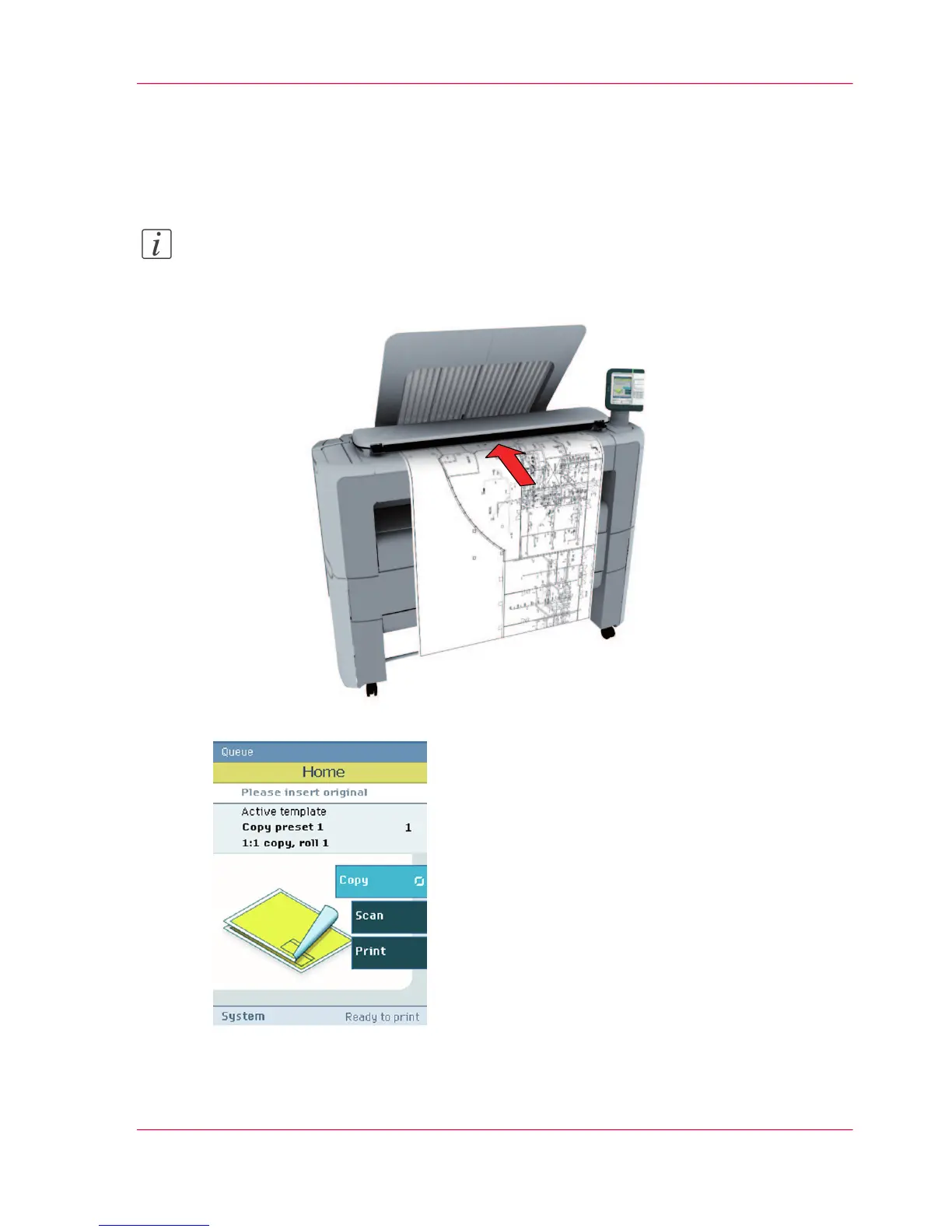
Feed the original face up and centered on the original feeding table.
Note:
You do not need to center the original precisely. The exact position of the original is au-
tomatically detected by the scanner.
The 'Copy' tab is automatically activated on the user panel.
2.
Open the 'Copy' tab with the confirmation button above the scroll wheel.
3.
Use the scroll wheel to select copy template 3 ('Reduce copy by 50%').
Chapter 3 - Quick start 69
Make a half size copy (50%) of a CAD drawing












 To Next Page