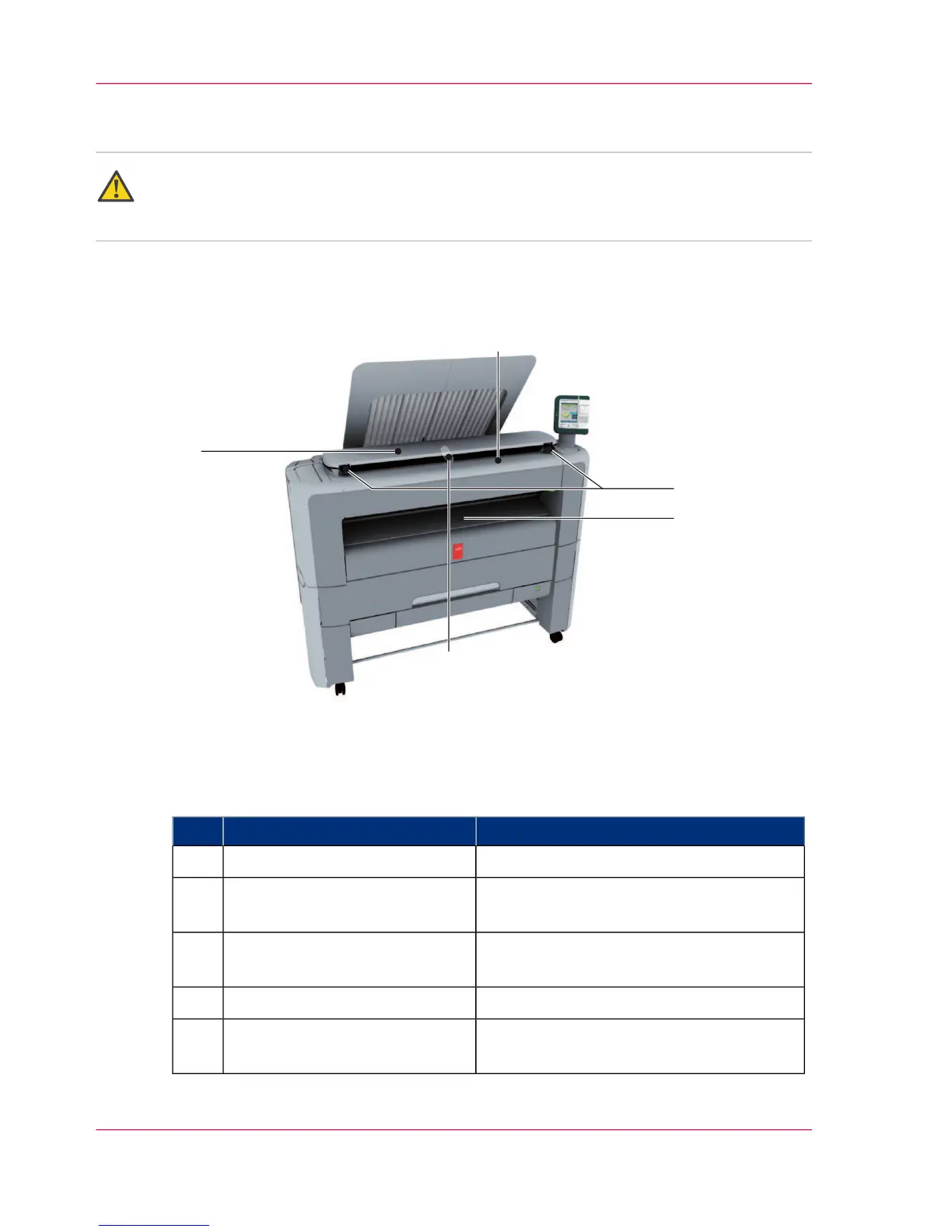
The components of the scanner (optional)
Attention:
The 'Océ Scanner Express' is only available in the ' Océ PlotWave 300 multifunction
Express'.
Illustration
Component - function table
#
Description / FunctionComponent
scanner top cover1
Use the original feeding table to feed the
original into the scanner (face up).
original feeding table2
Use the scanner open levers to open the
scanner top cover.
scanner open levers3
Exit for the scanned original.originals exit4
Prevents your output (long plots) from be-
ing refed into the scanner
Output refeed protector5
Chapter 2 - Get to know the printing system32
The components of the scanner (optional)












 To Next Page