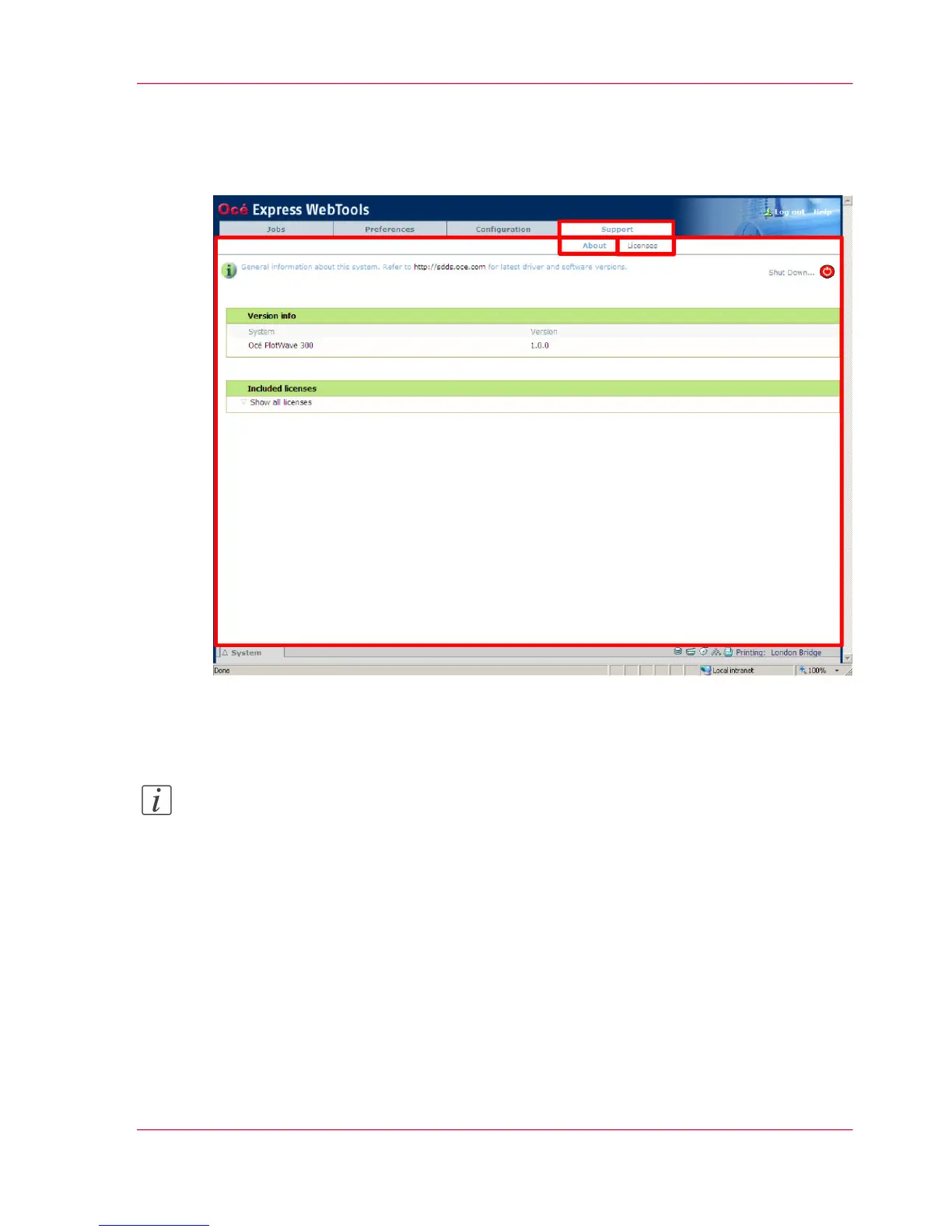
The 'Support' tab
Illustration
The 'Support' tab
Note:
Before you can access licenses you must log on as a System administrator or a Power
user. (see ‘User roles and authorizations’ on page 102)
Tasks that require contact with Océ.
Tasks:
'About'
■
Information about the Océ PlotWave 300 system software version.
'Licenses'
■
‘Check your licenses’ on page 292
■
‘Save the currently active licenses’ on page 294
Chapter 4 - Define your workflow with the Océ Express WebTools 87
The 'Support' tab












 To Next Page