5.
Wait for the media request.
6.
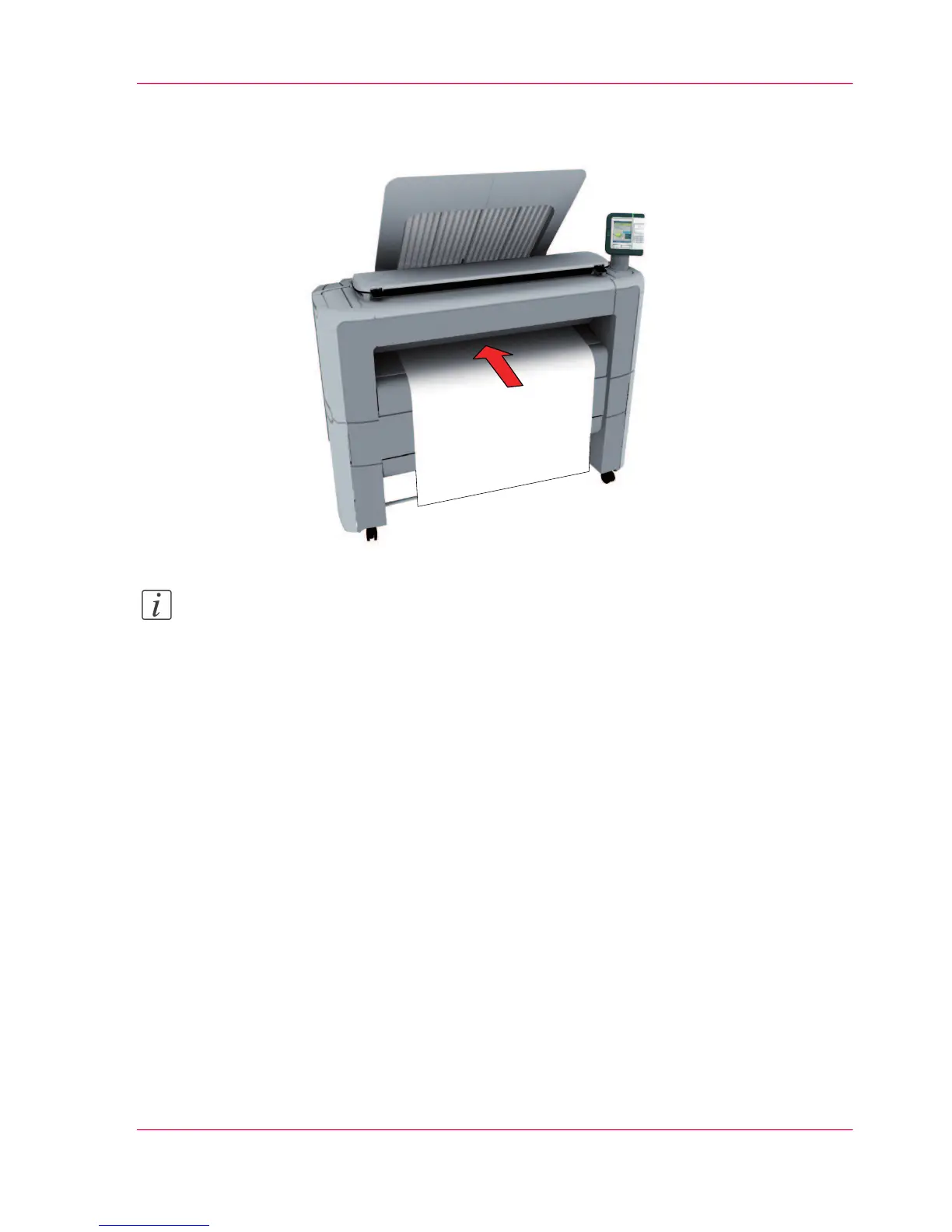
Place the cut sheet media on the media bypass of the printer.
Note:
Use the media size indication on the media bypass to align the cut sheet media correctly.
If you use a B1 media size (707 mm) you must align the cut sheet media with the A1
indent.
Result
The Océ PlotWave 300 copies on a cut sheet.
Chapter 5 - Use the printing system 195
Make a copy on a cut sheet












 To Next Page