#
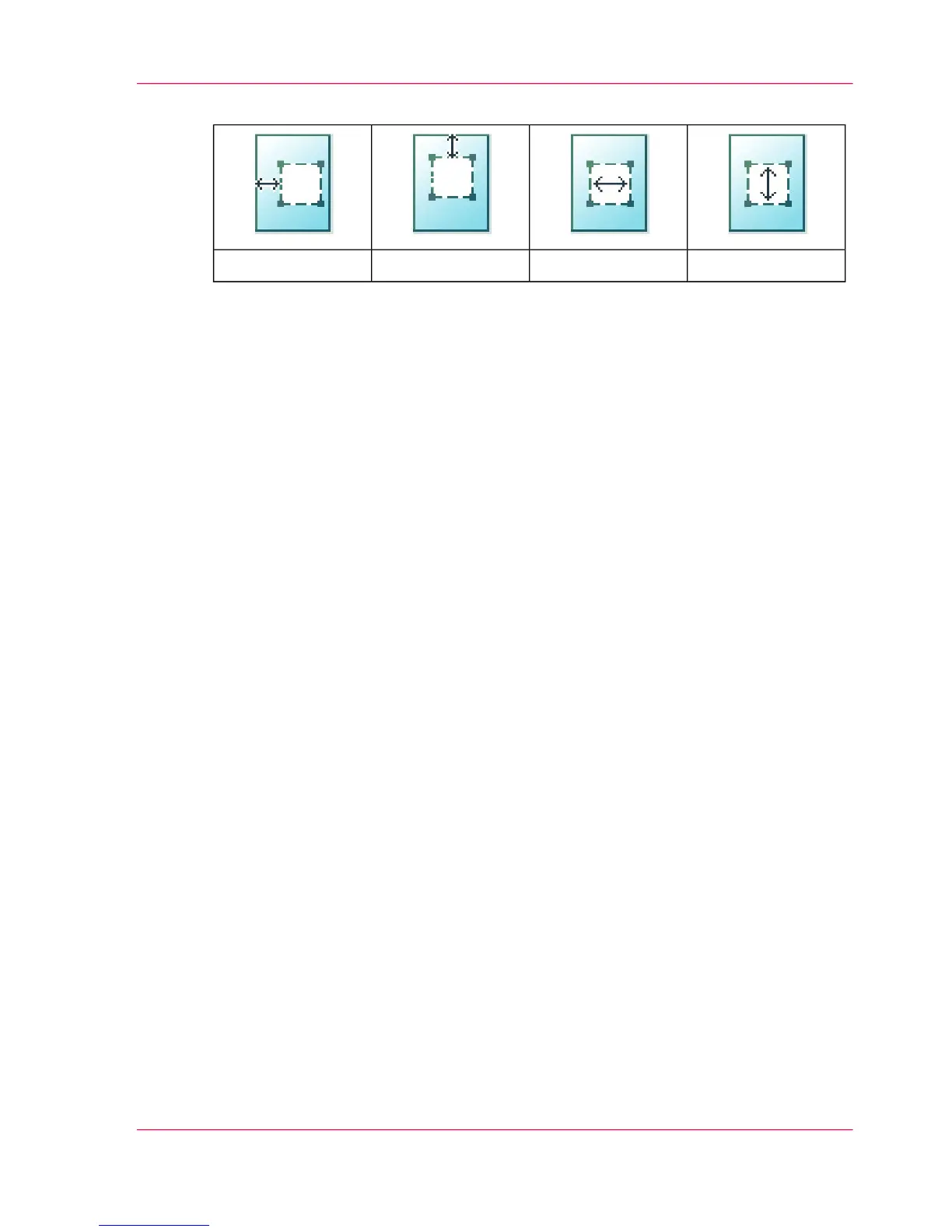
The 'Length'The 'Width'The 'Vert offset'The 'Hor offset'
■
Open a template with the confirmation button.
■
Scroll to 'Erase area' and open this setting with the confirmation button.
■
Scroll to 'Hor offset', define the value with the scroll wheel or numeric keys and con-
firm.
■
Scroll to 'Vert offset', define the value with the scroll wheel or numeric keys and
confirm.
■
Scroll to 'Width', define the value with the scroll wheel or numeric keys and confirm.
■
Scroll to 'Length', define the value with the scroll wheel or numeric keys and confirm.
■
Press 'OK'
4.
Define the number of copies and press the green button.
Result
The Océ PlotWave 300 copies an original without the specified area.
Chapter 5 - Use the printing system 203
Make a copy and delete a specific area of an original












 To Next Page