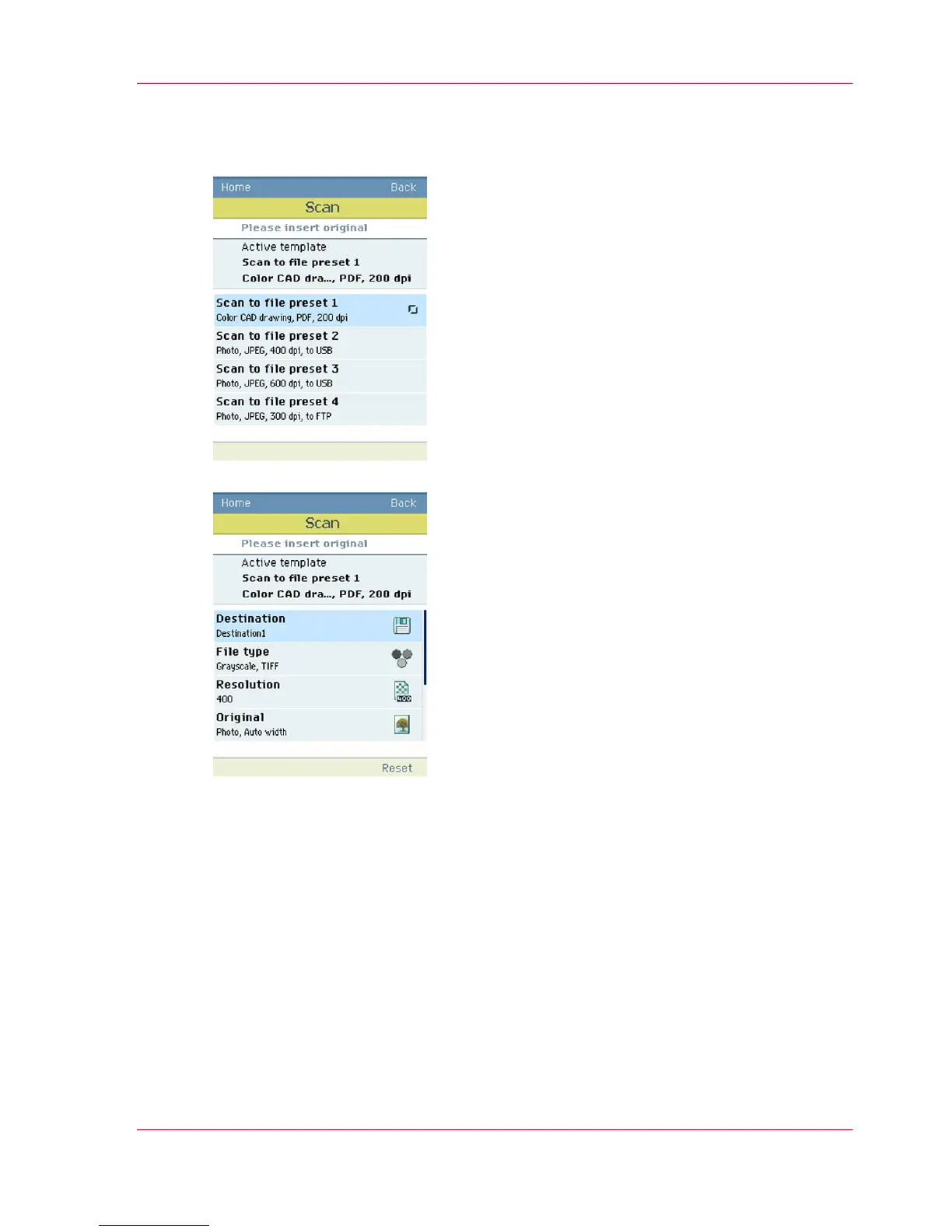
If you want to change the pre-defined settings of the selected scan template, use the
confirmation button to open the scan template and display an overview of the pre-defined
settings groups.
5.
Scroll to the settings group you want to change.
6.
■
Open the settings group you want to change with the confirmation button and scroll
to the setting you want to change.
■
Open this setting, scroll through the settings values and select the correct value with
the confirmation button.
■
Change the other settings in the settings group if necessary.
Chapter 5 - Use the printing system 217
Do an extended scan job












 To Next Page