FunctionSettings valuesSetting
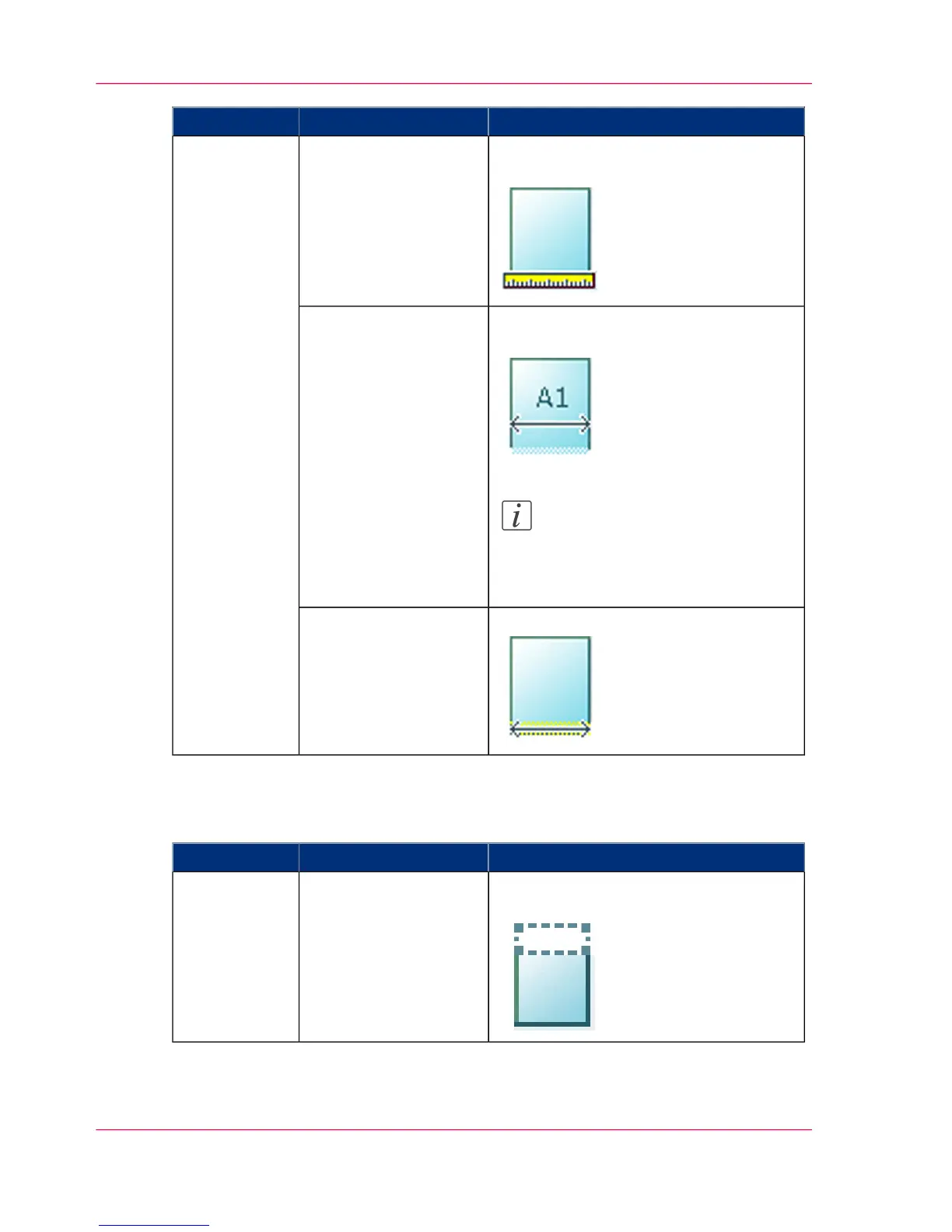
The width of the original is automatically
detected by the scanner.
'Auto''Width detect'
The width of the original is a standard
size.
Note:
Depend on the media series you
defined in the Océ Express
WebTools
'Standard'
Available standard sizes:
■
'A0'
'A1'
'A2'
'A3'
'E+ (36")'
'B1 (707 mm)'
'B2 (19.69 in)'
The width of the original is a custom size.'Custom'
You can enter a size
within the range of 210
to 914 mm.
Settings group: 'Erase margins'
#
FunctionSettings valuesSetting
'Erase a strip from the beginning of the
original.'
0 to 400 mm'Top'
Chapter 5 - Use the printing system222
Available settings for scan jobs












 To Next Page